RESIDENT EVIL 4 REMAKE - NVIDIA FILTERS
⚪ Last updated 2022🖼️ Gallery (2 images)
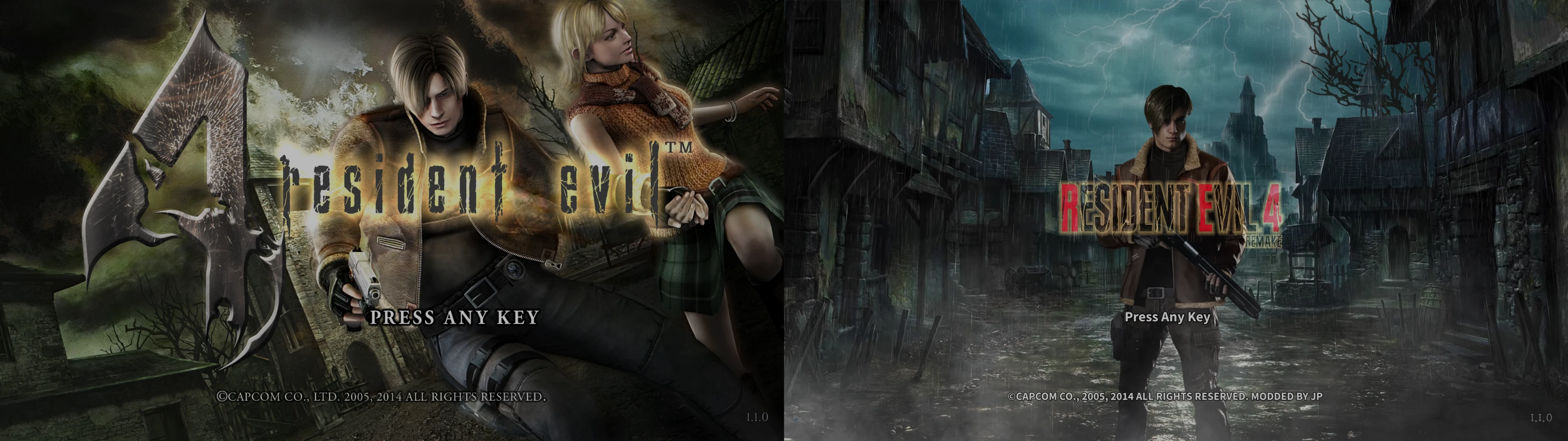
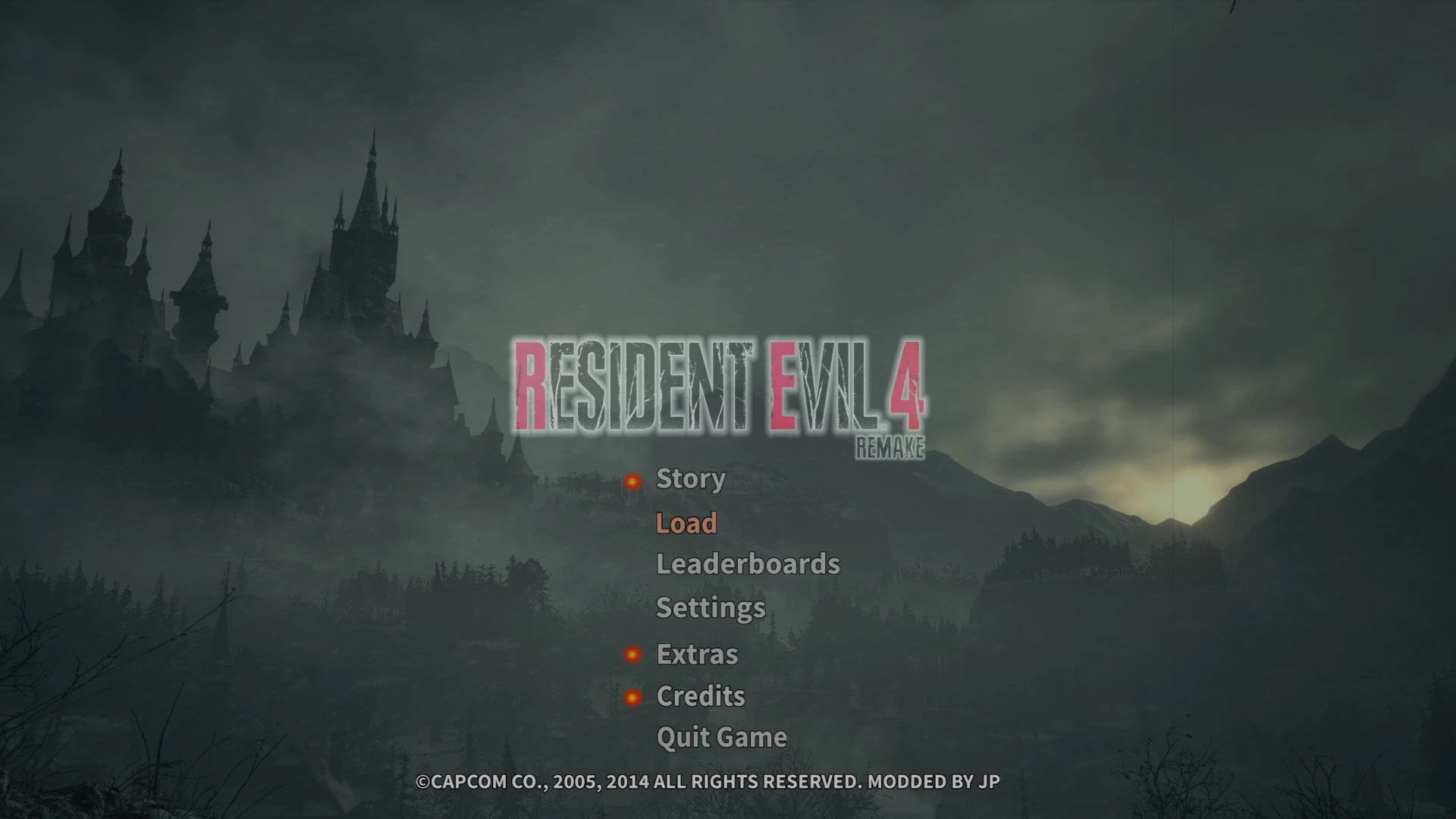
🔍 Analysis
- 👍 4.2% endorsement rate — high engagement, a strong quality signal
- 🏆 #12 of 43 Visuals mods in this game by downloads
📋 About This Mod
This mod will allow you to apply Nvidia Filters to your Resident Evil 4 Game without Reshade and its presets.
But it is a work around Method. Also these below steps will work only in RE4 HD Project or else you will face fatal error.
Installation Steps :
1. Make sure you have latest Nvidia Graphics Driver
2. Download this mod and extract/copy the Ansel folder to "C:\Program Files\NVIDIA Corporation" (Replace file if it asks)
3. Go to your Resident Evil 4 Directory (i.e "C:\Program Files\Steam Client\steamapps\common\Resident Evil 4\Bin32)
4. Copy the BIO4.exe and Paste it in the same directory.
5. Now rename the copied file to Sekiro.exe
(This is because Nvidia Filters only applies to selective supported games. You can also rename to other name which supports Nvidia Filters)
6. In the end you have two exe files. One is BIO4.exe (Default) another one is Sekiro.exe (Copied file)
7. Launch Steam and open Sekiro.exe file.
8. Tada.... Your game will launch normally as like the Original one where now you can find Nvidia Filters options were unlocked.
9. Open nvidia game overlay and click Filters and apply the filters manually as like shown in the picture RE4 SETTINGS - NVIDIA FILTERS in the mod
Note : As I said earlier this is a work around method, and still finding to fix this just like copy and paste like reshade.
Also check my gameplay by using this and RESIDENT EVIL 4 REMAKE MODERN UI mods.
2QpI_nJKgpM
Th97sE4C9W4
ksQUyA_Rtuk
_h4vM9fa1XE
This mod provides customized NVIDIA Filters for Resident Evil 4 Remake, allowing players to enhance visuals without using ReShade. It includes a preset for easy application. With 133 endorsements and 3,163 downloads, it's a modestly popular graphics tweak for those seeking a quick visual upgrade.
✨ Key Features
📊 Pros & Cons
✅ Pros
- No ReShade overhead, so you keep native performance
- Simple to apply with a preset, no fiddling with sliders
- Decent community adoption with 133 endorsements
⚠️ Cons
- Requires an NVIDIA GPU and GeForce Experience to use
- Filters may not suit all tastes, and no preview is shown
- Compatibility risk with future game updates
This is for RE4 Remake players on NVIDIA hardware who want a quick visual boost without the complexity of ReShade. It's also for those who prefer a lighter solution that doesn't impact performance as much.
💡 Beginner Tips
- Make sure you have GeForce Experience installed and updated before applying the preset.
- Adjust the filter intensity in-game using Alt+F3 to fine-tune the look to your preference.
- If the filters don't show up, verify that your game is running in exclusive fullscreen mode.
📊 Mod Details
- Game
- Resident Evil 4 Mods
- Author
- JP
- Version
- 1.0
- Downloads
- 3,163
- Endorsements
- 133
- Category
- Visuals
- Created
- 6/6/2022
- Updated
- 6/6/2022
🔧 How to Install RE4 Mods
Use Fluffy Mod Manager. Drop mods into /Mods/ folder.
📖 Full step-by-step install guide for RE4 →
Visit the official mod page for specific installation instructions for this mod.
🎮 Need cheat codes or console commands? Check ur gaming wiki for RE4 commands, item IDs, and more.
Keep browsing — more RE4 mods await