MiniMap - Reboot
⚪ Last updated 2013⚠️ Install Order · 2 steps
Install in this order, then this mod last — most mods fail to load without their framework and dependencies in place.
Preview
🔍 Analysis
- 👍 3.6% endorsement rate — high engagement, a strong quality signal
- 🏆 #16 of 96 User Interfaces mods in this game by downloads
📋 About This Mod
MiniMap by Kyoma Version 1. 2. 0 http://forums.bethsoft.com/topic/1454273-relz-minimap-reboot ------------------------------------------------------------
Description -----------
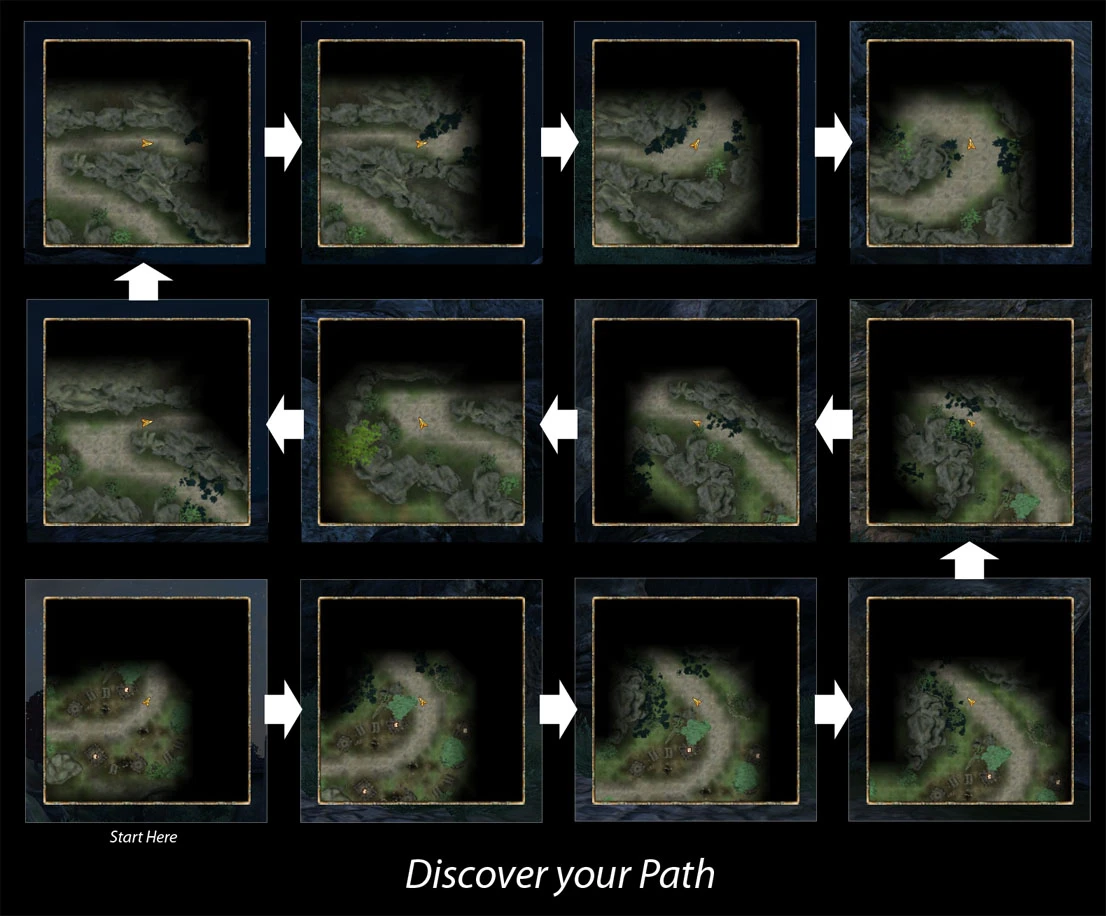
This mod introduces a small minimap on your HUD. It will be as close as possible to the real map. For those that have used the old version(s) it is important to forget everything about it and start over.
Features --------
General Many options for position, size and zoom. Active quest targets, both World & Local View.
World View Automatic support for any worldspace that has a unique worldmap. Complete and configurable map markers! Optional support for Dynamic Map.
Local View No more clumsy or bloating texture generation! Dynamic rendering so that it is always up-to-date with your surroundings. Configurable Fog-of-War behaviour for those that want to be suprised. Pretty door icons.
Installing and Updating -----------------------
Copy the esp, ini file, BSA file and menus folder to your data folder. This mod requires: - Oblivion v1. 2. 0. 416 - OBSE v0020 or higher. You can find the latest version at http://obse.silverlock.org/ - MenuQue v14a or higher. You can find the latest version at http://oblivion.nexusmods.com/mods/32200/ - (Optional) ConScribe for easier logging and debugging
Optionally examine the ini file for configuration, there should be enough documentation for everything.
When updating from below v1. 0. 0 you MUST make a clean save.
* When updating from below v1. 0. 0 you can delete the content of "DataTexturesMaps" as those textures are no longer used or generated.
Known Issues & Troubleshooting ------------------------------
A "General Rule" when checking if the minimap is displaying the wrong info it is important to take note of the respective real map. If that displays the same things then it is most likely not a bug but a limitation of how the map works. This does not apply to the various icons as they are handled seperately to allow more configurability.
When reporting a bug with a visual aspect it is recommended/required that you provide a screenshot of the minimap and possibly also of its respective real map. If the issue is easy to reproduce you can try temporary increasing the size of the minimap so it shows a larger area (and thus provide more context). It also helps to turn on the debug mode in the ini and include the console output, easiest way of doing so is with ConScribe. While I cannot guarantee there won't be any bugs I can say with an almost absolute certainty that any bugs will only involve th
MiniMap - Reboot adds a configurable minimap to Skyrim, similar to Morrowind, so you can see your location in caves without opening the local map. It has 3,889 endorsements and over 108,000 downloads, but was last updated in 2013, so compatibility with current Skyrim versions is uncertain.
✨ Key Features
📊 Pros & Cons
✅ Pros
- Huge community trust with 3,889 endorsements and over 108k downloads.
- Solves a real annoyance: no more opening the local map every time you're in a cave.
- Layout is fully configurable, so you can tweak it to your liking.
⚠️ Cons
- Last updated in 2013 — might not work with the latest Skyrim patches or Special Edition.
- Only a minimap — if you're looking for more UI overhauls, this is just one piece.
For Skyrim players who hate constantly opening the local map in dungeons and want a Morrowind-style minimap. If you're on the original 2011 version and don't mind old mods, this is a must-have. Skip if you're on Special Edition or want a modern UI overhaul.
💡 Beginner Tips
- If you're using a mod manager, just download and activate; if manual, drop the files into your Data folder.
- Check if the mod is compatible with your Skyrim version (original vs Special Edition) before installing.
- Use the in-game config menu to reposition the minimap so it doesn't block your view.
📊 Mod Details
- Game
- Oblivion Mods
- Author
- Kyoma
- Version
- 1.2.0
- Downloads
- 108,730
- Endorsements
- 3,889
- Category
- User Interfaces
- Created
- 8/2/2009
- Updated
- 12/20/2013
🔧 How to Install Oblivion Mods
Download from Nexus.
📖 Full step-by-step install guide for Oblivion →
Visit the official mod page for specific installation instructions for this mod.
🎮 Need cheat codes or console commands? Check ur gaming wiki for Oblivion commands, item IDs, and more.
Keep browsing — more Oblivion mods await