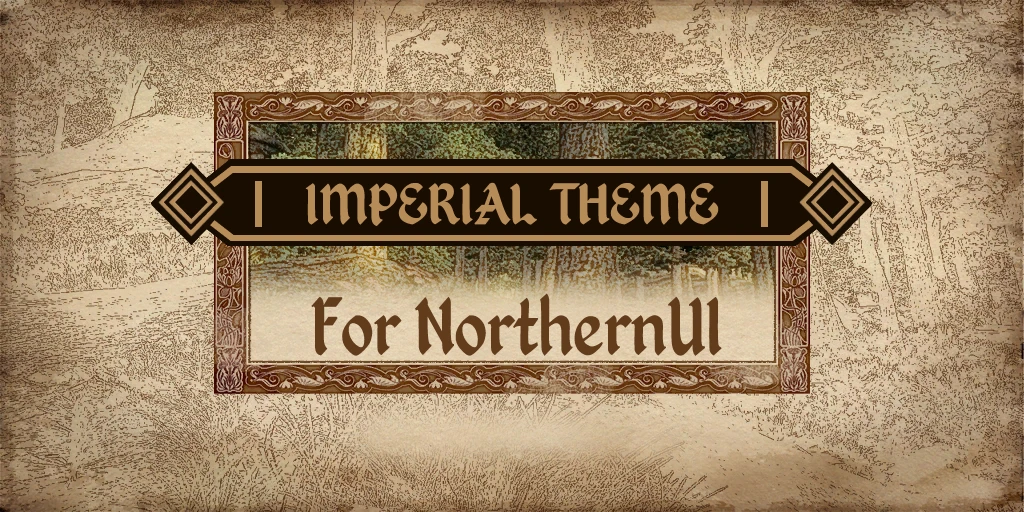
Imperial Theme for NorthernUI
⚪ Last updated 2020⚠️ Install Order · 3 steps
Install in this order, then this mod last — most mods fail to load without their framework and dependencies in place.
Preview
🔍 Analysis
- 👍 0.6% endorsement rate
- 🏆 #14 of 96 User Interfaces mods in this game by downloads
📋 About This Mod
You must download and install NorthernUI for this to work.
Credit to DavidJCobb for his incredible NorthernUI mod.
-----------------------------------
To install the base mod, first you must download and install NorthernUI by DavidJCobb
https://www.nexusmods.com/oblivion/mods/48577
Then, from the imperial theme zip. Copy the Data folder to your Oblivion directory and replace all files when prompted.
-----------------------------------
- NorthernUI Loading Screens
Use this if you prefer the loading screens from NorthernUI to the ones from vanilla Oblivion.
- Pick Me Compatibility
Use this for cross compatibility with Pick Me by maczopikczo. Also works with default NorthernUI.
Requires Pick Me.
https://www.nexusmods.com/oblivion/mods/48479
If you like this mod also check out the Skyrim equivalent. Imperial UI for SkyUI by EASKATER
https://www.nexusmods.com/skyrimspecialedition/mods/34172
Imperial Theme for NorthernUI is a UI skin that gives NorthernUI an imperial aesthetic, created by Half-Dead. With 705 endorsements and over 121,000 downloads, it's a popular choice for Morrowind players using NorthernUI who want a more imperial-themed interface. Last updated in January 2020.
✨ Key Features
📊 Pros & Cons
✅ Pros
- Huge download count (121k+) shows it's a go-to for imperial fans
- Solid endorsement ratio (705) indicates community approval
- Simple skin swap—no gameplay changes, just a fresh look
⚠️ Cons
- Last updated in 2020—might not be patched for the latest NorthernUI versions
- Requires NorthernUI as a base, so you need to install that first
- Only changes the theme; don't expect new UI features or fixes
For Morrowind players who use NorthernUI and want a more imperial-themed interface. If you're a lore enthusiast or just tired of the default look, this is a quick cosmetic upgrade. Skip if you're not using NorthernUI or want functional UI changes.
💡 Beginner Tips
- Make sure NorthernUI is installed and working before adding this skin.
- If you're using a mod manager, just drop the files into the NorthernUI folder; otherwise, manually overwrite the textures.
- Check the mod's comments for any compatibility notes with the latest NorthernUI version.
📊 Mod Details
- Game
- Oblivion Mods
- Author
- Half-Dead
- Version
- 1.0
- Downloads
- 121,365
- Endorsements
- 705
- Category
- User Interfaces
- Created
- 1/22/2020
- Updated
- 1/22/2020
🔧 How to Install Oblivion Mods
Download from Nexus.
📖 Full step-by-step install guide for Oblivion →
Visit the official mod page for specific installation instructions for this mod.
🎮 Need cheat codes or console commands? Check ur gaming wiki for Oblivion commands, item IDs, and more.
Keep browsing — more Oblivion mods await