JIP Selective-Fire
⚪ Last updated 2015⚠️ Install Order · 5 steps
Install in this order, then this mod last — most mods fail to load without their framework and dependencies in place.
Preview
🔍 Analysis
- 👍 3.0% endorsement rate — high engagement, a strong quality signal
- 🏆 #48 of 220 Weapons mods in this game by downloads
📋 About This Mod
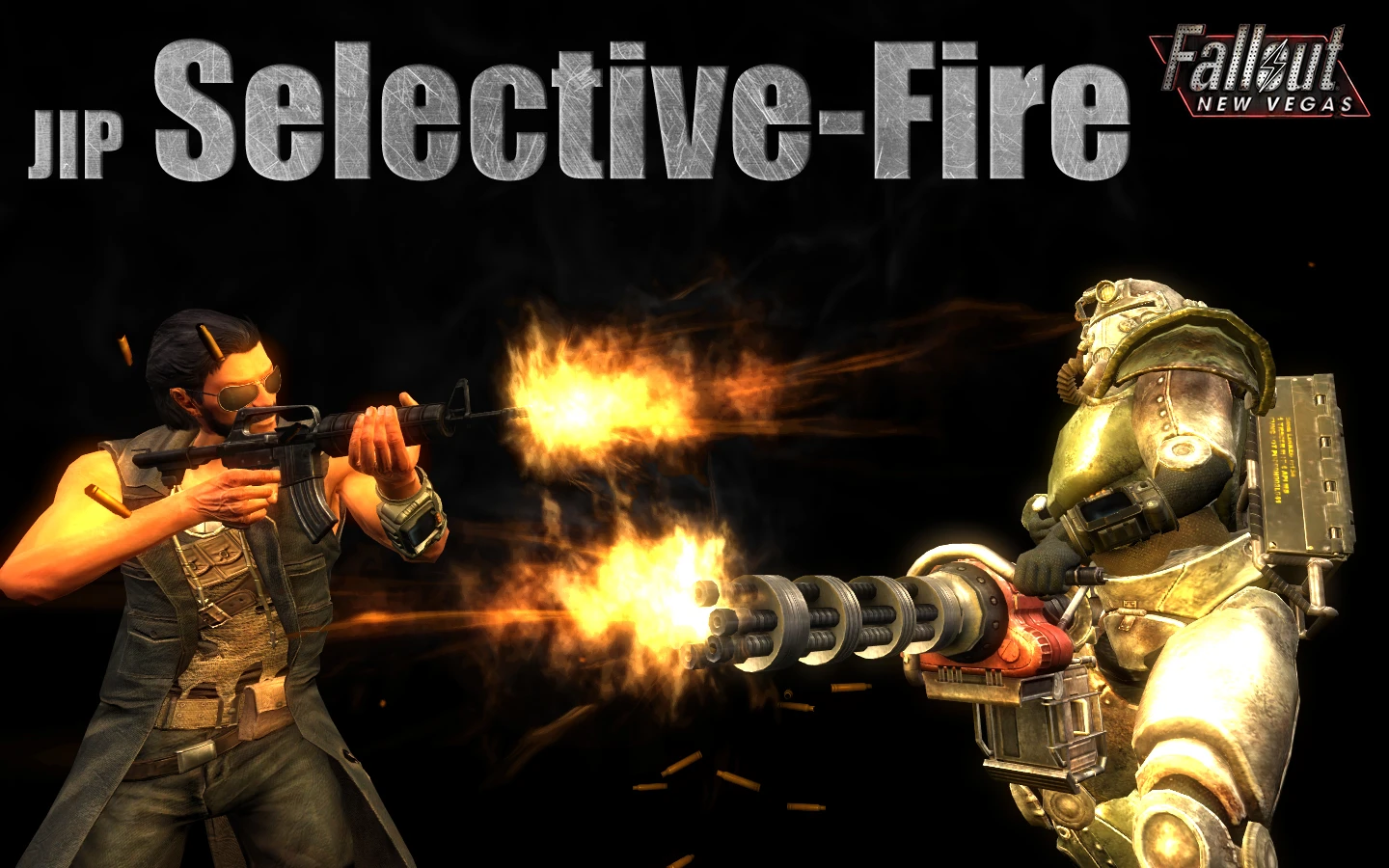
This mod introduces a selective-fire system into Fallout: New Vegas. Most (see below) projectile-type weapons, capable of automatic fire, will have two or more optional fire-modes for the player to switch between: single/burst/auto.
Key Features
Universal compatibility:
- []Works well with ANY projectile-type weapon capable of automatic fire, both vanilla and custom weapons added by other mods. No compatibility patches are (nor will be) required. [/][]The system automatically evaluates every weapon and determines which settings would be most appropriate for it, in terms of realism and practicality (every setting can also be configured manually). [/]
- []When a weapon is drawn, press the key to switch between fire-modes. [/][]When the weapon is holstered, hold the key for one second to open the Weapon Setup Menu, from which various settings can be configured, individually for every weapon. [/]
- []When using a controller, the Left Shoulder (LB) button is used, instead of the keyboard hotkey, for switching fire-modes. The LB button, which is used for switching between 1st and 3rd person, will function slightly differently when a weapon is drawn - a short click will switch fire-modes, while a long click will switch POV. []The keyboard hotkey is still used for opening the Weapon Setup Menu.
- []Configure the selection of fire-modes available for every weapon (which will depend on the weapon's type). [/]
- []Configure the number of rounds that are fired with every burst, relative to the weapon's rate of fire. For example: If set to 1/3 for a weapon capable of firing up to 8 rounds/second, 3 rounds will be fired with every burst. [/][]Can be configured for every weapon, individually. [/]
- []Configure the number of rounds that are fired with every VATS action, when firing in full-auto mode. As with Burst RoF, values are relative to the weapon's rate of fire. [/][]Very useful for a more economic use of ammunition. [/][]Can be configured for every weapon, individually. [/]
JIP Selective-Fire adds a selective-fire system to Fallout: New Vegas, allowing most automatic projectile weapons to switch between single, burst, and auto fire modes. With 8,823 endorsements and 290,707 downloads, it's a highly popular gameplay enhancement for players seeking more tactical control.
✨ Key Features
📊 Pros & Cons
✅ Pros
- Community favorite with 8,823 endorsements and nearly 300k downloads.
- Adds meaningful tactical depth to combat without overhauling the whole game.
- Simple concept that works across most automatic weapons.
⚠️ Cons
- Last updated in 2015, so may have compatibility issues with newer mods or game patches.
- No detailed documentation provided, so you'll need to figure out the keybinds yourself.
- Only affects projectile weapons, so energy weapons or melee are untouched.
For Fallout: New Vegas players who want more control over their automatic weapons and enjoy tactical fire mode selection. Skip if you prefer vanilla combat or don't use automatic weapons often.
💡 Beginner Tips
- Check the mod's forum or comments for the default hotkey to switch fire modes, as it's not in the description.
- Test with a standard assault rifle first to see how the fire modes feel before relying on it in combat.
- If you use other weapon mods, load this one after them to ensure compatibility.
📊 Mod Details
- Game
- New Vegas Mods
- Author
- jazzisparis
- Version
- 1.21
- Downloads
- 290,707
- Endorsements
- 8,823
- Category
- Weapons
- Created
- 3/2/2013
- Updated
- 7/29/2015
🧩 Commonly Used Together
Users add these mods to the same collections — a real compatibility signal, not an AI guess.
🔧 How to Install New Vegas Mods
Download from Nexus.
📖 Full step-by-step install guide for New Vegas →
Visit the official mod page for specific installation instructions for this mod.
🎮 Need cheat codes or console commands? Check ur gaming wiki for New Vegas commands, item IDs, and more.
Keep browsing — more New Vegas mods await