Clean-Deluxe NV
⚪ Last updated 2019⚠️ Install Order · 5 steps
Install in this order, then this mod last — most mods fail to load without their framework and dependencies in place.
Preview
🔍 Analysis
- 👍 3.3% endorsement rate — high engagement, a strong quality signal
- 🏆 #18 of 22 Performance mods in this game by downloads
📋 About This Mod
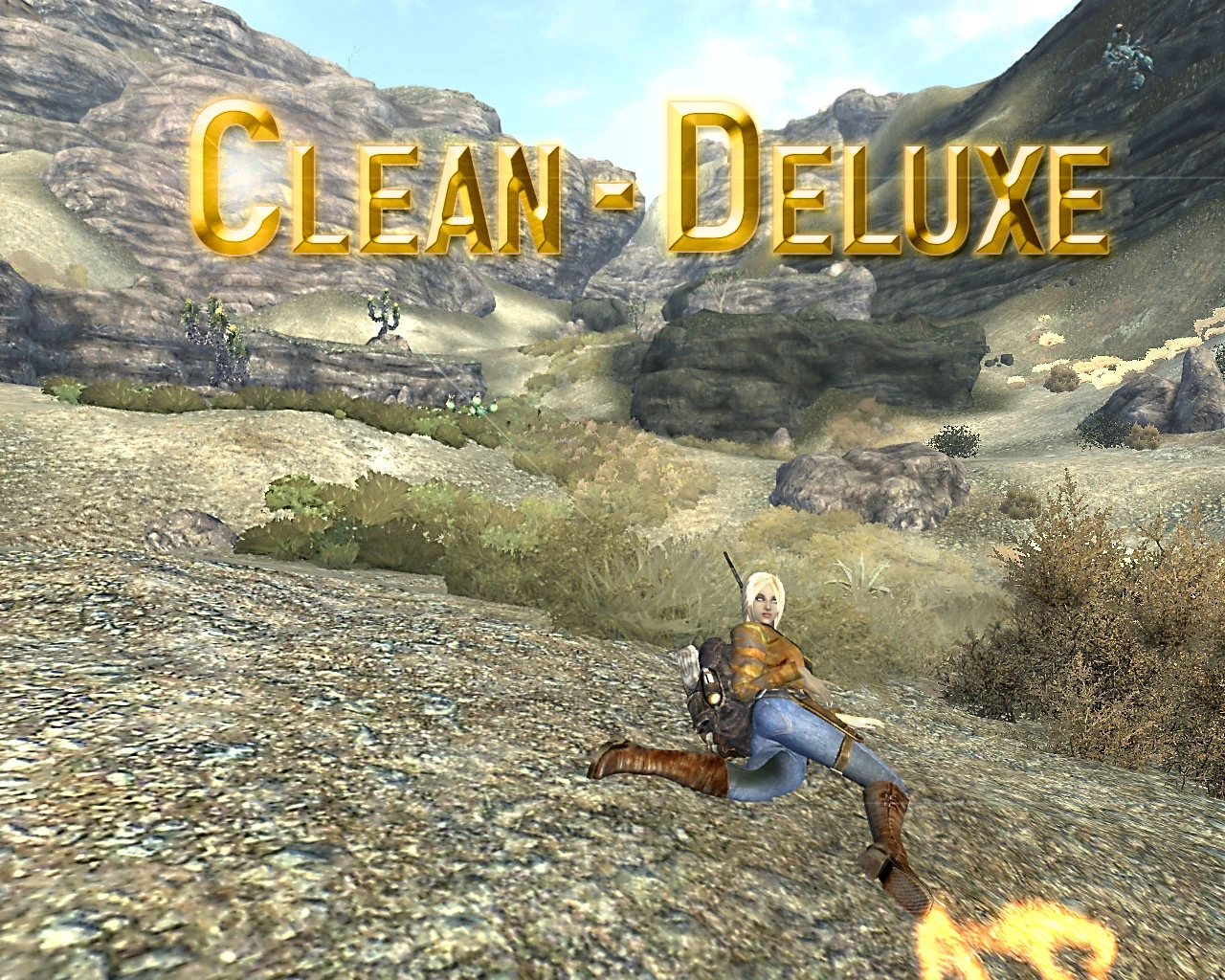
Increases FPS while removing unsightly clutter, glows, and dust. Additionally, changes the Mojave wasteland into an actual grassy desert, exactly the way it is in real life. Removal of the bushes and scrubs and replacement with automatically generated grass not only increases your frame rate, it also covers up the same trouble spots that the bushes were meant to cover up.
With Clean-Deluxe, many areas of the wasteland will appear very much cleaned. The motes of dust that used to hang in the air will be gone. The litter which clogged the streets will be swept up. The grass will grow. But the FEEL of the game will remain the same.
Piles of trash still collect in many places. The air inside houses will still be dusty, and light will still stream from the windows. Nothing will truly be "clean" because people have given up hope. Clean-Deluxe is as Lore Friendly as it gets.
User Comments
"Before I got this mod, NV ran at around 20 fps on lowest settings because I have a toaster for a computer. After I got this mod, I can run around 40-45 fps, doubling my frames and making an overall better gaming experience." - KineticPest
"The framerate improvement is just a plus really. I feel like I can see alot more of the environment now, which is odd since, technically there is less in it. Bravo." - camplex74
"It's just awesome :D Gives a pretty huge boost in performance too." - Iyumichan
"I've used a number of different performance enhancing mods before and Clean-Deluxe NV is easily the one that has had the most noticeable increase in game performance." - vadrigald
"Fantastic mod, endorsed! I now get a steady 32 fps almost everywhere I go. It made Lonesome road playable finally!" - trepmaws
Results may vary
Installation
Download the newest version of Clean-Deluxe from the official site.
Use Fallout Mod Manager, Nexus Mod Manager, or Vortex to install the mod, or manually install the esp files
into the Fallout New Vegas data directory.
Enable the files which apply to you:
Clean-Deluxe FNV.esp - Requires all DLC
Do not use more files than you need to!
Unneeded files can and should be deleted or otherwise removed from your Fallout NV Data folder. No sense dirtying your load order with files that are meant to clean it up.
If this is your first mod that you've installed, it goes in your Data Folder,
not in a subdirectory of your Data folder, and not in the Fallout New Vegas main
folder. Any questions about how to install this mod that are that basic will be
met with a less than enthusiastic response.
Nexus Mod Manager
Clean-Deluxe NV has no official support of the Nexus Mod Manager or Vortex. Any questions
of support or problems while using it in con
Clean-Deluxe NV is a performance mod for Fallout: New Vegas that boosts FPS by removing visual clutter, glows, and dust. With 3,580 endorsements and over 109,000 downloads, it's a popular choice for players seeking smoother gameplay without major visual overhauls. Last updated in 2019, it remains a staple for performance-minded players.
✨ Key Features
📊 Pros & Cons
✅ Pros
- Community favorite with 3,580 endorsements and over 100k downloads—clearly does the job.
- Simple performance boost: strips out visual noise like dust and glows for cleaner frames.
- Lightweight and focused—no bloat, just FPS gains.
⚠️ Cons
- Last updated in 2019—might have compatibility issues with newer mod setups or game patches.
- Removes visual effects that some players might actually like (dust and glows add atmosphere).
For Fallout: New Vegas players who prioritize smooth performance over atmospheric dust and glow effects. Ideal for those on lower-end PCs or modding heavily and needing extra headroom. Skip if you're a visual purist who wants to keep every particle effect.
💡 Beginner Tips
- Since it's a simple mod, just drop the files into your Data folder and activate in your mod manager.
- If you're using a mod manager like Vortex or Mod Organizer 2, install it through there to keep your load order clean.
- Check if you have other mods that add similar effects—this might conflict with them, so test in a new game first.
📊 Mod Details
- Game
- New Vegas Mods
- Author
- Jeoshua
- Version
- 2.0
- Downloads
- 109,311
- Endorsements
- 3,580
- Category
- Performance
- Created
- 1/6/2012
- Updated
- 4/18/2019
🧩 Commonly Used Together
Users add these mods to the same collections — a real compatibility signal, not an AI guess.
🔧 How to Install New Vegas Mods
Download from Nexus.
📖 Full step-by-step install guide for New Vegas →
Visit the official mod page for specific installation instructions for this mod.
🎮 Need cheat codes or console commands? Check ur gaming wiki for New Vegas commands, item IDs, and more.
Keep browsing — more New Vegas mods await