RiseTweaks
⚪ Last updated 2022This mod may not work until the author updates it. Check for an update, or see the rollback guide.
Preview
🔍 Analysis
- 👍 3.2% endorsement rate — high engagement, a strong quality signal
- 🏆 #1 of 52 Visuals mods in this game by downloads
📋 About This Mod
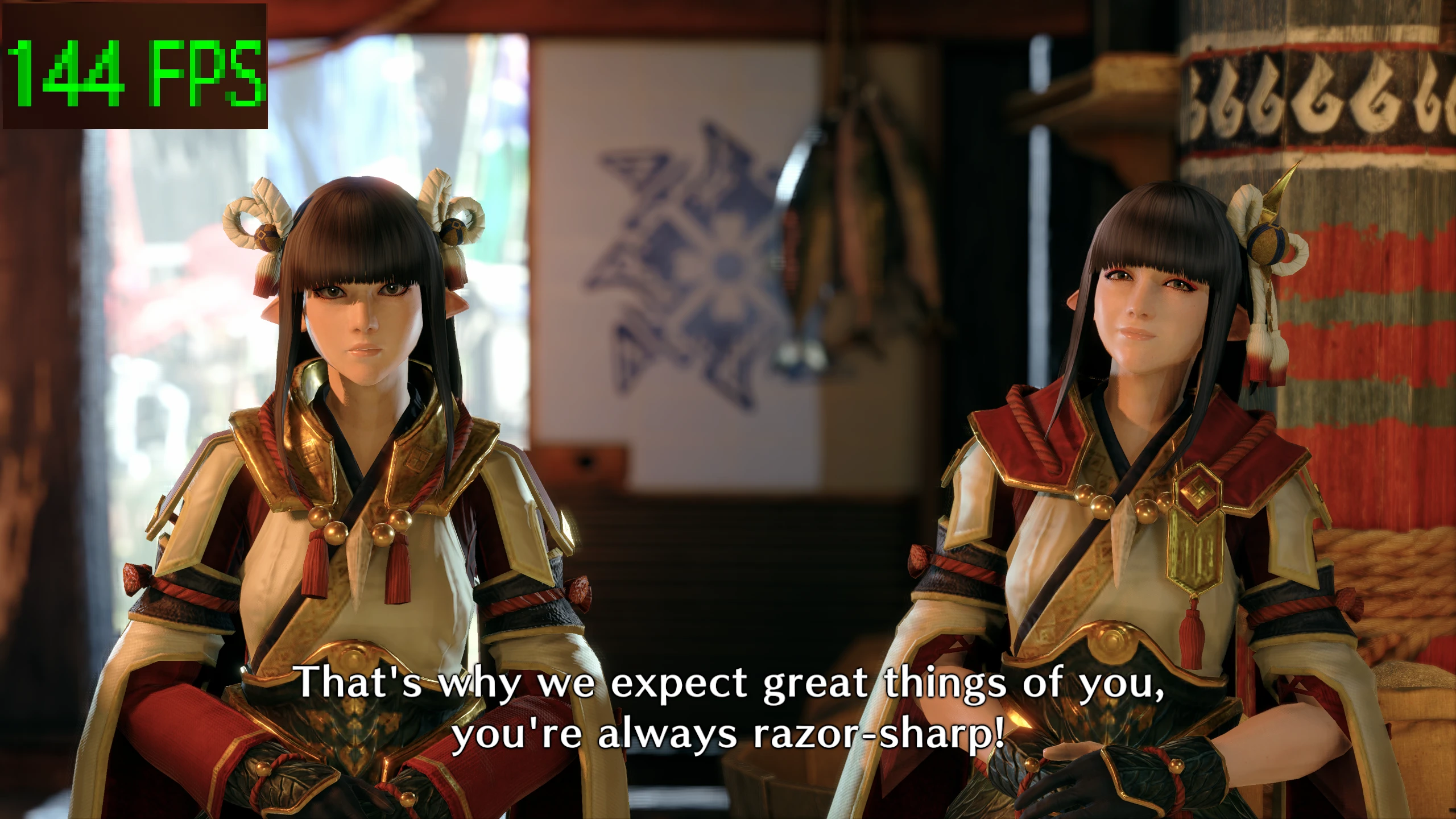
- Allows cutscenes to be viewed without the 30 fps cap.
- Automatically uses your in-game Framerate Cap setting.
- Forces the game to use a custom Image Quality scale instead of the preset in-game options.
Script
1. REFramework
Optional:
1. Custom In-Game Mod Menu API
Installation (Script):
1. Extract contents of zip to the game folder, overwrite if needed. (eg. steam/steamapps/common/MonsterHunterRise)
2. Change settings in-game with the REFramework Menu or Bolt's in-game Mod Menu. (Script Generated UI>RiseTweaks)
3. If you need to use your own framerate instead of the in-game options, uncheck Automatic Frame Rate (Not recommended)
Don't set either to 0 unless you want to crash.
The settings are fully changeable in-game via Script Generated UI.
DLL (No longer supported from update Ver. 3. 9. 0. 0+ but still available in archives for people playing old versions of the game)
This is identical to Dytser's FPS and Resolution Unlocker, but the cheat table is still a good fallback in case this ever fails to work.
Doesn't require Cheat Engine and launches with the game.
1. REFramework (For Integrity Check Bypass)
Installation (DLL):
1. Extract contents of zip to game installation root, overwrite if needed. (eg. Steam\steamapps\common\MonsterHunterRise)
2. Open RiseTweaks.ini in Notepad or a text editor of your choice.
3. Set FrameLimit and ImageQuality to your preferred values. (eg. FrameLimit=60 | ImageQuality=1. 5)
4. Ensure REFramework is installed otherwise you will crash after integrity checks.
5. If you had the first version installed, delete hid.dll.
Don't set either to 0 unless you want to crash.
Known bugs:
- If you take longer than 25 seconds to launch the game window, you will instantly crash.
Settings and what they do:
Enabled - Use the Frame Uncap feature.
FrameLimit - What your preferred fps value is.
Auto - Let the plugin check your game's config file on launch to determine your frame limit.
Enabled - Use the Image Quality feature.
ImageQuality - What your preferred scaling value is.
Thank you Fexty and Aster from the Modding Discord for putting up with my goopy goblin brain for hours
RiseTweaks is a small utility mod for Rise of the Tomb Raider that removes the framerate cap in cutscenes and allows image quality settings above 150%. It has 8,956 endorsements and 283,698 downloads, last updated in August 2022.
✨ Key Features
📊 Pros & Cons
✅ Pros
- Huge community trust (8,956 endorsements) for a simple tweak mod.
- Solves a common annoyance for high-refresh-rate players.
- Tiny download and easy to install.
⚠️ Cons
- Last updated in 2022 — may not work with the latest game patches.
- No detailed instructions or compatibility notes provided by the author.
- Only two features — no additional customization options.
For Rise of the Tomb Raider players with high-refresh-rate monitors who want smoother cutscenes and sharper visuals. Skip if you're fine with default settings or want more extensive modding options.
💡 Beginner Tips
- Place the mod files directly into the game's root folder, not the data folder.
- If you're using the Steam version, verify the game files after installation to avoid conflicts.
- Test the image quality slider in-game to find your sweet spot — going above 150% can hit performance hard.
📊 Mod Details
- Game
- Monster Hunter Rise Mods
- Author
- Ashai
- Version
- 1.0
- Downloads
- 283,699
- Endorsements
- 8,937
- Category
- Visuals
- Created
- 1/15/2022
- Updated
- 8/21/2022
🧩 Commonly Used Together
Users add these mods to the same collections — a real compatibility signal, not an AI guess.
🔧 How to Install MHRise Mods
Install REFramework. Drop mod files into game directory.
📖 Full step-by-step install guide for MHRise →
Visit the official mod page for specific installation instructions for this mod.
🎮 Need cheat codes or console commands? Check ur gaming wiki for MHRise commands, item IDs, and more.
Keep browsing — more MHRise mods await