Natural Color and Contrast (ReShade) Removes Green Tint and Adds Shadow
⚪ Last updated 2022⚠️ Install Order · 1 step
Install in this order, then this mod last — most mods fail to load without their framework and dependencies in place.
🖼️ Gallery (1 images)
🔍 Analysis
- 👍 3.6% endorsement rate — high engagement, a strong quality signal
- 🏆 #34 of 52 Visuals mods in this game by downloads
📋 About This Mod
Removes green tint. Optional layer of shadow to improve visual depth. Many variations included.
I made this months ago. I added the shadows after the PC demo was released. Because the visuals looked too flat to me.
日本語の説明はこの下です。
ご注意:MHRがReshadeみたいなDLLがあると強制終了発生するので、この二つのMODで問題を解決できるはずです:
https://www.nexusmods.com/monsterhunterrise/mods/28
https://www.nexusmods.com/monsterhunterrise/mods/29
Alternatively, this completely fixes all crashes:
あるいは、強制終了問題を完全解決したいなら、これおすすめです:
https://www.nexusmods.com/monsterhunterrise/mods/26
- Uploaded a new version I made for myself, titled "EX". Has adjusted shadows, less saturation than default, and should have better frame rate.
- Added a contrast only EX version for use with this mod.
Notes
:- Works on the demo, should work on the full version. Also works on emulators.
- GUI sometimes has shadows on top.
- Lite version has less saturation and lighter shadows.
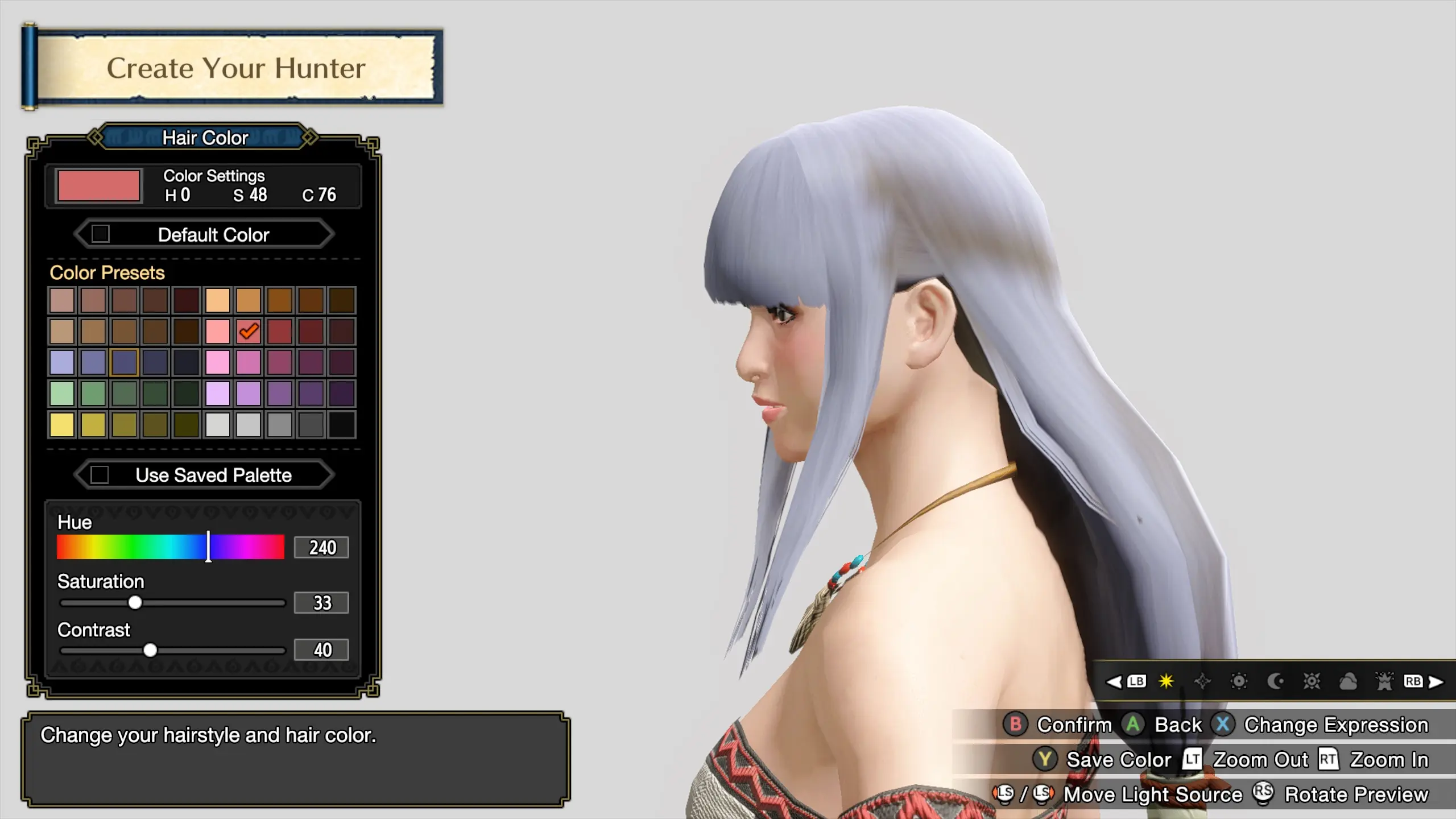
- Unlabelled screenshots are of unmodified game and Natural Color and Contrast version.
Installation:
1. Unzip the archive of your choice into Steam\steamapps\common\MonsterHunterRise(or MonsterHunterRiseDemo)
2. Download the latest version of ReShade. Run it, and select the Monster Hunter Rise folder/executable.
3. Select Direct3D 10/11/12, and install all shaders.
4. Start MHR, you should see ReShade appear at top of the screen. Press Home to open the ReShade menu.
5. Continue or skip the tutorial.
6. Click Home tab. At the top, where it says ReShadePreset, click and select the ini that you unpacked. Click select.
7. Under Settings, you can set an Effect toggle key to turn the effects on and off.
Uninstallation:
1. Delete the NaturalColor or NaturalColor&Contrast ini files.
2. Run ReShade installer and select Rise again. Select Direct3D 10/11/12. You can now see an Uninstall button. Click it.
I would like to emphasize that none of this would've been possible without the hard work of the people listed here.
- Thanks to all modding contributors.
- The people who made ReShade.
Special thanks to the people reporting problems, and helping others out in the forum.
Natural Color and Contrast is a ReShade preset for Fallout 4 that removes the green tint and adds optional shadow depth. With 556 endorsements and 15,281 downloads, it's a popular visual enhancement. Includes many variations for customization.
✨ Key Features
📊 Pros & Cons
✅ Pros
- Community favorite with 556 endorsements and over 15k downloads
- Simple fix for the common green tint issue many players dislike
- Variety of presets means you can tweak to your taste
⚠️ Cons
- Requires ReShade, which can impact performance on lower-end systems
- Presets may conflict with other visual mods that alter color grading
- Last updated in 2022, so may not be fully compatible with the latest game patches
For Fallout 4 players who want a more natural color palette without the green tint. If you're into visual overhauls and don't mind installing ReShade, this is a solid choice. Skip if you prefer vanilla visuals or don't want to deal with ReShade setup.
💡 Beginner Tips
- Make sure to install ReShade first and select the correct DirectX version for Fallout 4 (DX11).
- Try the different preset variations in-game using the ReShade overlay to find the one that suits your taste.
- If you experience performance drops, disable the shadow layer or reduce the effect intensity in ReShade settings.
📊 Mod Details
- Game
- Monster Hunter Rise Mods
- Author
- UberGrainy
- Version
- 2.0
- Downloads
- 15,279
- Endorsements
- 555
- Category
- Visuals
- Created
- 10/20/2021
- Updated
- 1/15/2022
🔧 How to Install MHRise Mods
Install REFramework. Drop mod files into game directory.
📖 Full step-by-step install guide for MHRise →
Visit the official mod page for specific installation instructions for this mod.
🎮 Need cheat codes or console commands? Check ur gaming wiki for MHRise commands, item IDs, and more.
Keep browsing — more MHRise mods await