Perfection Reshade
⚪ Last updated 2018⚠️ Install Order · 1 step
Install in this order, then this mod last — most mods fail to load without their framework and dependencies in place.
🖼️ Gallery (3 images)
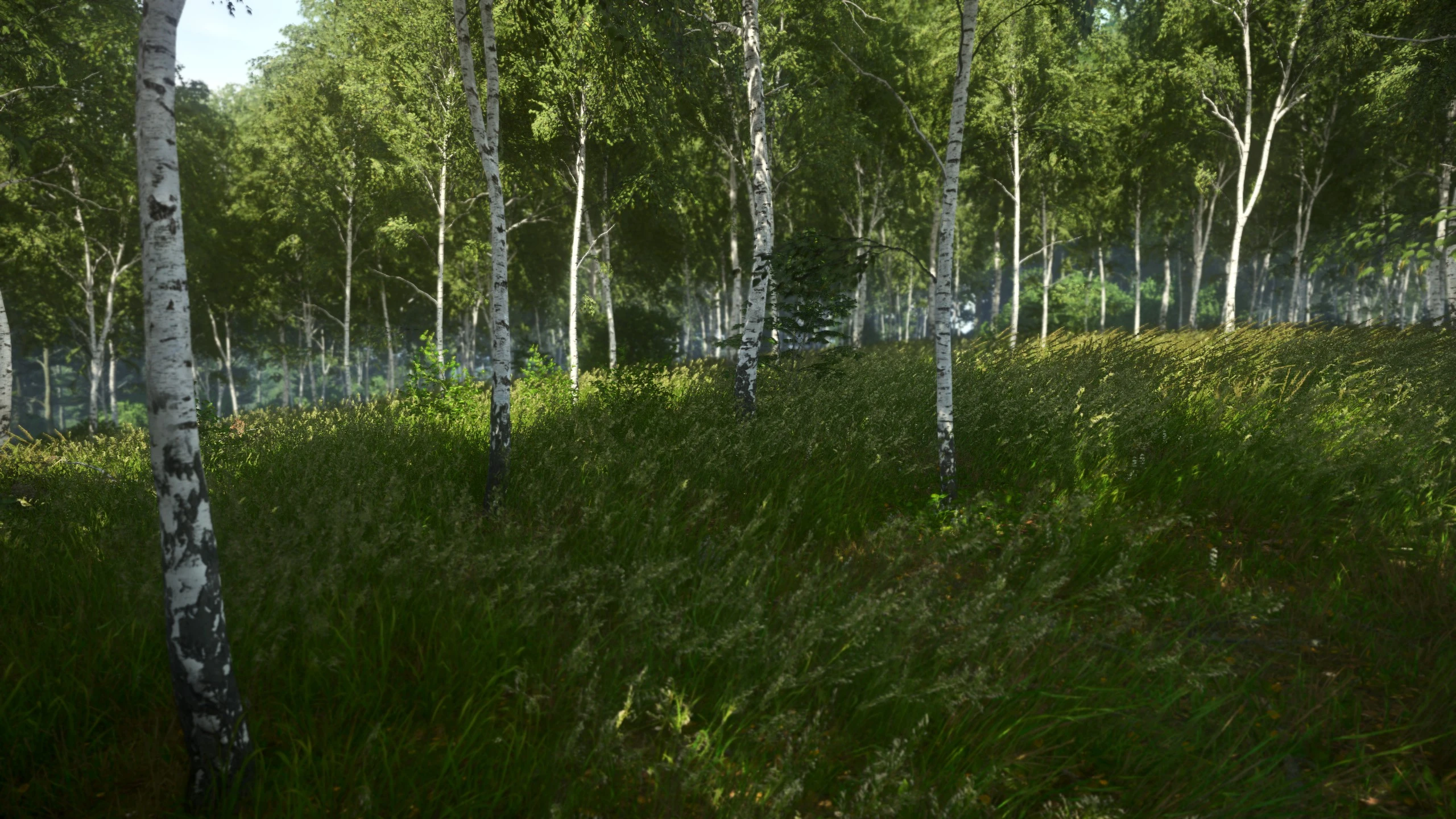
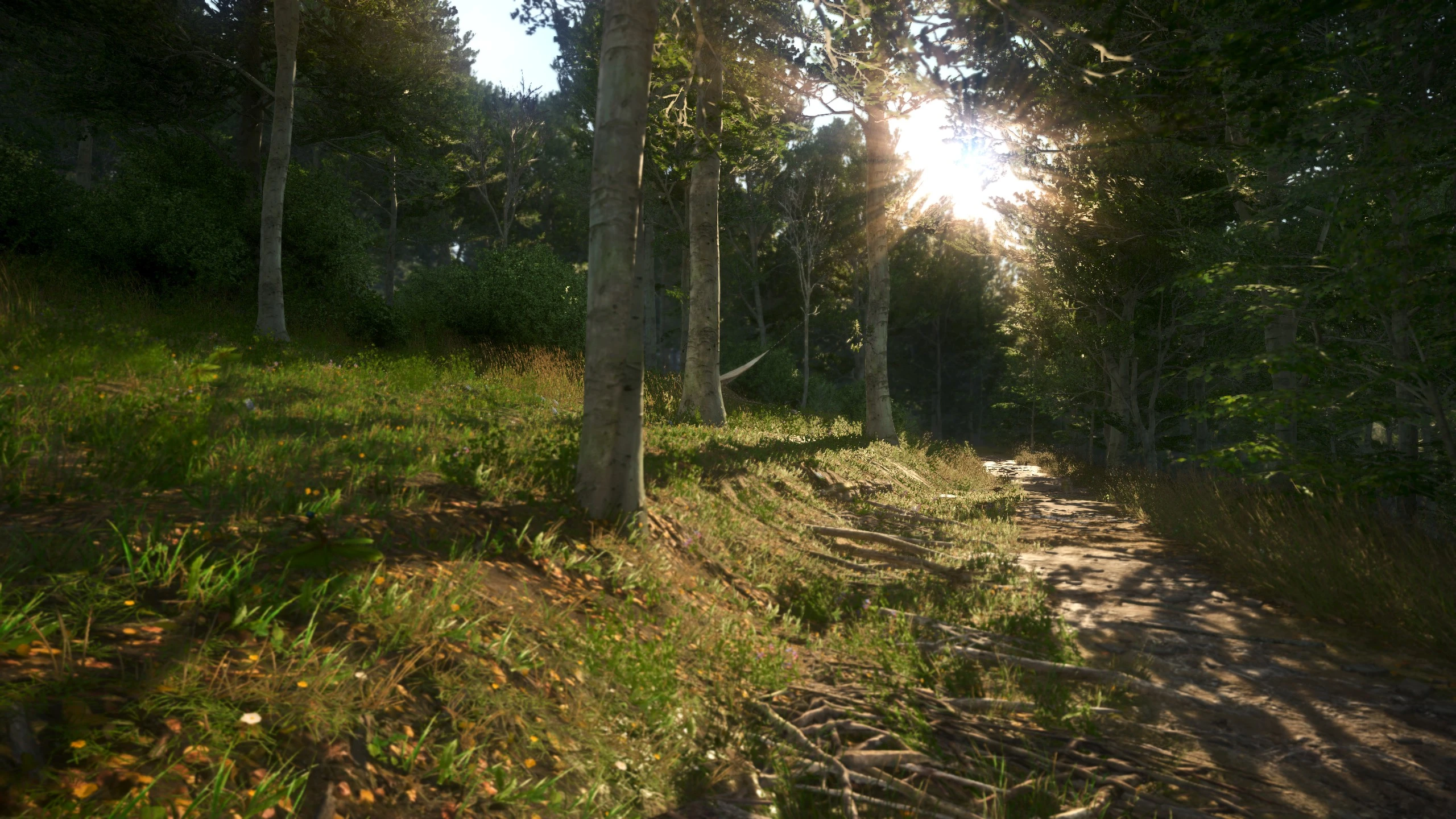
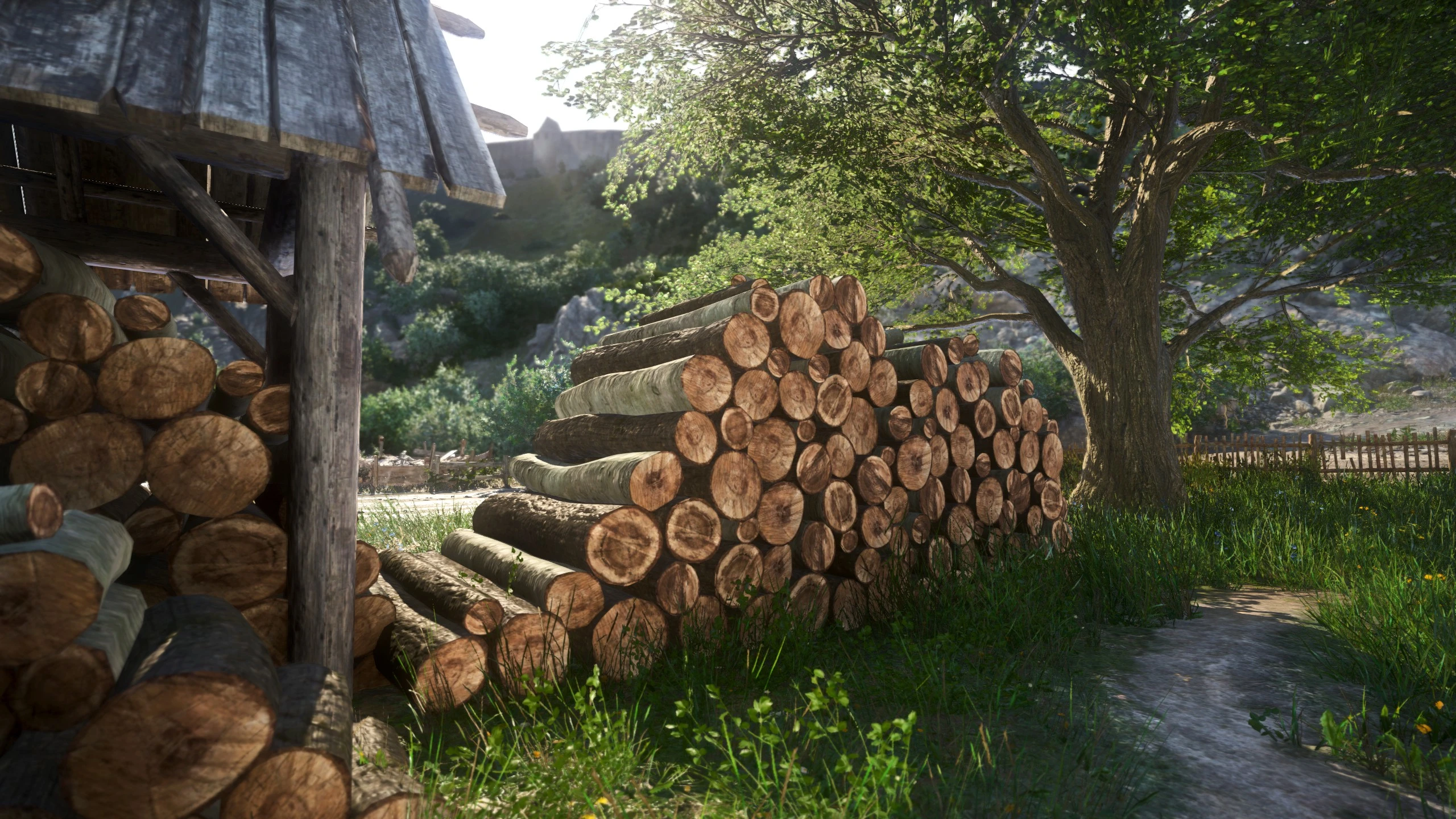
🔍 Analysis
- 👍 2.2% endorsement rate — high engagement, a strong quality signal
- 🏆 #6 of 72 Visuals and Graphics mods in this game by downloads
📋 About This Mod
This is an preset for Reshade 3. 1. 1 all the awesome credits belong to Patrick Mours from Reshade. This is just me uploading the preset i made for myself. I made this preset inspired my the reshade profile from YigitBireroglu, wanderingbeard and literallybyronic
lF1pKLSW7mk
X7wVBa-_4Iw
I made the videos with the Cinematic DOF Version
PERFECTION 1. 0
This is how Kingdom Come should have looked like from the beginning. This Reshade Preset does nothing over the top, no extreme darkness, contrast or colors. It adds a filmic sepia grade with DOF and some lighning adjustments. Just the right touch to make the game much better but not unplayable. For me this is the perfect grade to enjoy the game.
-
[]Depth of Field can be turned off during cutscenes (F5, to turn it on/off ingame)
[
]Dark and Light Balance (Use F6, to turn it on/off ingame)[]Bloom (I turned Bloom off by default, you can switch it on if you want)
[]DepthHaze can be turned off during nighttime, you can make an hotkey if you want (F7)
PERFECTION 1. 0 - More Cinematic DOF
Alternative Version. It's the same grading/version but with more DOF, for all the shallow depth of field lovers and photographers, you are basically in a movie now. It's like jumping from f/4. 0 to f/1. 4-
[]DepthHaze can be turned off during nighttime, (F7, to turn it on/off ingame)
[
]Colorness can be turned off if you want less saturation (F8, to turn it on/off ingame)INSTALLATION
-
[]Download ReShade 3. 1. 2 here.
[
]Run the program. Click Select Game.[]Navigate to and choose your game's .exe file which should be located at Kingdom Come Deliverance\Bin\Win64. Select Direct3D 10+. Click Yes and wait.
[]In the next step, choose the following effects:
[]AmbientLight.fx
[]Bloom.fx
[]Clarity.fx
[]Colourfullness.fx
[]Curves.fx
[]DepthHaze.fx
[]DOF.fx
[]FilmicPass.fx
[]Levels.fx
[]Vignette.fx
[
]Start the game. A Reshade Message Box should be visible on startup.[]Ingame, press SHIFT+F2. to open the Reshade Interface. At the Home tab, you will see a dropdown menu, find and choose the "perfection" preset.
Make sure you have the following effects activated: Effects to activate[]This is it, you can close reshade with SHIFT+F2
DEINSTALLATION
-
[]Go to the game directory – Steam\steamapps\common\KingdomComeDeliverance\Bin\Win64
[
]Remove the following:Reshade-shaders (directory)
Perfection.ini files
All dxgi files
Guys i had a blast making this preset and the videos, just too much fun :D
-
[]Download ReShade 3. 1. 2 here.
-
[]DepthHaze can be turned off during nighttime, (F7, to turn it on/off ingame)
Perfection Reshade is a ReShade preset for Kingdom Come: Deliverance that adds a filmic sepia grade with depth of field and lighting adjustments. It includes two versions: standard and a more cinematic DOF variant. The preset offers in-game toggles for DOF, dark/light balance, bloom, depth haze, and color saturation. It has 2,697 endorsements and was last updated in 2018.
✨ Key Features
📊 Pros & Cons
✅ Pros
- Huge community trust with 2,697 endorsements and over 124k downloads
- Subtle, filmic look that enhances visuals without overdoing it
- Includes hotkeys for toggling effects, so you can adapt on the fly
⚠️ Cons
- Last updated in 2018, so it may not work with the latest game patches or ReShade versions
- Requires manual installation of ReShade and specific effects, which might be fiddly for beginners
- No support for the game's DLC or updates that may have changed rendering
For Kingdom Come: Deliverance players who want a cinematic, film-like visual upgrade without heavy performance hits. Perfect for those who enjoy photography-style depth of field and subtle color grading. Skip if you prefer vanilla visuals or want a more dramatic overhaul.
💡 Beginner Tips
- Make sure to download ReShade 3.1.2 specifically, as newer versions may not be compatible with this preset.
- When installing ReShade, select Direct3D 10+ and choose the game's .exe at KingdomComeDeliverance\Bin\Win64.
- Use the in-game hotkeys (F5-F8) to toggle effects during gameplay to find your preferred look.
📊 Mod Details
- Game
- Kingdom Come Mods
- Author
- Monolith
- Version
- 1.0
- Downloads
- 124,307
- Endorsements
- 2,697
- Category
- Visuals and Graphics
- Created
- 2/18/2018
- Updated
- 2/19/2018
🧩 Commonly Used Together
Users add these mods to the same collections — a real compatibility signal, not an AI guess.
🔧 How to Install Kingdom Come Mods
Create /Mods/ folder in Data directory. Use Vortex for complex mods.
📖 Full step-by-step install guide for Kingdom Come →
Visit the official mod page for specific installation instructions for this mod.
🎮 Need cheat codes or console commands? Check ur gaming wiki for Kingdom Come commands, item IDs, and more.
Keep browsing — more Kingdom Come mods await