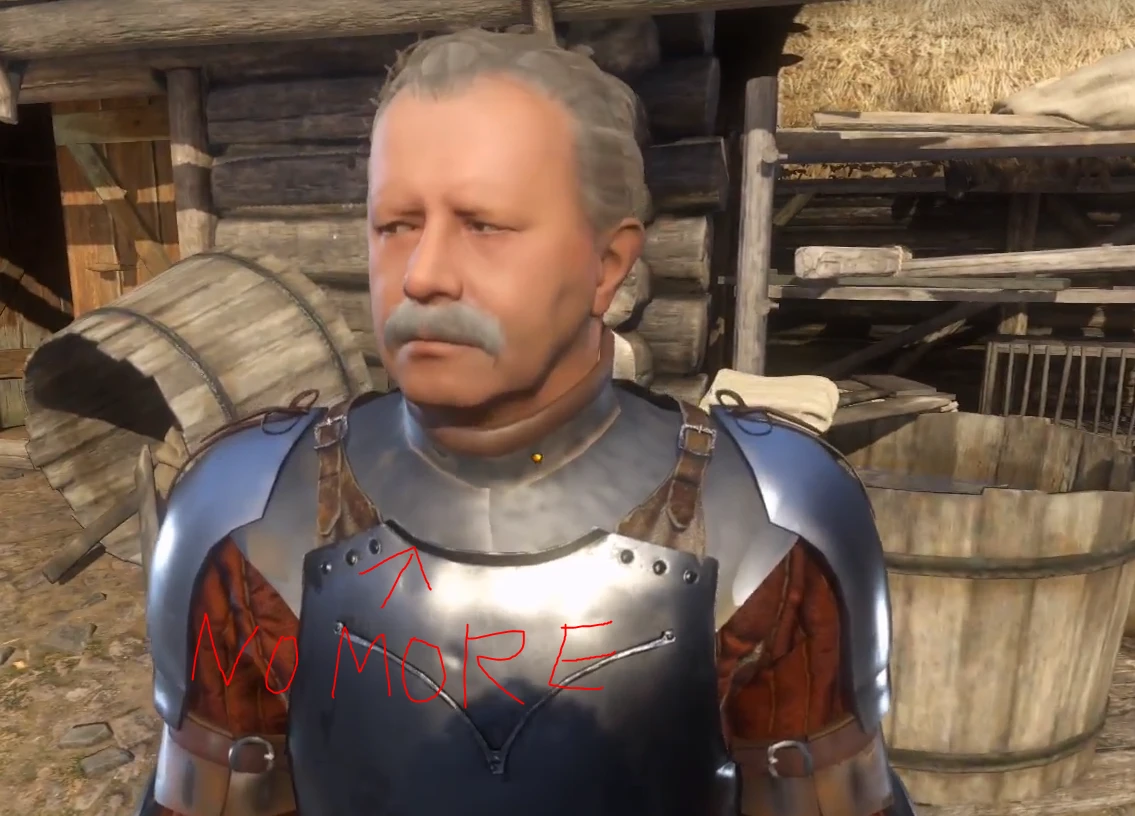
Texture streaming improvements - No more texture pop in
⚪ Last updated 2018Preview
🔍 Analysis
- 👍 2.2% endorsement rate — high engagement, a strong quality signal
- 🏆 #3 of 72 Visuals and Graphics mods in this game by downloads
📋 About This Mod
This is my personal configuration I created while trying to remove the texture pop-in that completely breaks immersion in this game.
The tweaks below try to force the game to preserve the textures for longer instead of discarding them almost immediately, they also increase the LOD levels so that your PC has enough time to load new textures before you reach them.
As a side effect, the loading times when talking to characters are reduced since all of the textures will be already loaded, I suspect the main reason they added the loading screen is to hide the texture streaming that would otherwise happen at very close range during the conversations.
The tweaks also make sure that all the textures are already loaded when you enter a level, for this reason the initial loading times will be longer.
It also uses slightly more memory and might cause a small performance loss on weaker systems but on systems where the HDD is the bottleneck, these tweaks might prevent freezing and stuttering.
Don't change the LOD sliders for textures, objects and vegetation while you are playing, the game can crash.
Don't load your save from the main menu after changing the in-game LOD sliders the game can crash.
To change the LOD sliders without risking a game crash:
Open the game.
Change the sliders to your liking.
Allow the game to load back to the main menu.
Exit the game and restart it.
Also make sure you DON'T have r_silhouettePOM = 1 inside your user.cfg.
If you do, open the console and set r_silhouettePOM = 0
Delete r_silhouettePOM = 1 completely from user.cfg
This setting makes parts of 3D objects and NPCs disappear.
To apply the tweaks:
There are 2 configurations available one for HDDs and the other for SSDs, download and use only 1 set of tweaks.
STEP 1 for the Steam version:
Go to the game main folder where you can find system.cfg
Place the user.cfg file you downloaded from this page in the same folder where system.cfg is.
In the Steam launch options add +exec user.cfg
Go to STEP 2
STEP 1 For the GoG version:
Go to the game main folder where you can find system.cfg
Place the user.cfg file you downloaded from this page in the same folder where system.cfg is.
Create a shortcut of the game executable KingdomCome.exe (you can use the one on the desktop if you have it)
Right click on the shortcut, open properties, in the target field leave a space after .exe" and add +exec user.cfg
Like so: "D:\Games\Kingdom Come Deliverance\Bin\Win64\KingdomCome.exe" +exec user.cfg
After completing STEP 2, launch the game from the shortcut you modified.
STEP 2 both Steam and GoG
Some values inside user.cfg need to be edited.
Open user.cfg with a text editor and set the values listed below to your liking:
-- Set based on your Vram, example provided for 4GB
r_TexturesStreamPoolSize = 4096
sys_budget_videomem = 4096
-- Set based on your HDD speed, example 180 MB/s
r_TexturesStreamingMaxRequestedMB = 180
-- Set the time limit you want inactive textures to stay in memory, value in seconds
r_TexturesStreamingResidencyTime = 120
-- Set the amount of system RAM available to the game, example 7GB
sys_budget_sysmem = 7000
Optional
If the performance hit is too big, you can try decreasing the texture loading range r_TexturesStreamingMipBias to -2 or -1
Feel free to comment sharing your findings and suggestions to improve these tweaks or to suggest new ones.
This mod provides custom configuration tweaks to reduce texture pop-in in the game by forcing textures to stay loaded longer and increasing LOD levels. It offers separate settings for HDD and SSD users, with a trade-off of longer initial loading times and slightly higher memory usage. Popular with over 4,200 endorsements, it's a practical fix for immersion-breaking texture streaming.
✨ Key Features
📊 Pros & Cons
✅ Pros
- Community favorite with 4,244 endorsements and nearly 200k downloads
- Two configs for HDD and SSD — pick your storage and go
- Cuts conversation load times since textures are already in memory
⚠️ Cons
- Last updated in 2018 — might not play nice with newer game patches
- Slightly more memory usage and potential performance hit on weaker rigs
- Changing LOD sliders in-game can crash the game — requires a specific restart procedure
For players tired of textures popping in mid-conversation or while exploring, especially on HDDs. If you're on an SSD and have a beefy rig, you might not need it, but it still helps with streaming stutter. Skip if you're on a low-memory system or don't want to fiddle with config files.
💡 Beginner Tips
- Make sure you don't have r_silhouettePOM=1 in your user.cfg — it can make parts of objects and NPCs disappear.
- If you change LOD sliders in-game, let the game return to main menu, exit, and restart before loading a save to avoid crashes.
- Pick only one config (HDD or SSD) — using both will cause conflicts.
📊 Mod Details
- Game
- Kingdom Come Mods
- Author
- Artins90
- Version
- 1
- Downloads
- 196,866
- Endorsements
- 4,244
- Category
- Visuals and Graphics
- Created
- 2/16/2018
- Updated
- 2/22/2018
🧩 Commonly Used Together
Users add these mods to the same collections — a real compatibility signal, not an AI guess.
🔧 How to Install Kingdom Come Mods
Create /Mods/ folder in Data directory. Use Vortex for complex mods.
📖 Full step-by-step install guide for Kingdom Come →
Visit the official mod page for specific installation instructions for this mod.
🎮 Need cheat codes or console commands? Check ur gaming wiki for Kingdom Come commands, item IDs, and more.
Keep browsing — more Kingdom Come mods await