Mute Slocum Joe and Old West Vendors
⚪ Last updated 2021Preview
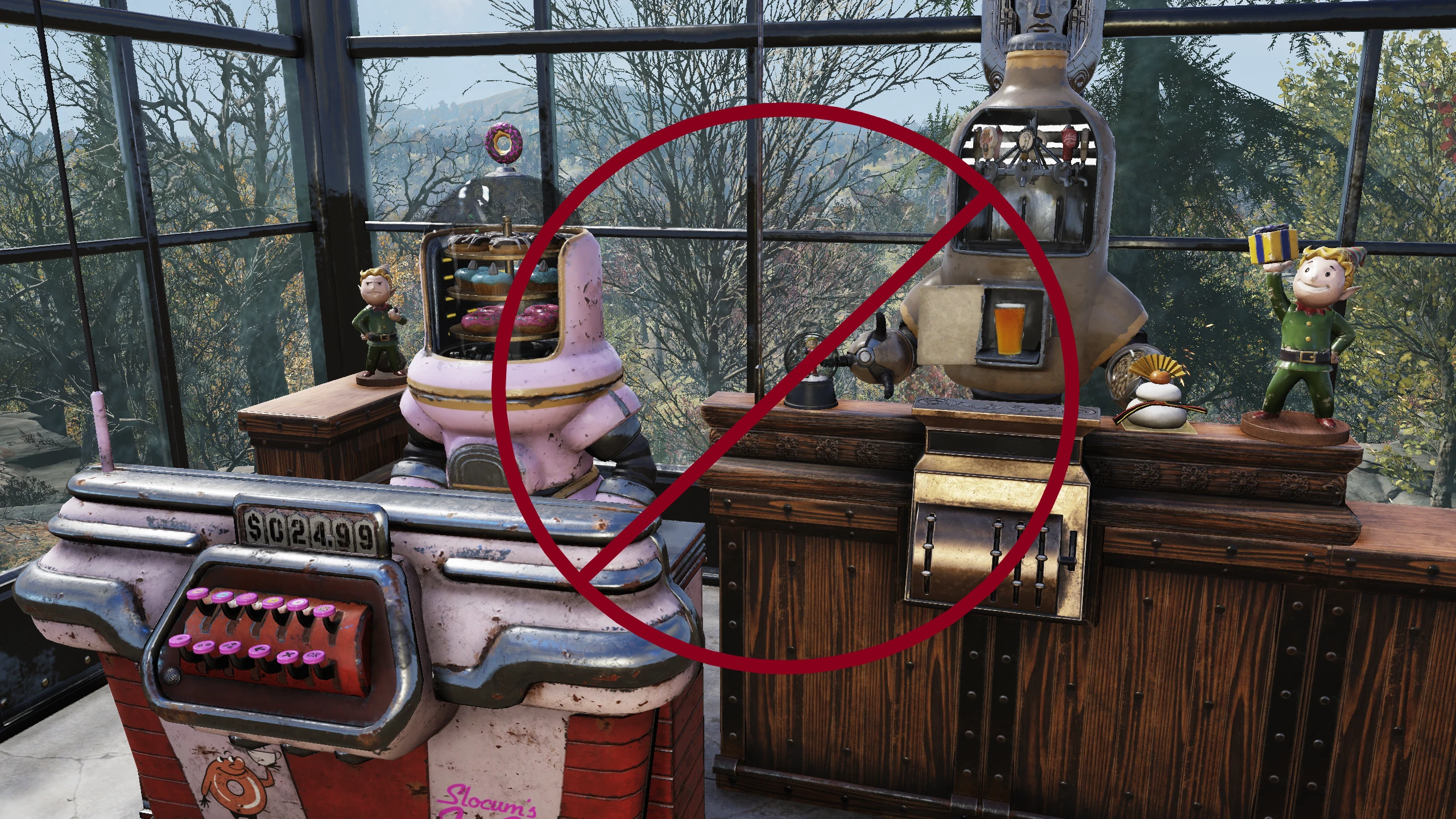
🔍 Analysis
- 👍 0.9% endorsement rate
- 🏆 #8 of 15 Audio - SFX mods in this game by downloads
📋 About This Mod
Silences the Slocum Joe and Old West Vendors.
Add the .ba2 file to your Data folder, add mod name text in to your Custom76.ini
If you don't know how to install mods, refer to Fallout 76 Custom ini file
A simple audio mod that silences the Slocum Joe and Old West vendors in Fallout 4. It has 103 endorsements and 11,723 downloads, last updated in June 2021. For players who find those vendor voice lines repetitive or annoying.
✨ Key Features
📊 Pros & Cons
✅ Pros
- Community-approved (103 endorsements)
- High download count (11,723) shows demand
- Does exactly what it says with no bloat
⚠️ Cons
- Last updated 2021 — may be incompatible with current game version
- No install instructions provided by author
- Only affects two vendors — limited scope
For Fallout 4 players who are tired of hearing the same vendor lines from Slocum Joe and Old West. If you want a quick fix to mute those specific annoyances, this is for you. Skip if you want broader audio changes or if you're on a newer game version.
💡 Beginner Tips
- Place the file in your Fallout 4 Data folder or use a mod manager like Vortex.
- If you're using mods that alter vendor audio, load this one after them to ensure it takes effect.
- Check the mod page for any updates or compatibility notes before installing.
📊 Mod Details
- Game
- Fallout 76 Mods
- Author
- Dialectric
- Version
- 1.0
- Downloads
- 11,723
- Endorsements
- 103
- Category
- Audio - SFX
- Created
- 8/15/2020
- Updated
- 6/9/2021
🧩 Commonly Used Together
Users add these mods to the same collections — a real compatibility signal, not an AI guess.
🔧 How to Install Fallout 76 Mods
Use Vortex. Place .ba2 files in Data folder. Use cautiously online.
📖 Full step-by-step install guide for Fallout 76 →
Visit the official mod page for specific installation instructions for this mod.
🎮 Need cheat codes or console commands? Check ur gaming wiki for Fallout 76 commands, item IDs, and more.
Keep browsing — more Fallout 76 mods await