Invisible Backpacks
⚪ Last updated 2020🖼️ Gallery (10 images)





🔍 Analysis
- 👍 6.0% endorsement rate — high engagement, a strong quality signal
- 🏆 #159 of 247 Models and Textures mods in this game by downloads
📋 About This Mod
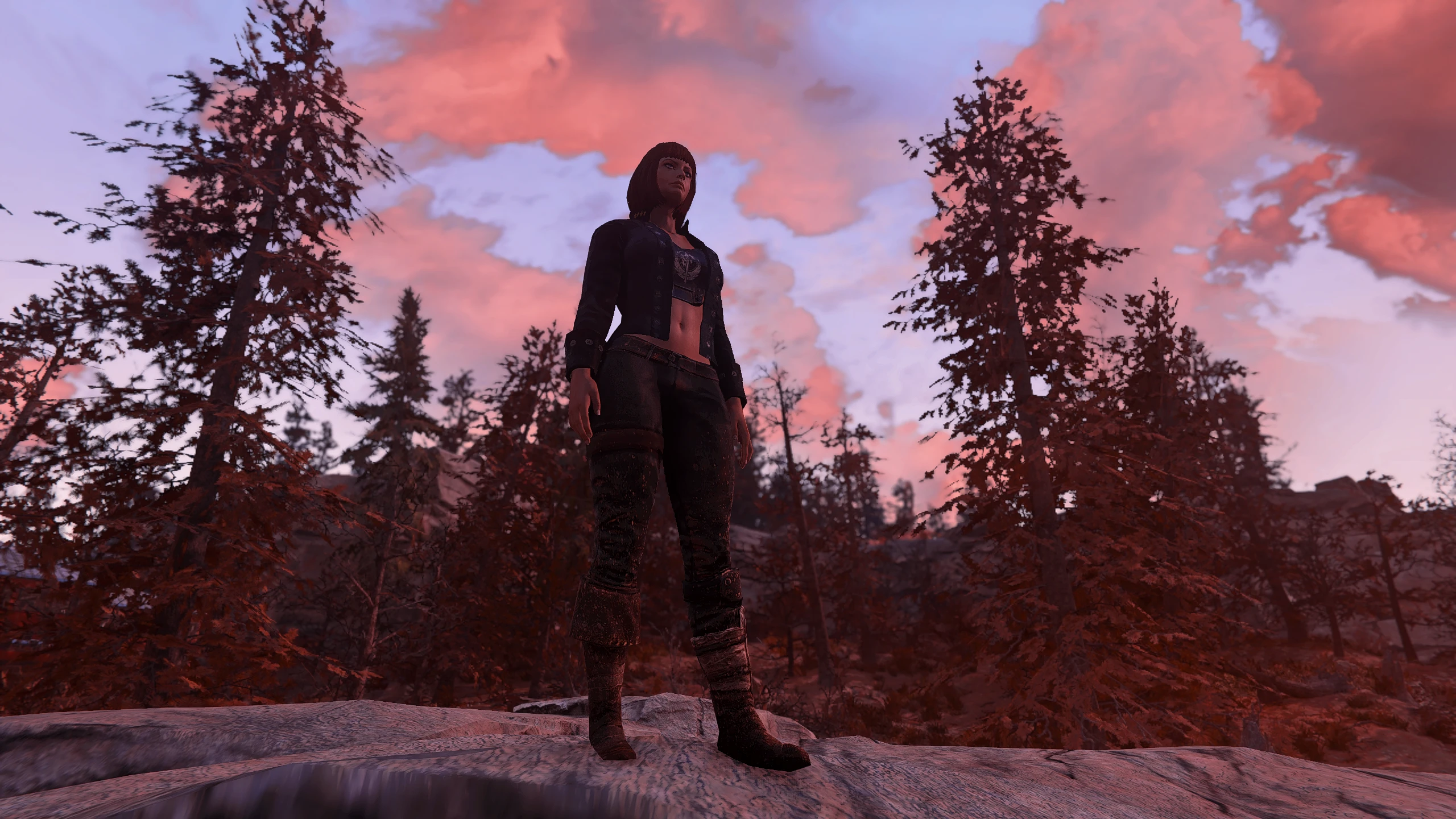
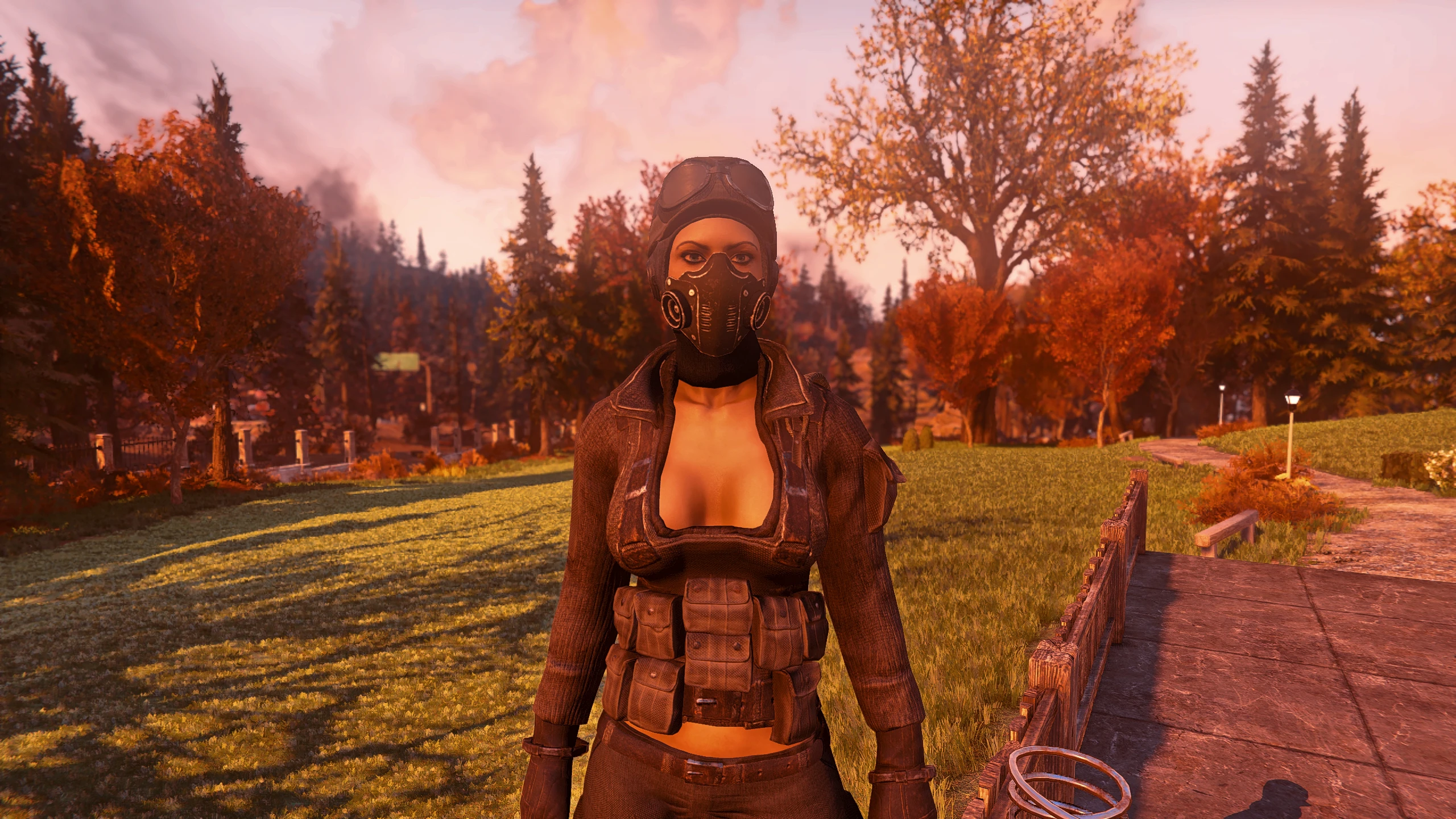
Do you like the carry weight bonus of the backpacks but don't want your game looking like a battle royale clone?
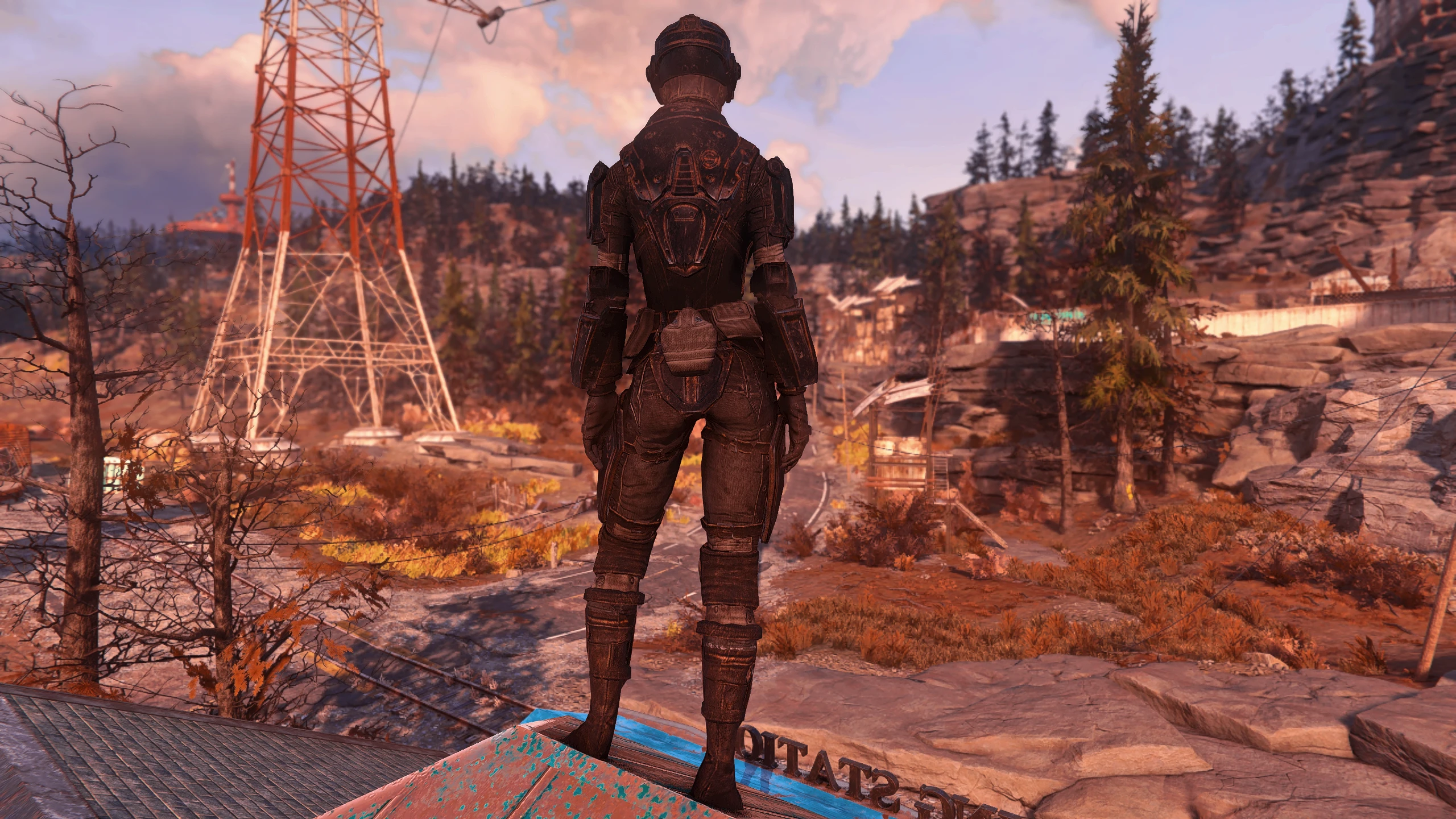
Built yourself a kick-ass character and want to be able to see it unhindered from all angles?
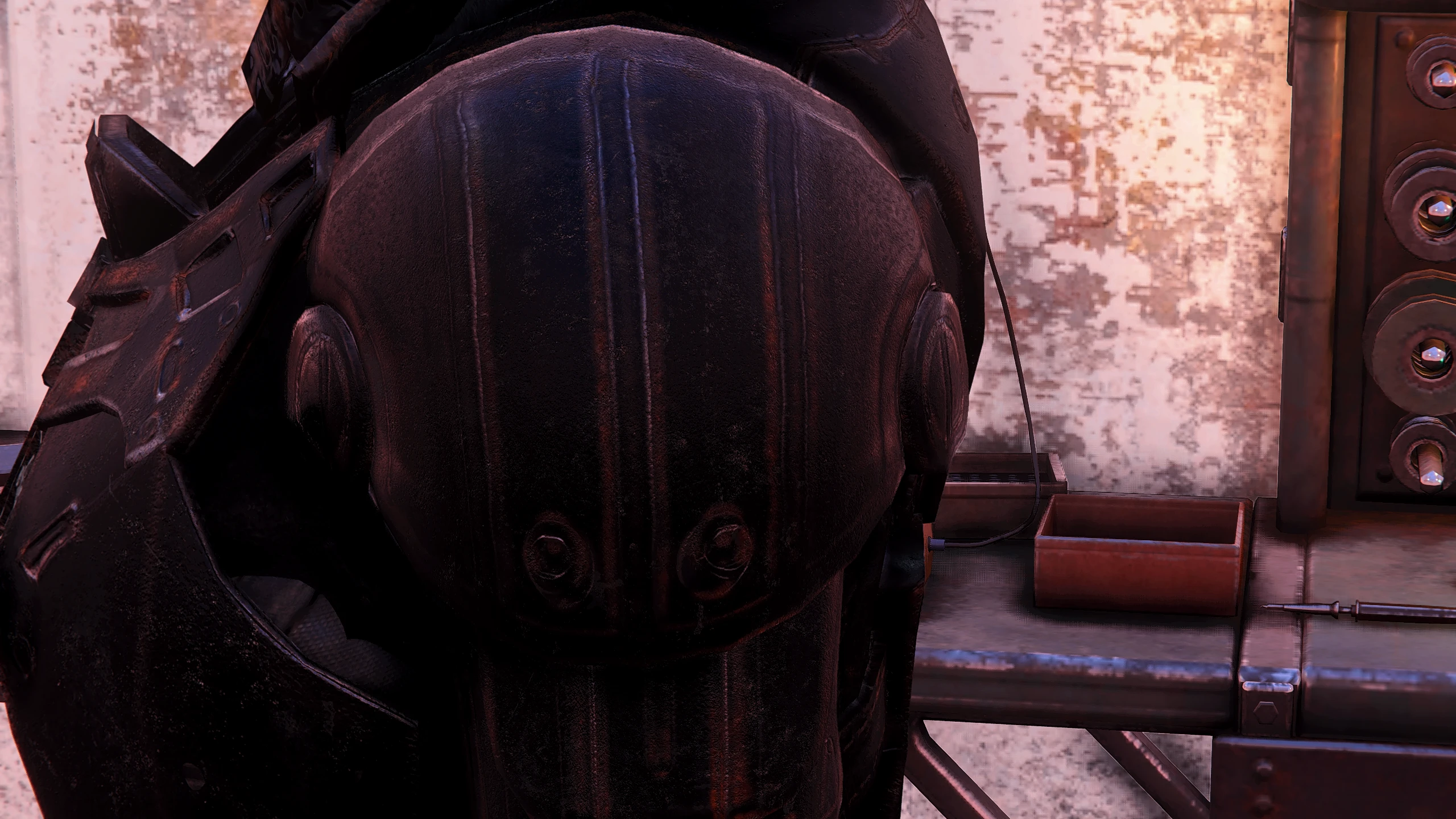
This will provide that for you while wearing a backpack.
I left Atom Shop assets alone, so as not to piss off Bethesda and Nexus...
...and so your hard earned Atoms don't go to waste ;)
Installation:
Baka Version:
-
[]Download and extract the Loose version and place the materials folder into your Fallout 76 Data folder
[
]Follow program instructions on the Baka File page.Ba2:
-
[]Download and extract the Ba2 version and place InvisibleBackpacks. Ba2 into your Fallout 76 Data folder.
[
]Add InvisibleBackpacks.ba2 to your archive load list in Fallout76Custom.iniFirst Time ba2 users:
-
[]Create or edit the following file: Documents\My Games\Fallout 76\Fallout76Custom.ini
[
]Copy and paste the following lines into your Fallout76Custom.ini:
sResourceArchive2List = InvisibleBackpacks.ba2
Add the name of any new ba2 files you install, moving forward.
From registrator2000, author of Better Inventory:
As of Patch 10, it is no longer necessary to include base game archives in the above list.
Patch 10 introduces hardcoded internal lists for several archive lists, ensuring that vanilla game assets are always loaded irregardless of custom archive list overrides. Custom archive lists continue to be loaded by the game, after vanilla archives. (This is the current behavior as of Patch 10,
-
[]Create or edit the following file: Documents\My Games\Fallout 76\Fallout76Custom.ini
-
[]Download and extract the Ba2 version and place InvisibleBackpacks. Ba2 into your Fallout 76 Data folder.
Invisible Backpacks removes the visual model of all base game backpacks in Fallout 76, leaving only their stat bonuses. It does not affect Atom Shop backpacks, which remain visible. A simple cosmetic mod with 223 endorsements and 3,716 downloads, last updated in May 2020.
✨ Key Features
📊 Pros & Cons
✅ Pros
- Clean solution for players who want backpack stats without visual bulk (223 endorsements).
- Respects Atom Shop items, so paid cosmetics stay as intended.
- Lightweight mod with no extra dependencies or complex setup.
⚠️ Cons
- Last updated in 2020 — may be incompatible with current game patches.
- Only affects base game backpacks; Atom Shop backpacks still show, which might be inconsistent.
For Fallout 76 players who find backpacks visually cluttered but want to keep their carry weight bonuses. Also for roleplayers who prefer a cleaner look. Skip if you want to hide Atom Shop backpacks or if you're on a recent game version and worried about compatibility.
💡 Beginner Tips
- Since this mod only affects base game backpacks, test it with a standard backpack first to ensure it works with your current game version.
- If you use a mod manager, install it through that to keep track of updates and easy removal.
- Check the mod's comments section on Nexus for any user-reported issues with recent patches.
📊 Mod Details
- Game
- Fallout 76 Mods
- Author
- ThatSpartacusGuy
- Version
- 5
- Downloads
- 3,716
- Endorsements
- 223
- Category
- Models and Textures
- Created
- 5/9/2019
- Updated
- 5/20/2020
🔧 How to Install Fallout 76 Mods
Use Vortex. Place .ba2 files in Data folder. Use cautiously online.
📖 Full step-by-step install guide for Fallout 76 →
Visit the official mod page for specific installation instructions for this mod.
🎮 Need cheat codes or console commands? Check ur gaming wiki for Fallout 76 commands, item IDs, and more.
Keep browsing — more Fallout 76 mods await