Hide Your Pip-Boy
⚪ Last updated 2019🖼️ Gallery (10 images)





🔍 Analysis
- 👍 3.4% endorsement rate — high engagement, a strong quality signal
📋 About This Mod
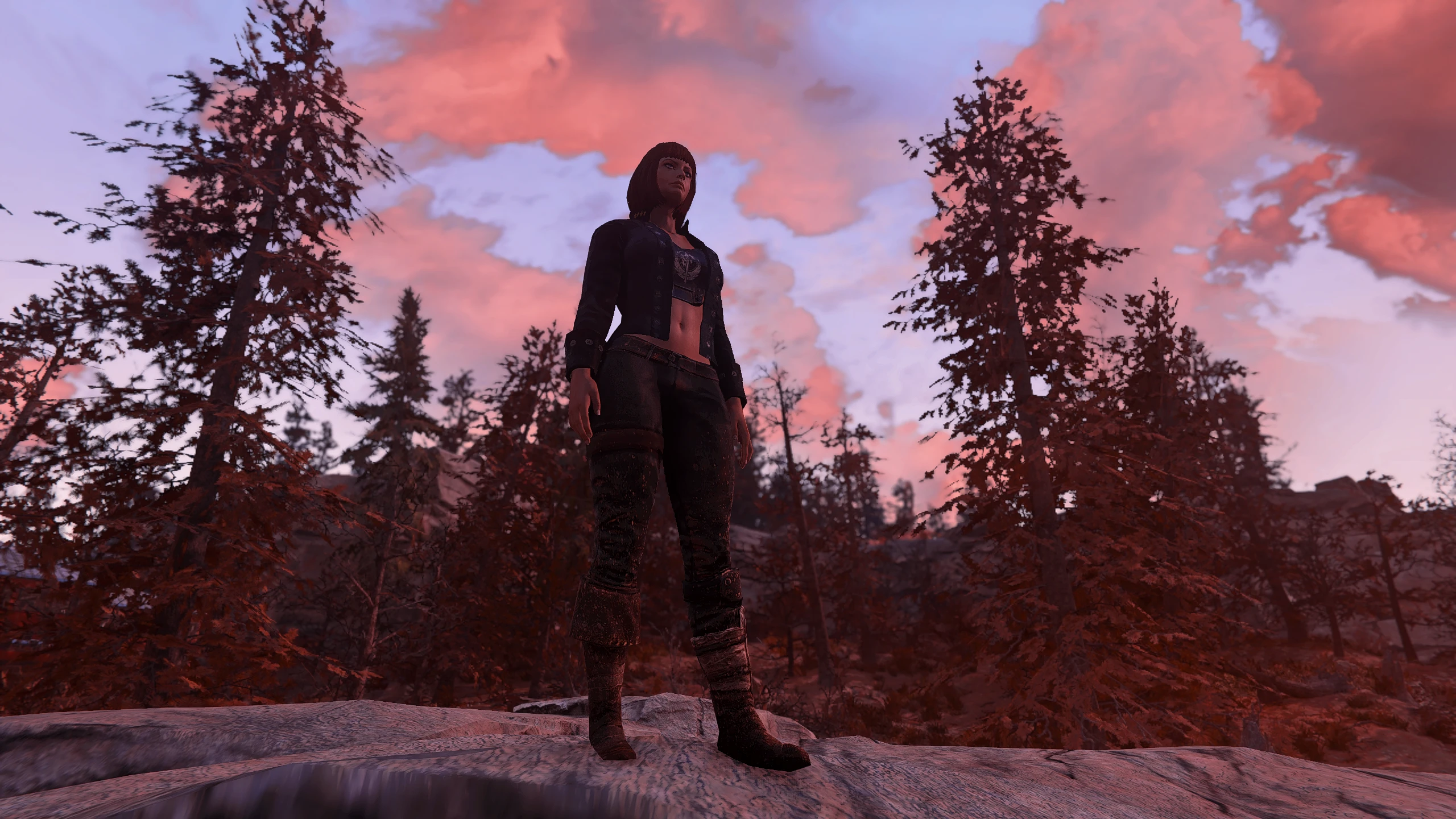
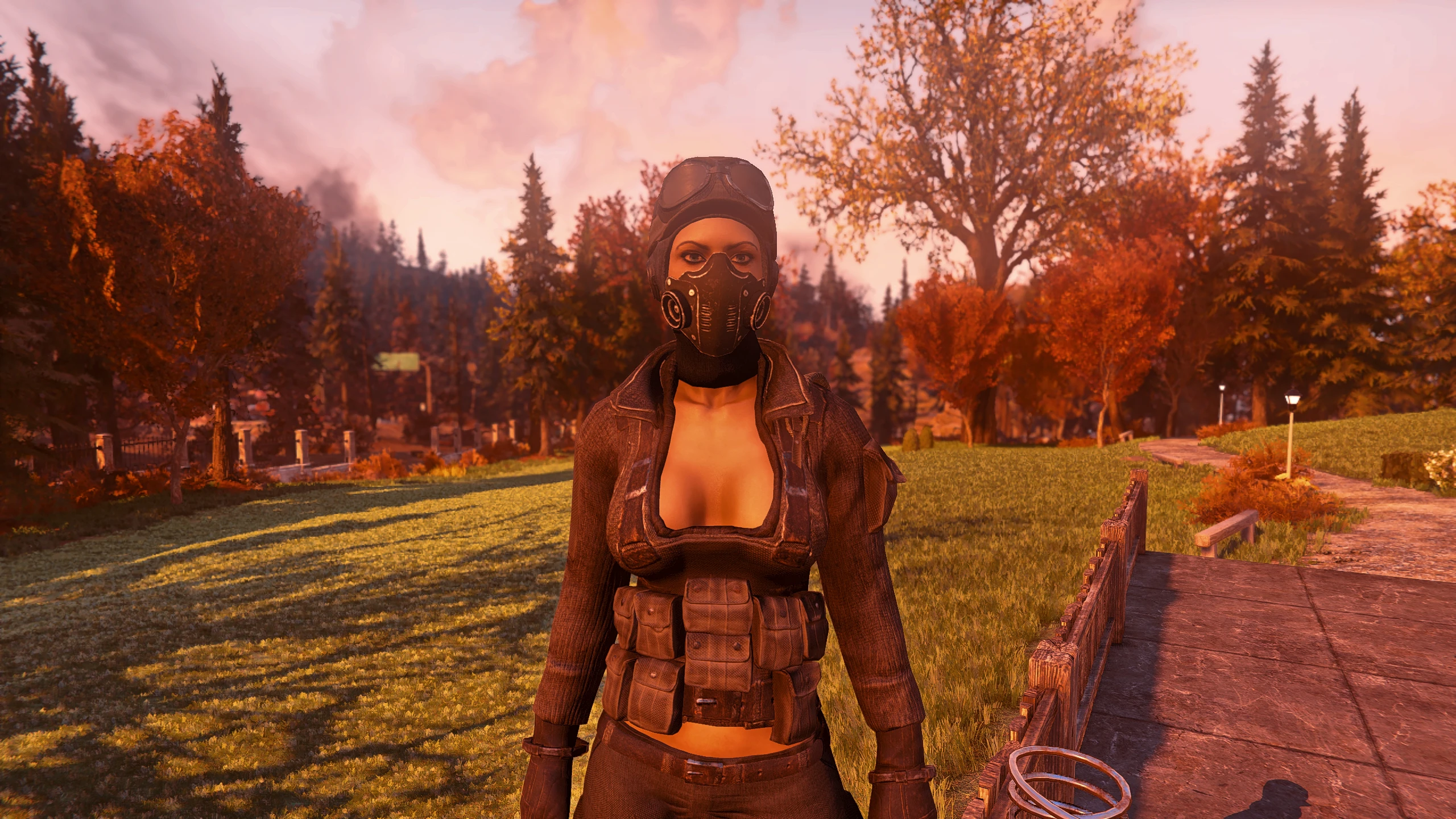
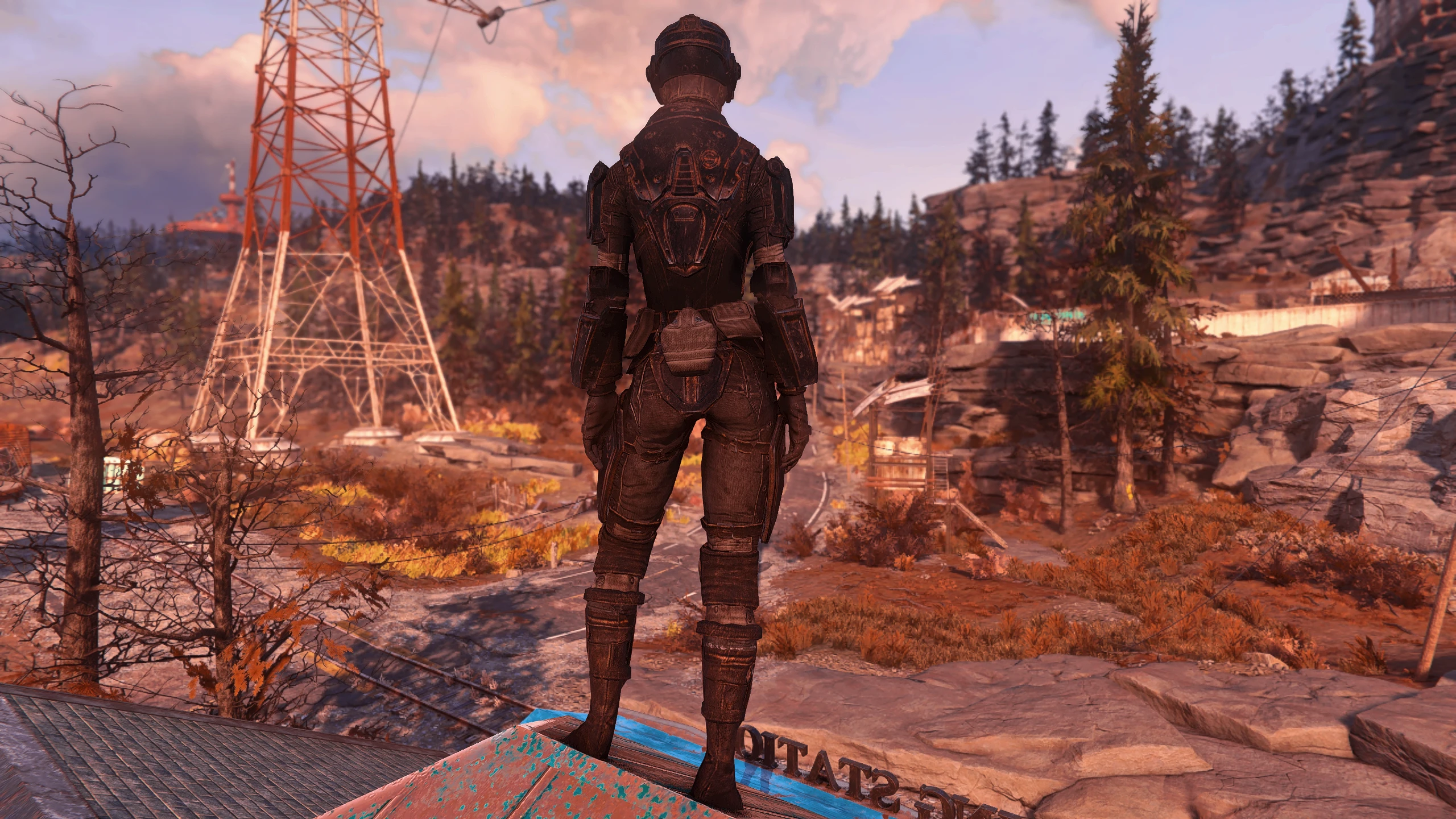
This will hide your Pip-Boy in 1st and 3rd person.
Updating to BetaV2?Just overwrite your existing Ba2s or Loose files! That's it, nothing was removed, only items added. Ba2 names are the same, so you don't even have to update your Fallout76Custom.ini, either.
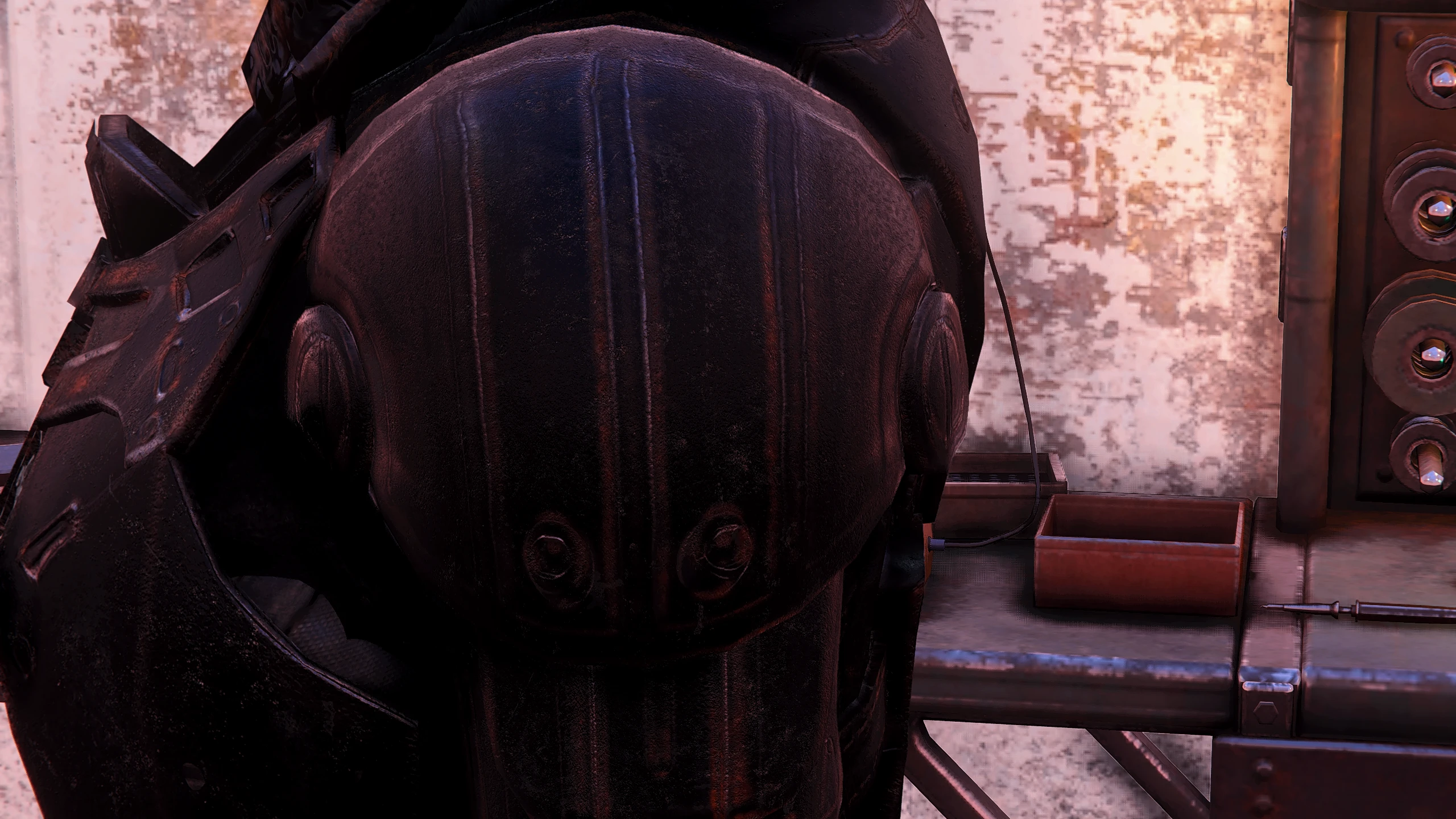
VersionsBoth versions includes Left Arm Armor meshes and relevant apparel edits to ensure your left forearm doesn't pop a Stealth Boy.
Full - Removes 1st and 3rd person Pip-Boys. Loose and Ba2
3rd Person Only - Only removes your Pip-Boy in 3rd person. Loose and Ba2
InstallationBaka Version:
-
[]Download and extract the Loose version you like and place the meshes folder into your Fallout 76 Data folder
[
]Follow program instructions on the Baka File page.Ba2:
-
[]Download and extract whichever Ba2 version you want and place the Ba2 into your Fallout 76 Data folder.
[
]Add the name of the Ba2 you are using to your archive load list in Fallout76Custom.iniFirst Time ba2 users:
-
[]Create or edit the following file: Documents\My Games\Fallout 76\Fallout76Custom.ini
[
]Copy and paste the following lines into your Fallout76Custom.ini:(Note: choose only one entry listing, depending on your install)
sResourceArchive2List = HideYourPipboy.ba2
sResourceArchive2List = HideYourPipboy3rdPersonOnly.ba2
Add the name of any new ba2 files you install, moving forward.
From registrator2000, author of Better Inventory:
As of Patch 10, it is no longer necessary to include base game archives in the above list.
Patch 10 introduces hardcoded internal lists for several archive lists, ensuring that vanilla game assets are always loaded irregardless of custom archive list overrides. Custom archive lists continue to be loaded by the game, after vanilla archives. (This is the current behavior as of Patch 10, but do keep in mind that this may again change in future game updates.)
DISCLAIMER
[*]When viewing the Pip-Boy in the original menu view with the FULL version of this mod, you will not see the Pip-Boy menus. Thankfully, there is an alternat
-
[]Create or edit the following file: Documents\My Games\Fallout 76\Fallout76Custom.ini
-
[]Download and extract whichever Ba2 version you want and place the Ba2 into your Fallout 76 Data folder.
Hide Your Pip-Boy removes the Pip-Boy from first and third person views in Fallout 76. It offers full and third-person-only versions, with both loose files and BA2 archives. Includes left arm armor meshes to prevent Stealth Boy clipping. Last updated in 2019, it has 128 endorsements and 3,775 downloads.
✨ Key Features
📊 Pros & Cons
✅ Pros
- Community-tested with 128 endorsements and 3,775 downloads
- Offers both full and third-person-only options for flexibility
- Includes armor mesh fixes to avoid visual glitches with Stealth Boy
⚠️ Cons
- Last updated in 2019, so may not be compatible with recent game patches
- BA2 installation requires manual INI editing, which can be tricky for beginners
- No clear instructions for the Baka version beyond pointing to another page
For Fallout 76 players who want a cleaner HUD without the Pip-Boy model cluttering the screen, especially those who prefer third-person gameplay. Also for roleplayers who want to hide the Pip-Boy for immersion. Skip if you want to keep the Pip-Boy visible or if you're not comfortable with manual file editing.
💡 Beginner Tips
- If using BA2, make sure to create or edit Fallout76Custom.ini in Documents\My Games\Fallout 76 and add the correct archive line.
- For the Baka version, you'll need to download and follow the Baka File page instructions separately.
- When updating from an older version, just overwrite existing files—no need to remove anything.
📊 Mod Details
- Game
- Fallout 76 Mods
- Author
- ThatSpartacusGuy
- Version
- BetaV2
- Downloads
- 3,775
- Endorsements
- 128
- Category
- Pip-Boy
- Created
- 6/1/2019
- Updated
- 8/13/2019
🔧 How to Install Fallout 76 Mods
Use Vortex. Place .ba2 files in Data folder. Use cautiously online.
📖 Full step-by-step install guide for Fallout 76 →
Visit the official mod page for specific installation instructions for this mod.
🎮 Need cheat codes or console commands? Check ur gaming wiki for Fallout 76 commands, item IDs, and more.
Keep browsing — more Fallout 76 mods await