Better Camera and Zoom Out
⚪ Last updated 2018🖼️ Gallery (10 images)





🔍 Analysis
- 👍 4.7% endorsement rate — high engagement, a strong quality signal
- 🏆 #21 of 24 Gameplay Effects and Changes mods in this game by downloads
📋 About This Mod
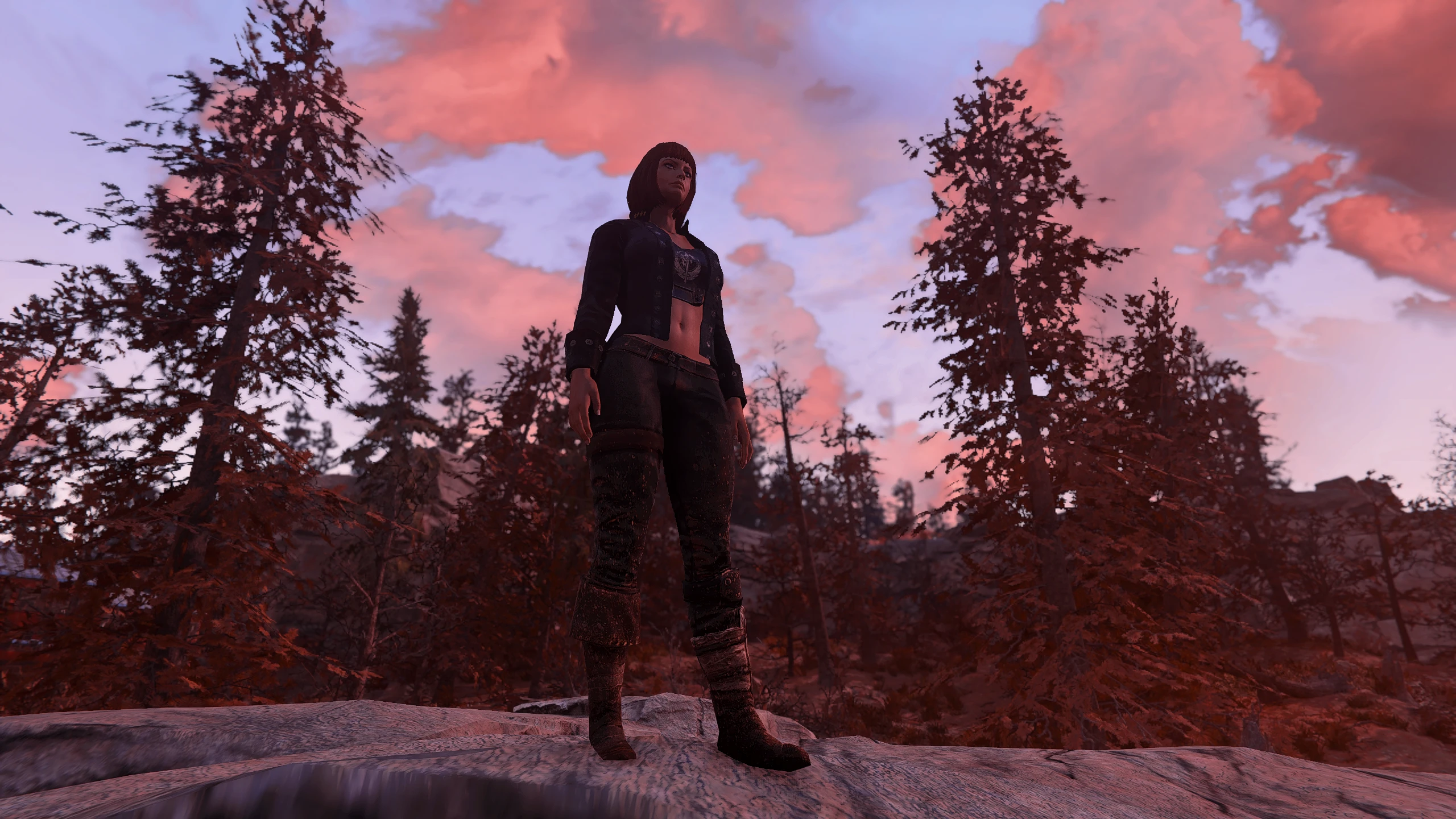
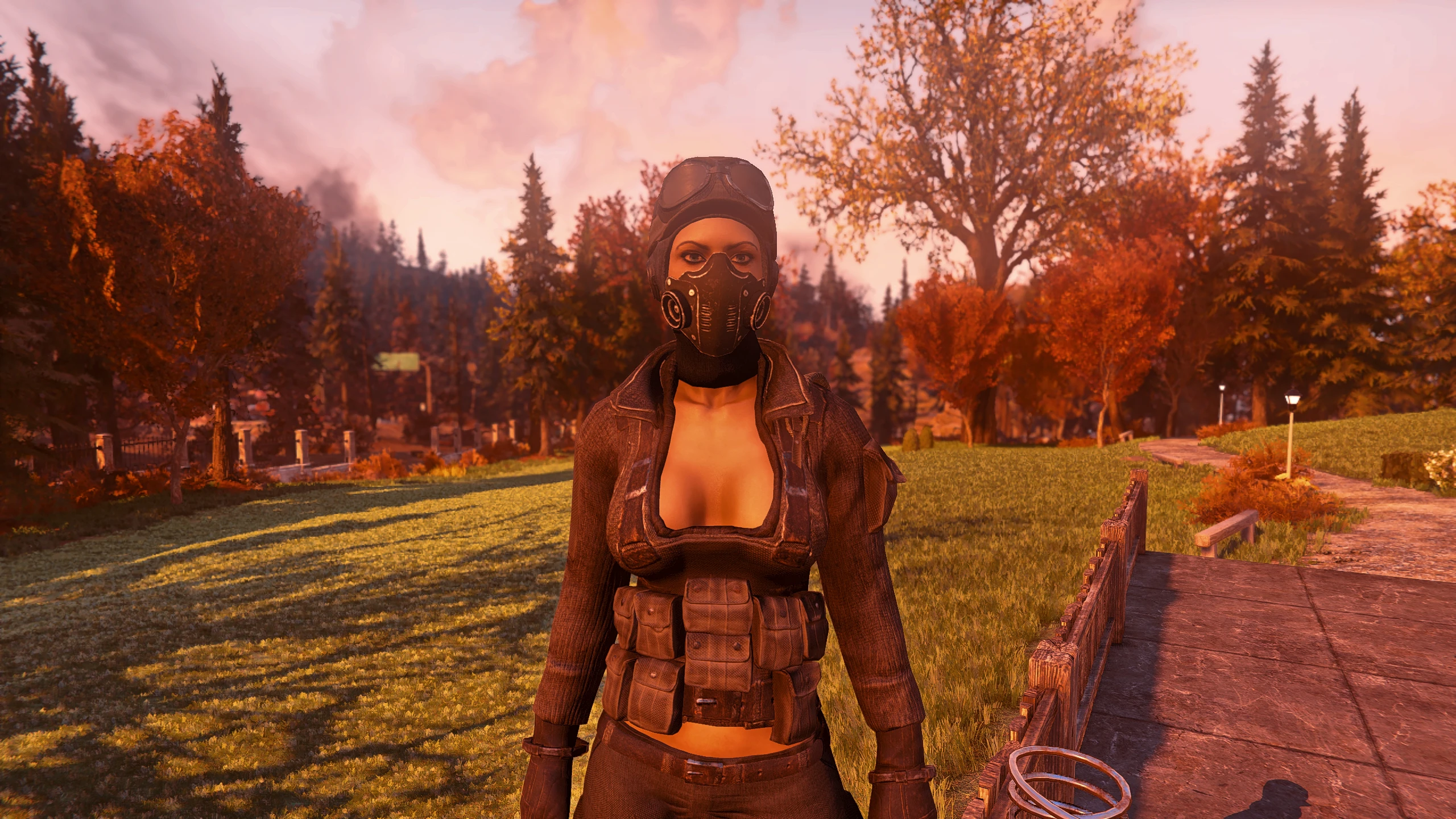
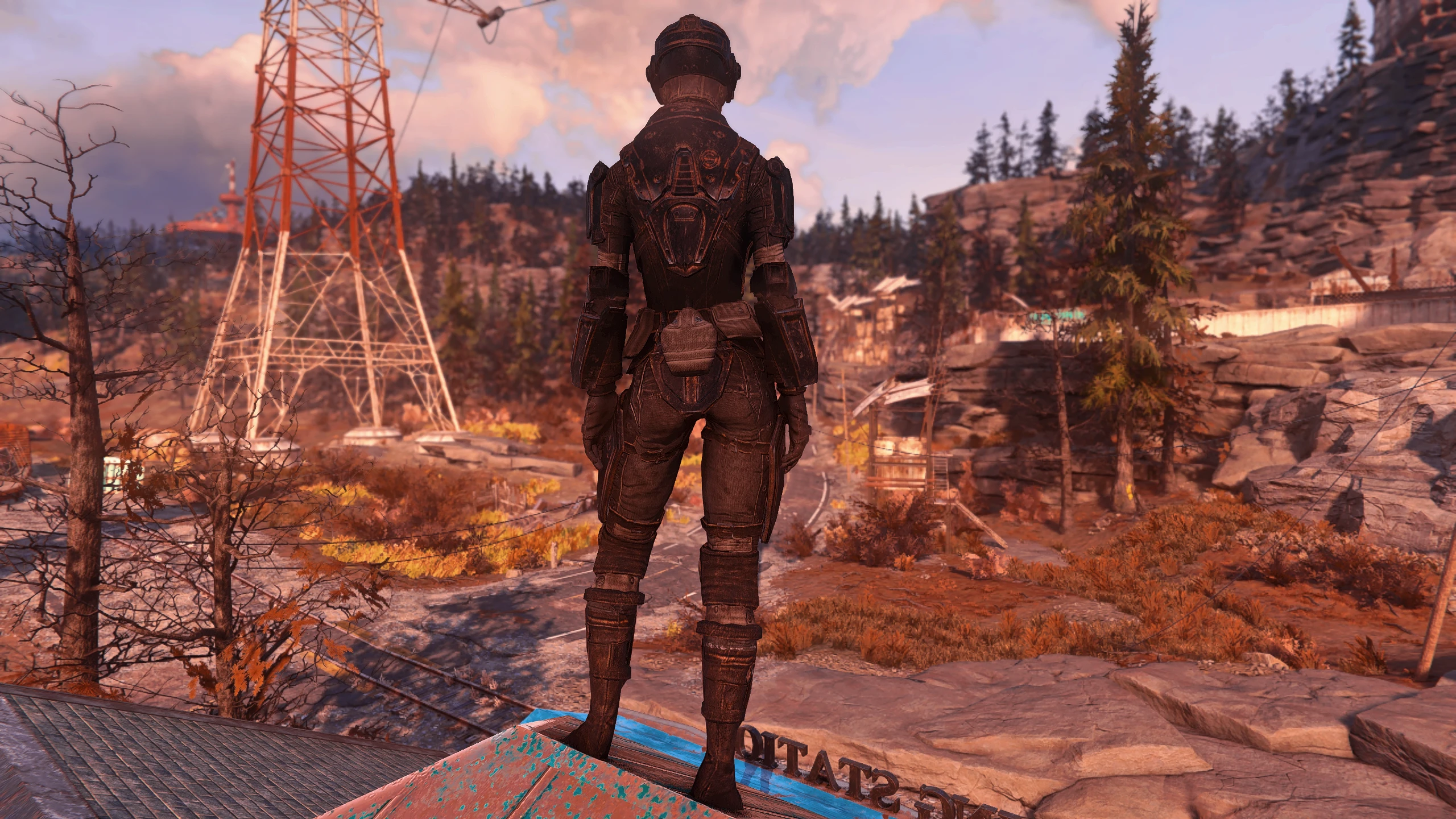
When your weapon is holstered, the camera will center on your character. When your weapon is not holstered, your crosshair will go to my custom settings for better combat and looting. This will also unlock how far your vanity camera can zoom out and how close it can zoom in.
Installation
If you already have a Fallout76Custom.ini, copy and paste the following at the end of your entries:
fPitchZoomOutMaxDist=0. 0000
fVanityModeMaxDist=1000. 0000
fVanityModeMinDist=50. 0000
f3rdPersonAimDist=40. 0000
f3rdPersonAimFOV=70. 0000
fOverShoulderMeleeCombatAddY=0. 0000
fOverShoulderMeleeCombatPosZ=5. 0000
fOverShoulderMeleeCombatPosX=40. 0000
fOverShoulderCombatAddY=0. 0000
fOverShoulderCombatPosZ=5. 0000
fOverShoulderCombatPosX=40. 0000
fOverShoulderPosZ=5. 0000
fOverShoulderPosX=0. 0000
fMinCurrentZoom=0. 0000
bApplyCameraNodeAnimations=0
If you do not have a Fallout76Custom.ini, download my file and extract the Fallout76Custom.ini to:
Documents\My Games\Fallout 76 folder
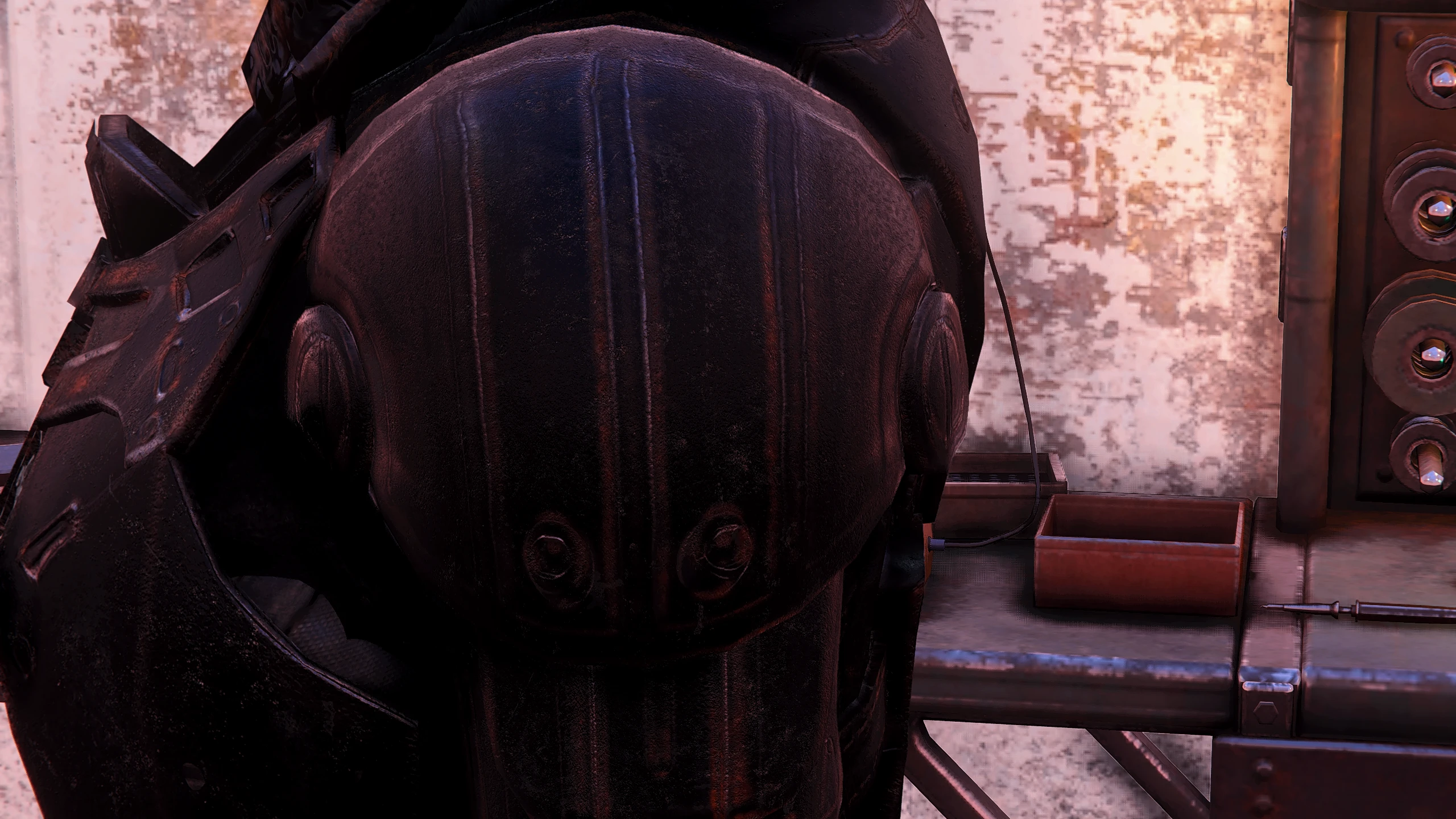
Some of these values can be tweaked to your personal preference, but do so at your own risk. Changes in the wrong entry can throw off other settings, making for a bad experience. Also, power armor is close to the right shoulder when sneaking and zoomed in. The old pa offset entry from Fallout 4 is not working with this game. Let me know if you discover what the new entry is so I can update my file and description. For now, go 1st person when sneaking with power armor or raise the fOverShoulderMeleeCombatPosX and fOverShoulderCombatPosX by 5 or 10. Changing this will affect the non-pa camera position, as well.
If you don't want the zoom-out/in entries, just delete these lines:
fPitchZoomOutMaxDist=0. 0000
fVanityModeMaxDist=1000. 0000
fVanityModeMinDist=50. 0000
A gameplay tweak that centers the camera when your weapon is holstered and shifts it to the side when drawn, while also extending the zoom-out distance significantly. With 142 endorsements and 3,004 downloads, it's a niche utility for players who want better visibility and a more dynamic camera angle.
✨ Key Features
📊 Pros & Cons
✅ Pros
- Community-tested with 142 endorsements and 3,004 downloads
- Simple, focused tweak that improves visibility and camera control
- Lightweight and likely easy to install
⚠️ Cons
- Last updated in 2018 — may be outdated for current game versions
- Limited to camera behavior; no other gameplay changes
For players who want a more cinematic or practical camera angle when exploring with weapons holstered, and who value a wider zoom-out for better situational awareness. Skip if you're looking for major gameplay overhauls — this is a small quality-of-life tweak.
💡 Beginner Tips
- Check if the mod requires a mod manager or manual installation; if manual, place files in the correct game directory.
- Since it's from 2018, test it in your current game version to ensure compatibility before relying on it.
- If the camera behavior feels off, try adjusting in-game camera settings to complement the mod.
📊 Mod Details
- Game
- Fallout 76 Mods
- Author
- ThatSpartacusGuy
- Version
- 1
- Downloads
- 3,004
- Endorsements
- 142
- Category
- Gameplay Effects and Changes
- Created
- 11/20/2018
- Updated
- 11/20/2018
🔧 How to Install Fallout 76 Mods
Use Vortex. Place .ba2 files in Data folder. Use cautiously online.
📖 Full step-by-step install guide for Fallout 76 →
Visit the official mod page for specific installation instructions for this mod.
🎮 Need cheat codes or console commands? Check ur gaming wiki for Fallout 76 commands, item IDs, and more.
Keep browsing — more Fallout 76 mods await