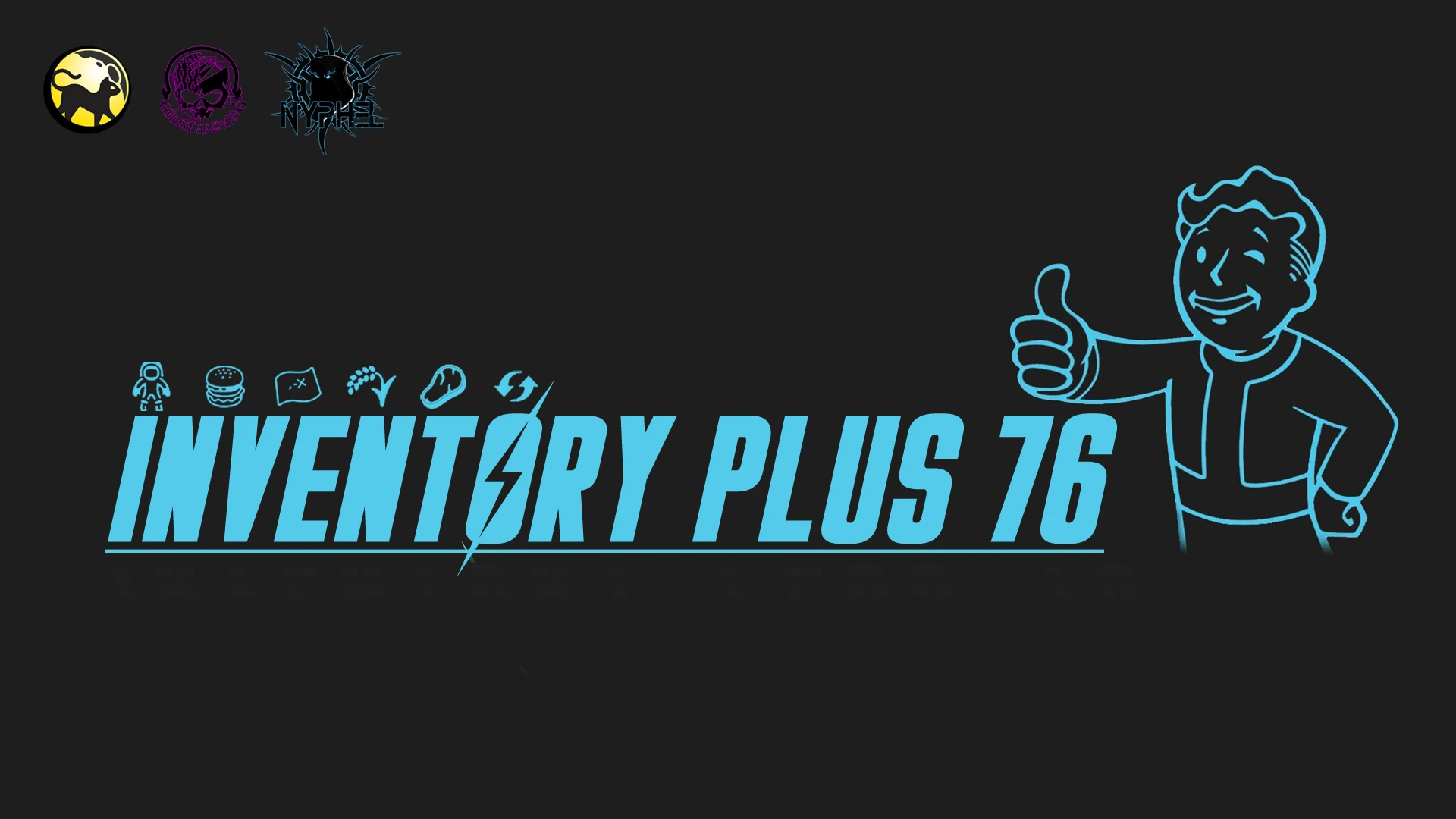
Inventory Plus 76
⚪ Last updated 2022Preview
🔍 Analysis
- 👍 3.2% endorsement rate — high engagement, a strong quality signal
- 🏆 #52 of 116 User Interface mods in this game by downloads
📋 About This Mod
Versione: INVENTORY PLUS 76 - 11 - Fallout 76 v 1. 7. 1. 19 - Compatible Fallout 1st
Multi: DE-EN-ES-ESMX-FR-IT-JA-KO-PL-PTBR-RU-ZHHANS-ZHHANT
Questa mod è pensata per rendere la gestione dell’inventario del tuo Pip-Boy più semplice ed intuitiva.
I tag ti permetto di tenere tutti i tuoi oggetti in ordine e reperirli facilmente, inoltre, esaminando quelli sparsi per l’ambientazione saprai in anteprima quali materiali otterrai riciclando quello specifico oggetto.
This mod is designed to make the management of your Pip-Boy inventory easier and more intuitive.
Tags allow you to keep all your items in order and find them easily, moreover, examining those scattered around the setting you'll know which preview materials you will get by recycling that specific item.
The Text Tag function is only available for the Italian version, the Icon Tag function is available in multiple languages.
ME0yy_F4h_sVideo by Nyphel Isilmith
Funzionalità per lingua ITA:
- Gestione rapida inventario con aggiunta di 60 TAG personalizzati testuali
- Gestione rapida inventario con aggiunta di 60 TAG Icone
- Anteprima dei materiali ottenibili
Functionality for other languages (DE-EN-ES-ESMX-FR-IT-JA-KO-PL-PTBR-RU-ZHHANS-ZHHANT):
- Preview of the material obtainable
________________________________________________________________________________
Installazione- Copiare il contenuto del file scaricato nella rispettiva cartella di installazione del gioco (es. C:\Program Files (x86)\Bethesda.net Launcher\games\Fallout76 )
- Installare i Tag Immagine con xTraslator "Header Wizard" (solo per versione con tag immagini)
- Avviare il gioco
- Install Image Tags with xTraslator "Header Wizard" (only for version with image tags)
- Start the game
________________________________________________________________________________
Tool Richiesto
xTranslator 1. 3. 6+
Utilizzare lo strumento "Header Wizard" di xTranslator per l'installazione
Mini Guida per l'installazione: https://www.nexusmods.com/fallout76/articles/29
Assicuratevi di avere la versione di 'Xtraslator v1. 3. 6 o superiore', dopo l'aggiornamento 'Fallout 1. 6. 0. 17' è necessario utilizzare la nuova versione di 'Xtraslator (v1. 3. 6 o superiore)'. cosi da poter visualizzare correttamente le icone.
Tools Required
xTranslator 1. 3. 6+
Use xTranslator "Header Wizard" tool for install
Mini Guide for install: https://www.nexusmods.com/fallout76/articles/29
Make sure you have the version of 'Xtraslator v1. 3. 6 or higher', after update 'Fallout 1. 6. 0. 17' you need to use the new version of 'Xtraslator (v1. 3. 6 or higher)'. so that the icons can be displayed correctly.
xTranslator "Header Wizard" tool Video Tutorial
RoooeGjTyDc
Video By Palpalich
________________________________________________________________________________
Inventory Plus 76 enhances Pip-Boy inventory management with 60 customizable tags and material previews for recycled items. Full text tags are Italian-only, while icon tags and material previews work across 13 languages. A niche utility with 336 endorsements and 10,452 downloads, last updated in November 2022.
✨ Key Features
📊 Pros & Cons
✅ Pros
- Solid community trust with 336 endorsements and over 10k downloads.
- Material preview is a real time-saver for scrapping junk efficiently.
- Icon tags work across all supported languages, so non-Italian speakers still get value.
⚠️ Cons
- Text tags are locked to Italian only—English and other players miss out on that feature.
- Requires xTranslator 'Header Wizard' for image tags, which adds setup complexity.
- Last updated in 2022—may not work with newer Fallout 76 patches.
For Fallout 76 players who hoard junk and want to see scrap yields before picking up items. Also for Italian speakers who want deeper inventory sorting with text tags. Skip if you're fine with vanilla inventory and don't want extra setup.
💡 Beginner Tips
- Disable the game's anti-cheat or use a mod manager if needed—Fallout 76 mods often require manual installation into the game folder.
- If you're not Italian, stick to the icon tag version to avoid missing features.
- Use xTranslator's Header Wizard exactly as described to avoid broken image tags.
📊 Mod Details
- Game
- Fallout 76 Mods
- Author
- Ghosthacking - Nyphel
- Version
- 11.1
- Downloads
- 10,452
- Endorsements
- 336
- Category
- User Interface
- Created
- 12/2/2018
- Updated
- 11/1/2022
🔧 How to Install Fallout 76 Mods
Use Vortex. Place .ba2 files in Data folder. Use cautiously online.
📖 Full step-by-step install guide for Fallout 76 →
Visit the official mod page for specific installation instructions for this mod.
🎮 Need cheat codes or console commands? Check ur gaming wiki for Fallout 76 commands, item IDs, and more.
Keep browsing — more Fallout 76 mods await