Better Auto Patch for Better Inventory
⚪ Last updated 2024⚠️ Install Order · 1 step
Install in this order, then this mod last — most mods fail to load without their framework and dependencies in place.
Preview
🔍 Analysis
- 👍 3.1% endorsement rate — high engagement, a strong quality signal
- 🏆 #34 of 116 User Interface mods in this game by downloads
📋 About This Mod
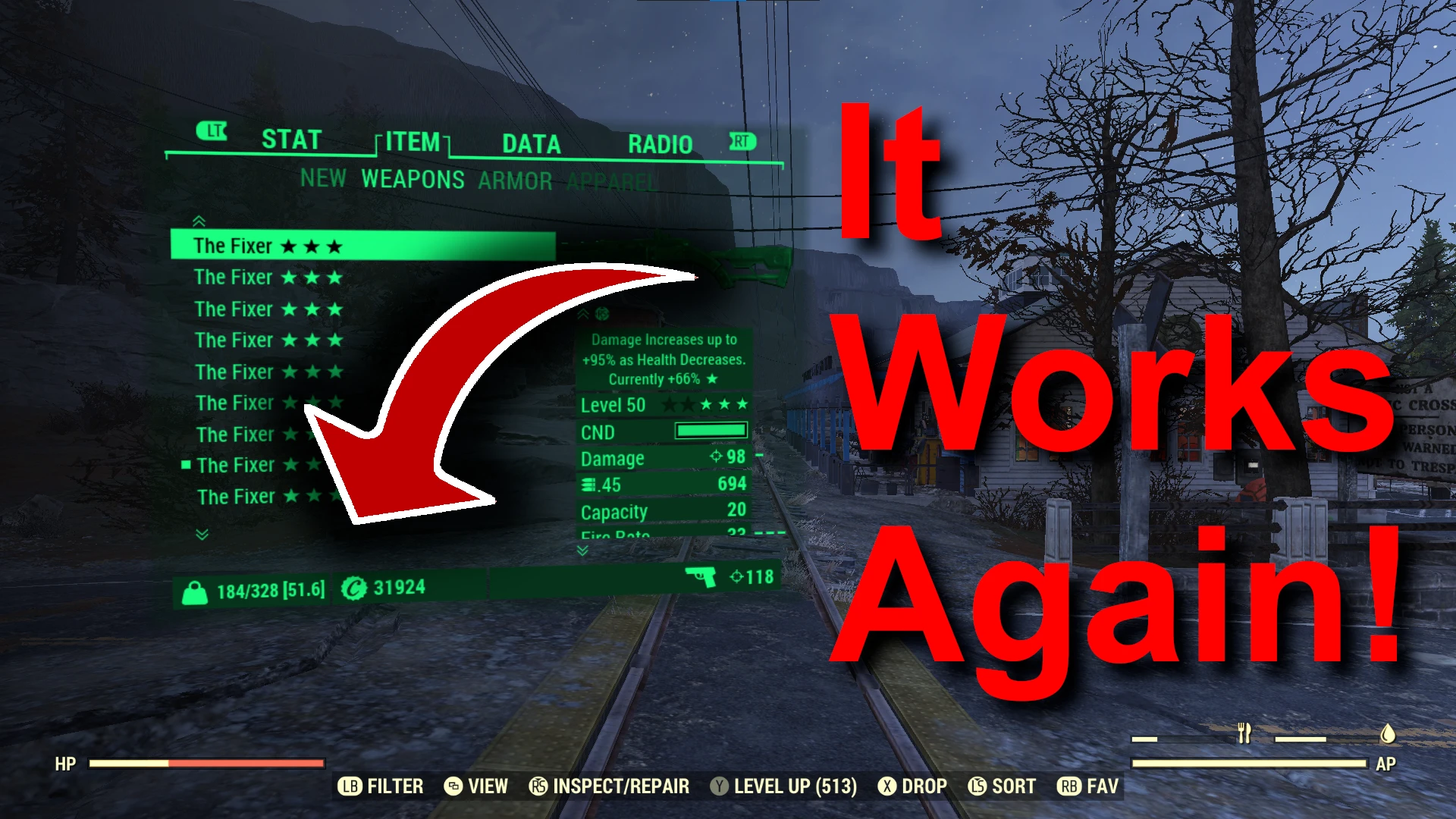
Better Inventory hasn't been updated in over a year now, some things have changed in the game and the last version 1. 5. 5 is no longer compatible with Fallout 76. The design of Better Inventory was quite well done, the underlying code still works but the integration between the mod an the pipboy interface broke when Bethesda added the extra info to the itemcard for weapons an armor a couple patches ago. The autopatcher for better inventory could be modified to work with the latest game version, but is not a one-click solution. This is my attempt at making a.... 3 click solution autopatcher that should continue working in the future. Due to the permission restrictions on the better inventory you will need to download the last version of betterinventory and copy it to the unzipped BetterAutopatch folder. You will also need to supply the latest interface file from fallout76 every time fallout76 updates (located at <Fallout76 Install Folder>\Data\SeventySix - Interface.ba2)
Better Auto Patch for Better Inventory is a utility that patches the outdated Better Inventory mod for Fallout 76, fixing compatibility with recent game updates. It requires manual setup, including copying Better Inventory files and the latest interface file. With 585 endorsements and 18,984 downloads, it's a community-maintained solution for keeping the UI mod functional.
✨ Key Features
📊 Pros & Cons
✅ Pros
- Community-trusted with 585 endorsements and nearly 19k downloads
- Solves a real problem: Better Inventory is broken without this patch
- Autopatcher aims to be future-proof, saving you time on updates
⚠️ Cons
- Not a one-click install — you must manually copy files and supply the interface file after every game update
- Requires you to download Better Inventory separately due to permission restrictions
- No detailed instructions provided, so setup might be tricky for less technical users
For Fallout 76 players who rely on Better Inventory and want to keep it working after recent patches. If you're comfortable with manual file copying and don't mind a bit of setup, this is essential. Skip if you don't use Better Inventory or prefer a fully automated solution.
💡 Beginner Tips
- Make sure to download the latest version of Better Inventory from its original page and copy it into the unzipped BetterAutopatch folder as instructed.
- After each Fallout 76 update, grab the new SeventySix - Interface.ba2 from your game's Data folder and replace the old one in the patch folder.
- If the patch doesn't work after a game update, double-check that you're using the correct interface file version — the mod depends on it.
📊 Mod Details
- Game
- Fallout 76 Mods
- Author
- linuxverison
- Version
- 1.1.0
- Downloads
- 18,984
- Endorsements
- 585
- Category
- User Interface
- Created
- 12/13/2023
- Updated
- 4/29/2024
🔧 How to Install Fallout 76 Mods
Use Vortex. Place .ba2 files in Data folder. Use cautiously online.
📖 Full step-by-step install guide for Fallout 76 →
Visit the official mod page for specific installation instructions for this mod.
🎮 Need cheat codes or console commands? Check ur gaming wiki for Fallout 76 commands, item IDs, and more.
Keep browsing — more Fallout 76 mods await