Kill Tips and Hit Indicator Sound
🟡 Updated this year⚠️ Install Order · 2 steps
Install in this order, then this mod last — most mods fail to load without their framework and dependencies in place.
Preview
🔍 Analysis
- 👍 1.5% endorsement rate — high engagement, a strong quality signal
- 🏆 #41 of 110 User Interface mods in this game by downloads
📋 About This Mod
dPF-IvxsKv0
Visit previous videos for demo effects before v1. 4
Y-ZxXBwjW48
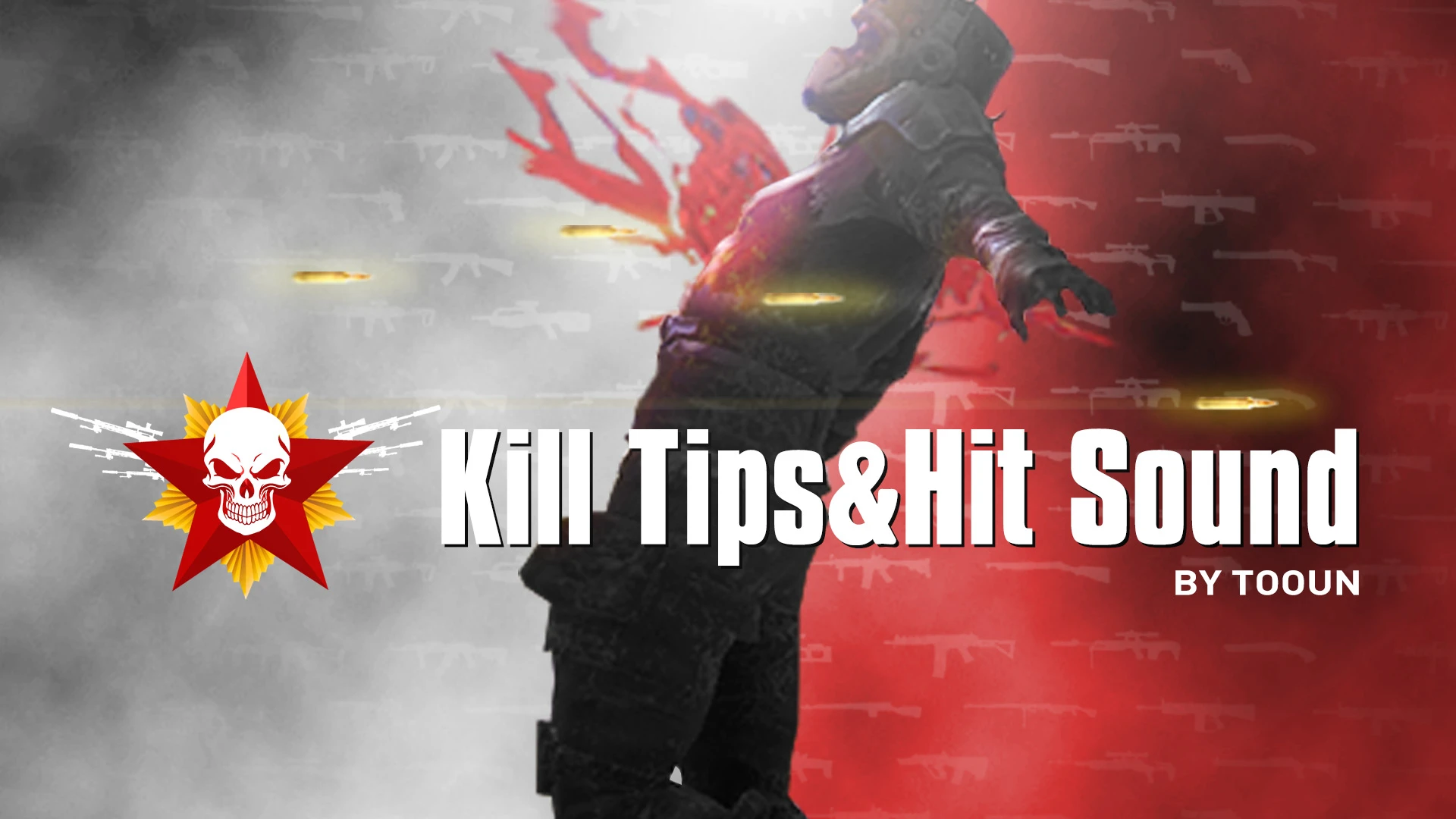
Hit Indicator Sound: Increase the sense of attack for shooting!! Imitation of the mainstream game , , . The sound after the bullet hit
Kill Tips: Feedback after killing the enemy
Icons already support most of the Nexusmods popular weapons,
defaulting that other weapons will display skulls.
I drew all the weapon icons myself. This mod will be constantly updated
Console commands :
Kill Tips UI set X position : cqf hudKILLTIPStooun SetPosX <x>
(You can customize the x-axis position of the Kill Tips UI , For example, 21:9 users want to center )
BPM UI set position : cqf MCM_KILLTIPS SetPos <x> <y>
This UI mod enhances shooting feedback in Fallout 4 by adding hit indicator sounds inspired by mainstream games like COD MW, Ghost Recon Wildlands, and Far Cry 5, plus kill tips for enemy elimination feedback. With 8,391 endorsements and 555,238 downloads, it's a popular choice for players seeking more impactful combat audio.
✨ Key Features
📊 Pros & Cons
✅ Pros
- Huge community trust: 8,391 endorsements and over half a million downloads.
- Adds satisfying audio feedback that makes gunfights feel more impactful.
- Simple UI mod that doesn't require complex setup or dependencies.
⚠️ Cons
- May not be compatible with other UI mods that alter HUD elements or sound files.
- Last updated in January 2026 — could be outdated if the game has received patches since then.
For Fallout 4 players who want a more arcade-like shooting feel with audio cues similar to mainstream shooters. Great for those who enjoy combat feedback and want to enhance their gameplay experience without major overhauls. Skip if you prefer vanilla audio or are using extensive UI overhauls that might conflict.
💡 Beginner Tips
- If you're using a mod manager like Vortex or NMM, install this mod through the manager to keep your load order clean.
- Check if you have other sound or UI mods installed that might override hit sounds — load order matters in Fallout 4.
- Test the hit sounds in a real firefight to see if they feel right; you can adjust game audio settings if needed.
📊 Mod Details
- Game
- Fallout 4 Mods
- Author
- tooun
- Version
- 2026.1.16
- Downloads
- 555,238
- Endorsements
- 8,391
- Category
- User Interface
- Created
- 10/16/2019
- Updated
- 1/16/2026
🧩 Commonly Used Together
Users add these mods to the same collections — a real compatibility signal, not an AI guess.
🔧 How to Install Fallout 4 Mods
Download from Nexus.
📖 Full step-by-step install guide for Fallout 4 →
Visit the official mod page for specific installation instructions for this mod.
🎮 Need cheat codes or console commands? Check ur gaming wiki for Fallout 4 commands, item IDs, and more.
Keep browsing — more Fallout 4 mods await