Visual Objectives (FOSE)
⚪ Last updated 2024This mod was updated after the recent game update — it should work on the current version. (Fallout 3 - Game Launcher Update)
⚠️ Install Order · 3 steps
Install in this order, then this mod last — most mods fail to load without their framework and dependencies in place.
Preview
🔍 Analysis
- 👍 0.9% endorsement rate
- ✅ Updated 11 days after the latest game patch — actively maintained
- 🏆 #9 of 82 User Interface mods in this game by downloads
📋 About This Mod
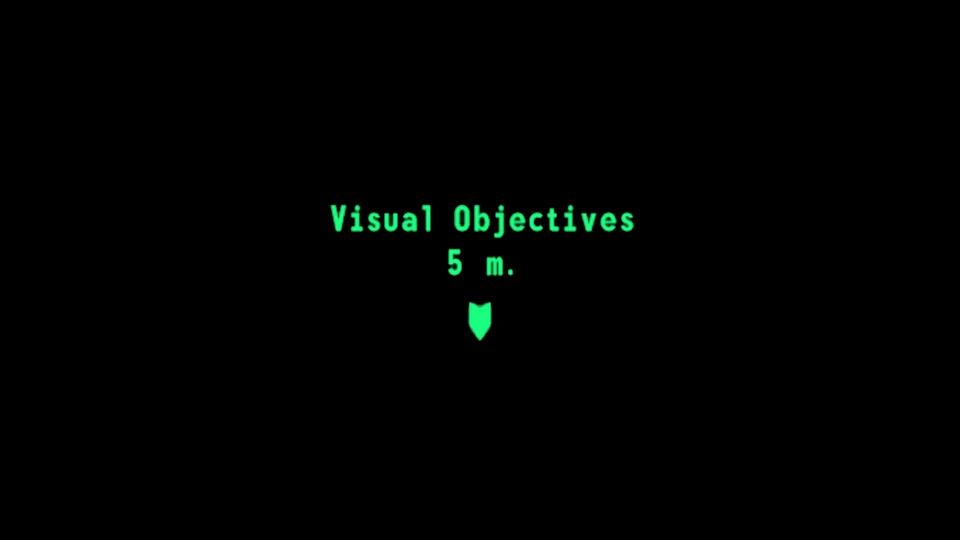
Adds floating markers for active quest objectives. Based on Just Visual Objectives for New Vegas, remade in a FOSE plugin with no performance impact.
Requirements:
-
[]FOSE 1. 3b2
[
]Command Extender[]Vanilla UI Plus - highly recommended, the mod is made with it in mind.
Configuration:
-
[]Edit F3VisualObjectives.ini.
-
[]Stentorious made a cleaned up version of the marker icon, consider giving it a try as well - Clean Visual Objectives.
- [
[]jazzisparis, luthien and lStewieAl for their work reverse-engineering New Vegas, which was essential for porting this mod.
[]carxt for their implementation of WorldToScreen.
Source code
If you like what i do, consider buying me a coffee.
-
[]Stentorious made a cleaned up version of the marker icon, consider giving it a try as well - Clean Visual Objectives.
-
[]Edit F3VisualObjectives.ini.
Visual Objectives (FOSE) adds floating markers for quest objectives in Fallout 4. It's a lightweight UI mod with 1,264 endorsements and over 137,000 downloads, last updated in June 2024. Ideal for players who want clearer quest navigation without overhauling the interface.
✨ Key Features
📊 Pros & Cons
✅ Pros
- Huge download count (137,807) shows it's a popular choice for quest navigation.
- Simple concept—floating markers—does exactly what it says with no bloat.
- Active development (last updated June 2024) means it's likely compatible with current game versions.
⚠️ Cons
- Requires FOSE, so you'll need to install that separately and keep it updated.
- Only adds markers—if you want more UI customization, this won't cover it.
For Fallout 4 players who get lost tracking quest objectives and want a straightforward visual aid. Perfect for those already using FOSE for other mods. Skip if you prefer minimal UI changes or don't want to mess with script extender dependencies.
💡 Beginner Tips
- Make sure FOSE is installed and launched via f4se_loader.exe, not the default launcher, or the mod won't work.
- Check your load order—this mod should be placed after any UI overhaul mods to avoid conflicts.
- If markers don't appear, verify that FOSE is updated to match your game version.
📊 Mod Details
- Game
- Fallout 3 Mods
- Author
- c6dev
- Version
- 1.6
- Downloads
- 137,807
- Endorsements
- 1,264
- Category
- User Interface
- Created
- 8/3/2022
- Updated
- 6/15/2024
🧩 Commonly Used Together
Users add these mods to the same collections — a real compatibility signal, not an AI guess.
🔧 How to Install Fallout 3 Mods
Download from Nexus.
📖 Full step-by-step install guide for Fallout 3 →
Visit the official mod page for specific installation instructions for this mod.
🎮 Need cheat codes or console commands? Check ur gaming wiki for Fallout 3 commands, item IDs, and more.
Keep browsing — more Fallout 3 mods await