Shut Up Pawns
⚪ Last updated 2024Preview
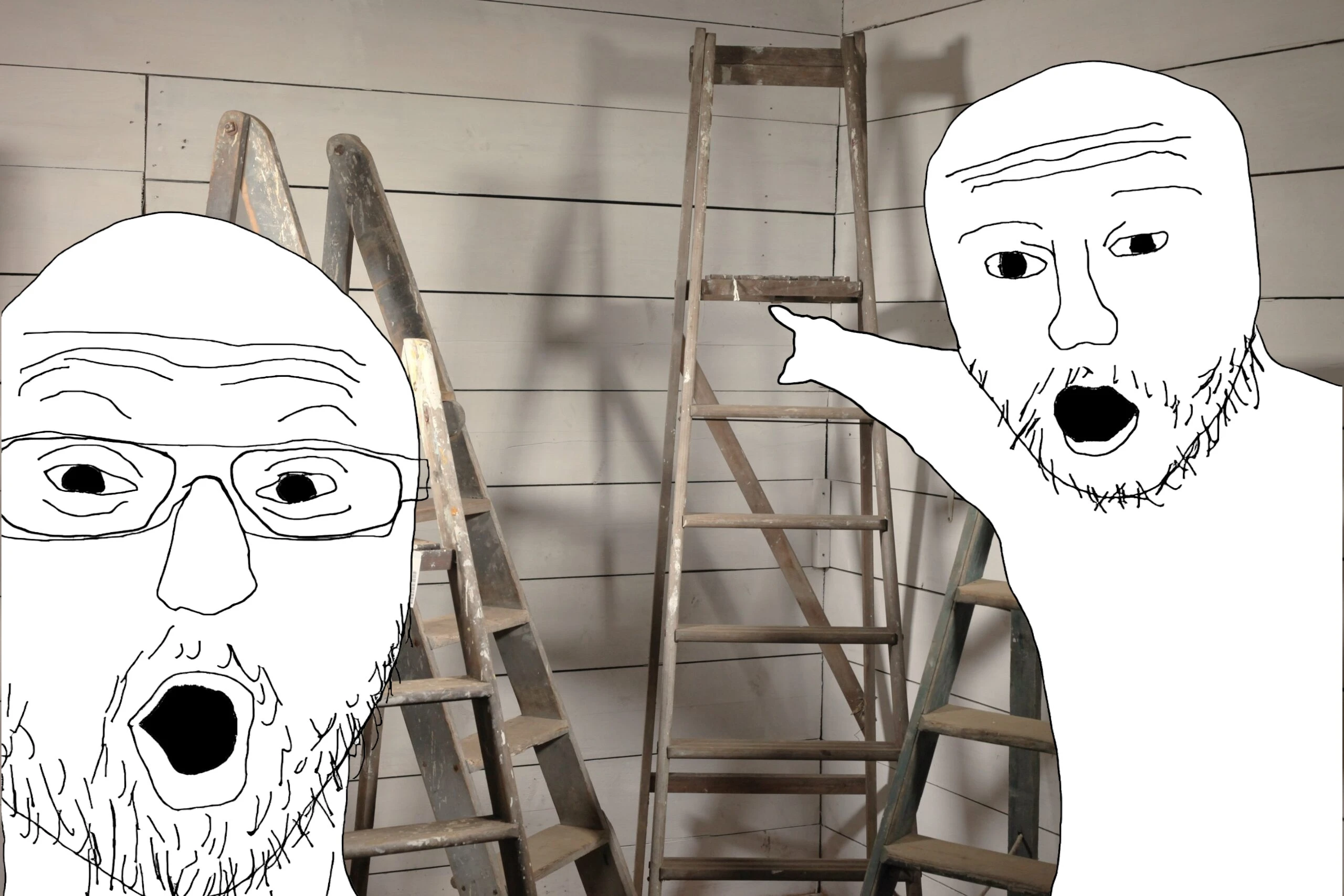
🔍 Analysis
- 👍 2.5% endorsement rate — high engagement, a strong quality signal
- 🏆 #57 of 392 Gameplay mods in this game by downloads
📋 About This Mod
# ShutUpPawns!
Can stop pawns from commenting on every ladder & chest they see, or any other annoying lines they decide to spout.
Also allows blocking highfives after battles, in case you've had enough of them taking control of your character every time.
Highfives can be setup to only allow after boss fights, or after a certain battle duration.
You can also set highfives to be always allowed for your main pawn while keeping sub-pawn highfives blocked, to help with main pawn affection gain.
Usage
Your blocklist can be configured via REFramework overlay (Insert key) > Script Generated UI > ShutUpPawns!Presets are included for blocking the ladder & chest dialogue, along with some other annoyingly common lines.
You can also set it to either always block that line (default), block only during a cooldown of X minutes, or block based on a "block chance" probability.
The overlay also includes a "message history" of the last 10 lines spoken by pawns, just press "Block" next to any that you're tired of seeing (and make sure to save your config after), and you'll see it no more.
(blocks will also affect most variants of the blocked line, there's no need to block each variation individually)
Blocklist is saved into reframework\data\dd2_ShutUpPawns.json, feel free to upload/share your settings with others!
Setup
-
[]Install REFramework onto your game
[
]Extract the ShutUpPawns ZIP into your game folder root (or add ZIP to Fluffy Mod Manager & enable it) - Run the game, and configure the mod via REFramework overlay > Script Generated UI > ShutUpPawns! section (make sure to click "Save Config" after making any changes!)
If game language is CN/JP/KO or a different non-Latin language, setup KeiSagano's JP Font mod for messages to show in the overlay properly.
Other Mods
Disable Mouse Acceleration - Disable the mouse deceleration when making slower mouse movements.Mouse Wheel Camera Distance - Add some new features to your mouse.
Dialogue Auto Advance - Allows dialogue to advance naturally, no need to keep pressing Next each time.
Shut Up Pawns is a gameplay mod for Dragon's Dogma 2 that silences repetitive pawn dialogue and blocks high-fives. It acts like an ad-blocker for pawn chatter, giving players control over the most annoying voice lines. With 440 endorsements and 17,315 downloads, it's a popular quality-of-life fix.
✨ Key Features
📊 Pros & Cons
✅ Pros
- Community favorite with 440 endorsements and over 17k downloads.
- Directly targets the most complained-about pawn behaviors.
- Simple concept that solves a real annoyance.
⚠️ Cons
- Last updated in April 2024 — may not be compatible with future game patches.
- Only addresses dialogue and high-fives, not other pawn quirks.
For Dragon's Dogma 2 players who are tired of hearing the same pawn lines on repeat. If you've ever muted your game or wanted to throw a pawn off a cliff for saying 'They're masterworks all' one more time, this mod is for you. Skip if you enjoy the chatter or want more comprehensive pawn behavior tweaks.
💡 Beginner Tips
- Make sure to back up your save before installing any mod, just in case.
- If you're using other mods, check for compatibility with Shut Up Pawns.
- After installing, launch the game and test if the dialogue is actually blocked — if not, verify the mod is placed in the correct folder.
📊 Mod Details
- Game
- Dragonsdogma2 Mods
- Author
- emoose
- Version
- 2.1
- Downloads
- 17,315
- Endorsements
- 440
- Category
- Gameplay
- Created
- 3/28/2024
- Updated
- 4/9/2024
🔧 How to Install Dragon's Dogma 2 Mods
Download from Nexus Mods.
📖 Full step-by-step install guide for Dragon's Dogma 2 →
Visit the official mod page for specific installation instructions for this mod.
🎮 Need cheat codes or console commands? Check ur gaming wiki for Dragon's Dogma 2 commands, item IDs, and more.
Keep browsing — more Dragon's Dogma 2 mods await