REFramework
⚪ Last updated 2024Preview
🔍 Analysis
- 👍 1.7% endorsement rate — high engagement, a strong quality signal
- 🏆 #1 of 67 Utilities mods in this game by downloads
📋 About This Mod
For up-to-date information, head to the GitHub page. For bug reporting guidelines, read the Wiki
For information on the scripting and plugin API, check out the wiki
For examples of what the scripting system can do, check out the Example scripts and the many mods for Monster Hunter Rise making use of REFramework.
To install, simply extract dinput8.dll from the zip file into your Dragon's Dogma 2 game install folder.
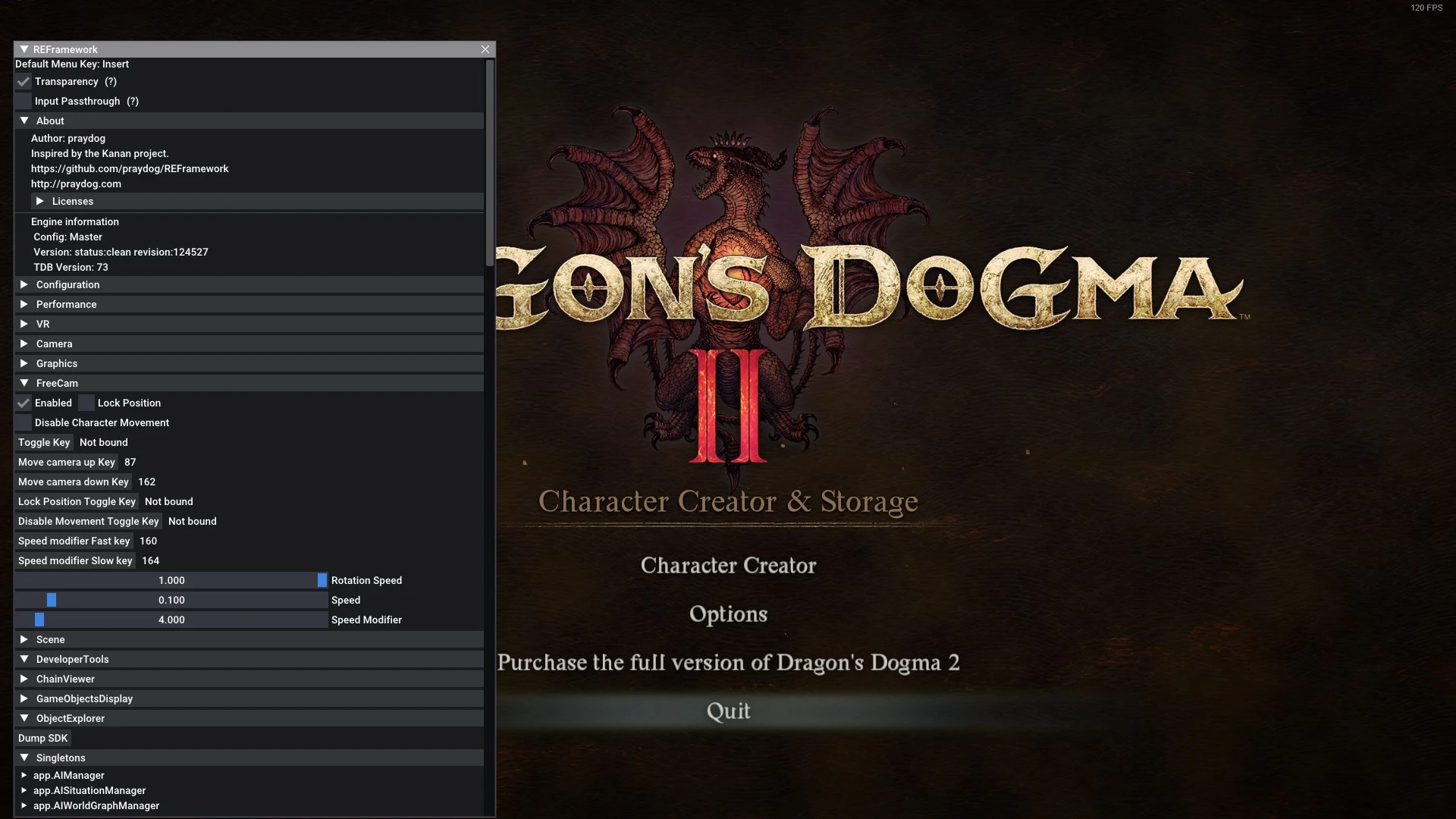
You can open the menu with the Insert key.
Scripts can be installed in the "reframework/autorun" folder.
Plugins can be installed in the "reframework/plugins" folder. Loose DLL files
with no REF functionality can be loaded in here too.
If REFramework cannot access the current game directory for any reason, all
of its files will then be used from "%APPDATA%/REFramework" instead.
Scripts and plugins will need to be placed in there instead.
To uninstall REFramework temporarily, simply remove the dinput8.dll file from your game directory.
To completely remove it along with ALL mods, you will need to delete the
reframework folder, re2_fw_config.txt, re2_framework_log.txt, and
reframework_crash.dmp as well (if it exists).
This page may not be updated frequently. Use the GitHub page as an always up-to-date resource.
Modding Haven Discord
REFramework is a powerful modding framework for PC games, offering a Lua scripting API, FreeCam, Timescale, FOV, and VR support. It's essential for mod developers and players seeking advanced tools. With 11,441 endorsements and 679,612 downloads, it's a highly popular utility.
✨ Key Features
📊 Pros & Cons
✅ Pros
- Huge community trust with 11,441 endorsements and over 679k downloads
- All-in-one toolkit: FreeCam, timescale, FOV, and VR in one package
- Lua scripting API opens endless possibilities for custom mods
⚠️ Cons
- Not a standalone mod—requires technical know-how to use effectively
- No specific game compatibility listed, so you'll need to check if your game is supported
- Last updated July 2024—may lag behind latest game updates
For mod developers and tech-savvy players who want to create or use Lua-based mods, plus those who want built-in FreeCam, timescale, FOV, and VR features. Skip if you're looking for a simple gameplay mod—this is a framework, not a content pack.
💡 Beginner Tips
- Check the mod's documentation or forum threads to see which games are officially supported before installing.
- If you're new to Lua, start with existing scripts to learn the API before writing your own.
- Use the built-in FreeCam and timescale tools to test mods in real-time without restarting the game.
📊 Mod Details
- Game
- Dragonsdogma2 Mods
- Author
- praydog
- Version
- Nightly976
- Downloads
- 679,612
- Endorsements
- 11,441
- Category
- Utilities
- Created
- 3/12/2024
- Updated
- 7/1/2024
🔗 Required By 5 Mods
These mods list this mod as a dependency.
🧩 Commonly Used Together
Users add these mods to the same collections — a real compatibility signal, not an AI guess.
🔧 How to Install Dragon's Dogma 2 Mods
Download from Nexus Mods.
📖 Full step-by-step install guide for Dragon's Dogma 2 →
Visit the official mod page for specific installation instructions for this mod.
🎮 Need cheat codes or console commands? Check ur gaming wiki for Dragon's Dogma 2 commands, item IDs, and more.
Keep browsing — more Dragon's Dogma 2 mods await