Dialogue Auto Advance
⚪ Last updated 2024Preview
🔍 Analysis
- 👍 1.9% endorsement rate — high engagement, a strong quality signal
- 🏆 #7 of 81 User Interface mods in this game by downloads
📋 About This Mod
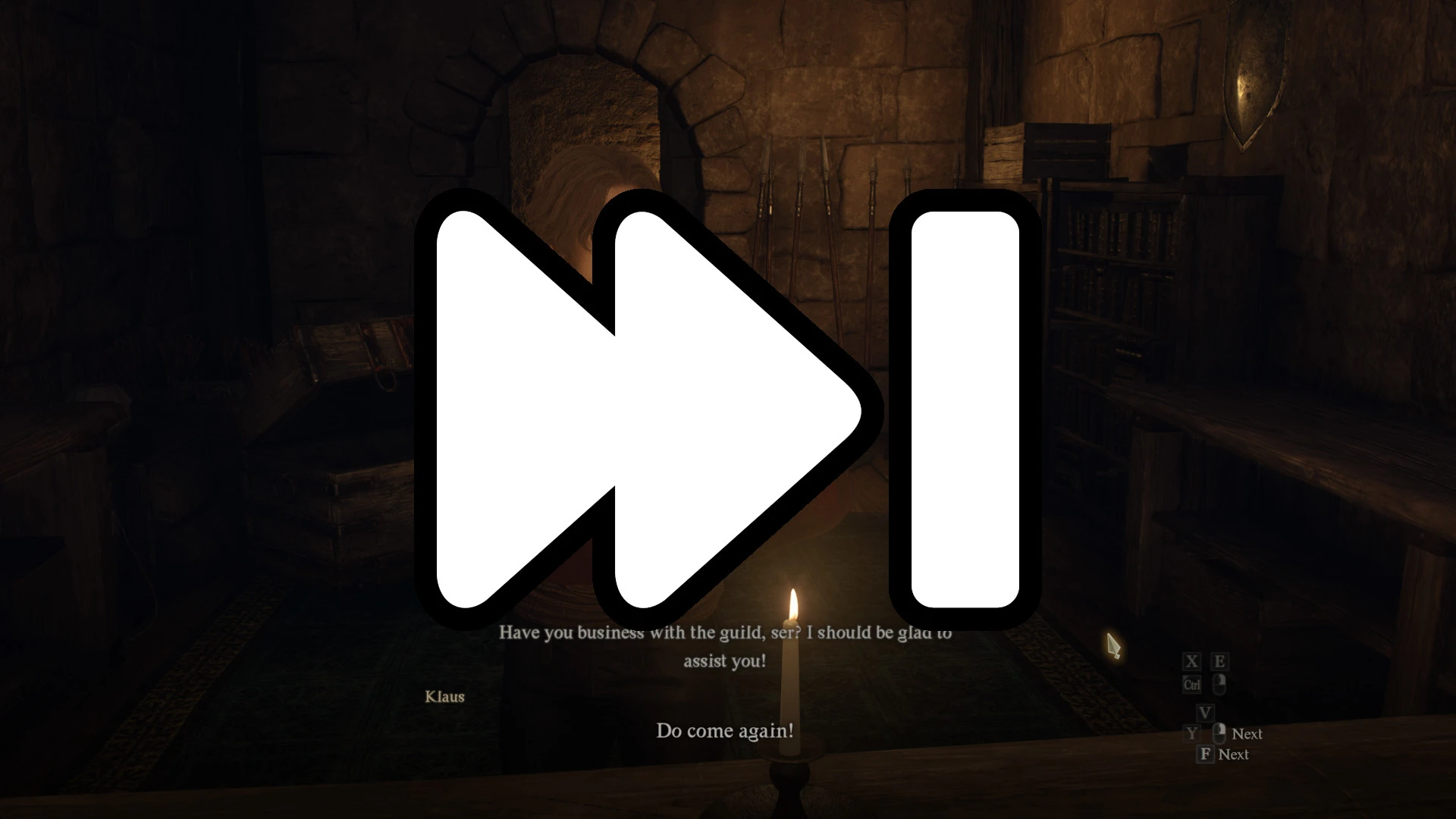
Allows NPC dialogue to auto-advance each line without needing to keep pressing Next, since the game can't do that itself for some reason.
By default it'll advance right after NPC has finished their line, but you can setup a delay before advancing via the REFramework overlay.
Works well with all the NPCs I tried with, but there could always be some special case that has issues, please let me know if you find anything broken with it!
Setup
-
[]Install REFramework onto your game
[
]Extract the DialogueAutoAdvance ZIP into your game folder root (or add ZIP to Fluffy Mod Manager & enable it) - Run the game, and now any dialogues should proceed automatically.
Other Mods
Disable Mouse Acceleration - Disable the mouse deceleration when making slower mouse movements.ShutUpPawns! - Block repetitive annoying dialogues, block pawn high-fives, uBlock Origin for pawns.
Mouse Wheel Camera Distance - Add some new features to your mouse.
Dialogue Auto Advance is a user interface mod for Skyrim that automatically advances dialogue, removing the need to press the Next button repeatedly. With 601 endorsements and over 31,000 downloads, it's a popular quality-of-life improvement for players who find dialogue clicking tedious.
✨ Key Features
📊 Pros & Cons
✅ Pros
- Community-approved with 601 endorsements and over 31,000 downloads — clearly a mod people trust.
- Saves your mouse finger during long conversations — no more spam-clicking through dialogue.
- Simple and focused: does one thing and does it well, no bloat.
⚠️ Cons
- May not work with mods that alter dialogue UI or add custom dialogue menus — compatibility is unverified.
- Last updated in April 2024 — could break with future Skyrim updates, though likely fine for now.
For Skyrim players who hate clicking through dialogue and want a smoother narrative experience. Perfect for roleplayers who want to sit back and enjoy conversations. Skip if you prefer manual control over dialogue pacing or use heavy dialogue overhaul mods.
💡 Beginner Tips
- If you use a mod manager like Vortex or Mod Organizer 2, install this mod through the manager to keep your load order clean.
- Test the mod in a conversation early in the game to see if it conflicts with any dialogue UI mods you have.
- Check the mod's posts section on Nexus for any user-reported compatibility notes, since the author didn't provide instructions.
📊 Mod Details
- Game
- Dragonsdogma2 Mods
- Author
- emoose
- Version
- 1.1
- Downloads
- 31,703
- Endorsements
- 601
- Category
- User Interface
- Created
- 3/29/2024
- Updated
- 4/13/2024
🧩 Commonly Used Together
Users add these mods to the same collections — a real compatibility signal, not an AI guess.
🔧 How to Install Dragon's Dogma 2 Mods
Download from Nexus Mods.
📖 Full step-by-step install guide for Dragon's Dogma 2 →
Visit the official mod page for specific installation instructions for this mod.
🎮 Need cheat codes or console commands? Check ur gaming wiki for Dragon's Dogma 2 commands, item IDs, and more.
Keep browsing — more Dragon's Dogma 2 mods await