Lock-On Combat with Dodge
🟠 Updated over a year agoPreview
🔍 Analysis
- 👍 1.8% endorsement rate — high engagement, a strong quality signal
- 🏆 #11 of 392 Gameplay mods in this game by downloads
📋 About This Mod
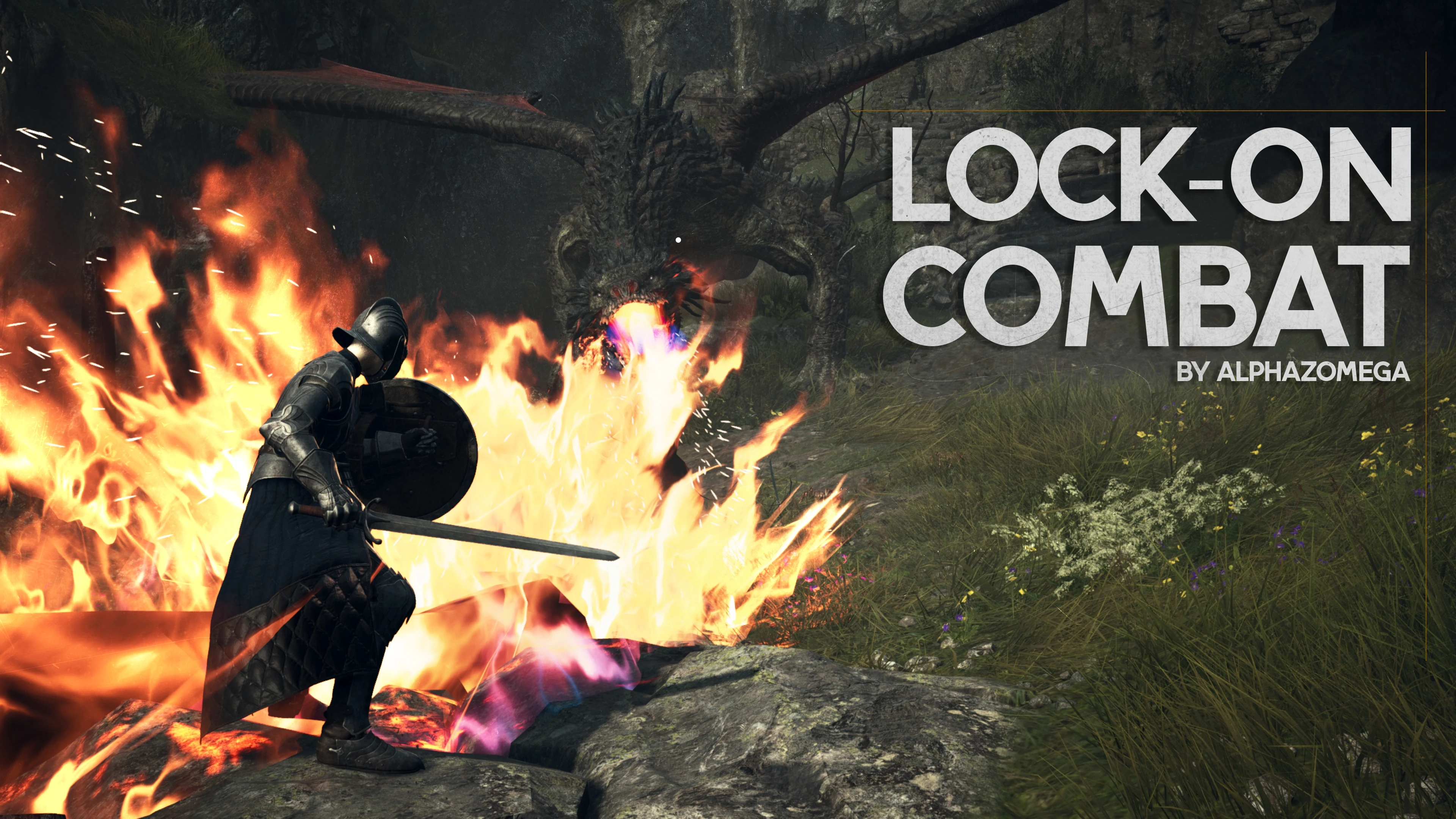
This as a REFramework mod adds a lock on camera system to Dragon's Dogma 2. Look towards an enemy and click in the right analog stick to lock on to them. Then push the stick to the left to switch to another target to the left of your current one, or to the right for one to the right. Push the stick up and down to change which joint on the enemy is locked-on to.
Lock on can also be enabled temporarily while holding down a button (default L1).
There is a button you can double tap to perform a Thief Dodge at any time (default Circle)
The dodge can also be changed to a Hindsight Roll, from the Warrior's Hindsight Slash ability
Pressing dodge while sprinting will trigger a Sliding Dodge that damages enemies, and holding it will extend the length of the dodge, as will sliding downhill.
Additionally, there are options for changing the camera's distance to the player, its field of view, and its offset position.
The mod also features a "Drift Camera", where the camera will move to the left or the right of the player depending on if you're running left or right. This feature has many settings and is similar to the camera in Horizon Zero Dawn.
There is also a slow-motion parry option for fighters, and the ability to disable soft-lock (automatic tracking of nearby enemies) during combat.
An option to display enemy life bars through walls and whenever enemies are locked-on to or damaged (optionally through walls) is also available.
NOTICE:
ALSO:
Sliding dodge
Installation
-
[]Get REFRamework and put its dinput8.dll into your game folder
[
]Get Fluffy Mod Manager from Here[]Place the mod download file in your Fluffy Mod Manager mods folder for this game
[]Get _ScriptCore and drop it in your mods folder next to Lock On Combat's RAR
[]Install "_ScriptCore" and then install "Lock On Combat" from the mods list in Fluffy Mod Manager
[]Get REFRamework and p
Lock-On Combat with Dodge enhances Dragons Dogma 2 gameplay by adding lock-on targeting and dodge mechanics, along with sliding, rolling, no-soft-lock, lifebar display, and a third-person camera controller. With 1,365 endorsements and 77,478 downloads, it's a popular gameplay overhaul for players seeking more action-oriented combat.
✨ Key Features
📊 Pros & Cons
✅ Pros
- Popular with the community (1,365 endorsements) and widely downloaded (77k+).
- Adds multiple combat enhancements in one mod—lock-on, dodge, and camera control.
- Recent update (Nov 2024) suggests active maintenance and compatibility with current game version.
⚠️ Cons
- May require configuration to suit individual playstyles, but no setup guide is included.
- Potential compatibility issues with other gameplay mods are not documented.
For Dragons Dogma 2 players who want a more action-oriented combat experience with precise targeting and evasive options. Ideal for those who enjoy Souls-like mechanics and want to customize their camera and targeting behavior. Skip if you prefer the vanilla combat system or don't want to tweak settings.
💡 Beginner Tips
- Check the mod's page for any hidden requirements or load order notes, as the description is sparse.
- Test the lock-on and dodge mechanics in a low-stakes area to get a feel for the new timing.
- Adjust the third-person camera controller settings to your preference for better visibility during combat.
📊 Mod Details
- Game
- Dragonsdogma2 Mods
- Author
- alphaZomega
- Version
- 1.15
- Downloads
- 77,478
- Endorsements
- 1,365
- Category
- Gameplay
- Created
- 3/27/2024
- Updated
- 11/23/2024
🔧 How to Install Dragon's Dogma 2 Mods
Download from Nexus Mods.
📖 Full step-by-step install guide for Dragon's Dogma 2 →
Visit the official mod page for specific installation instructions for this mod.
🎮 Need cheat codes or console commands? Check ur gaming wiki for Dragon's Dogma 2 commands, item IDs, and more.
Keep browsing — more Dragon's Dogma 2 mods await