Majestic Greatsword of Artorias
⚪ Last updated 2015Preview
🔍 Analysis
- 👍 4.7% endorsement rate — high engagement, a strong quality signal
- 🏆 #20 of 172 User Interface mods in this game by downloads
📋 About This Mod
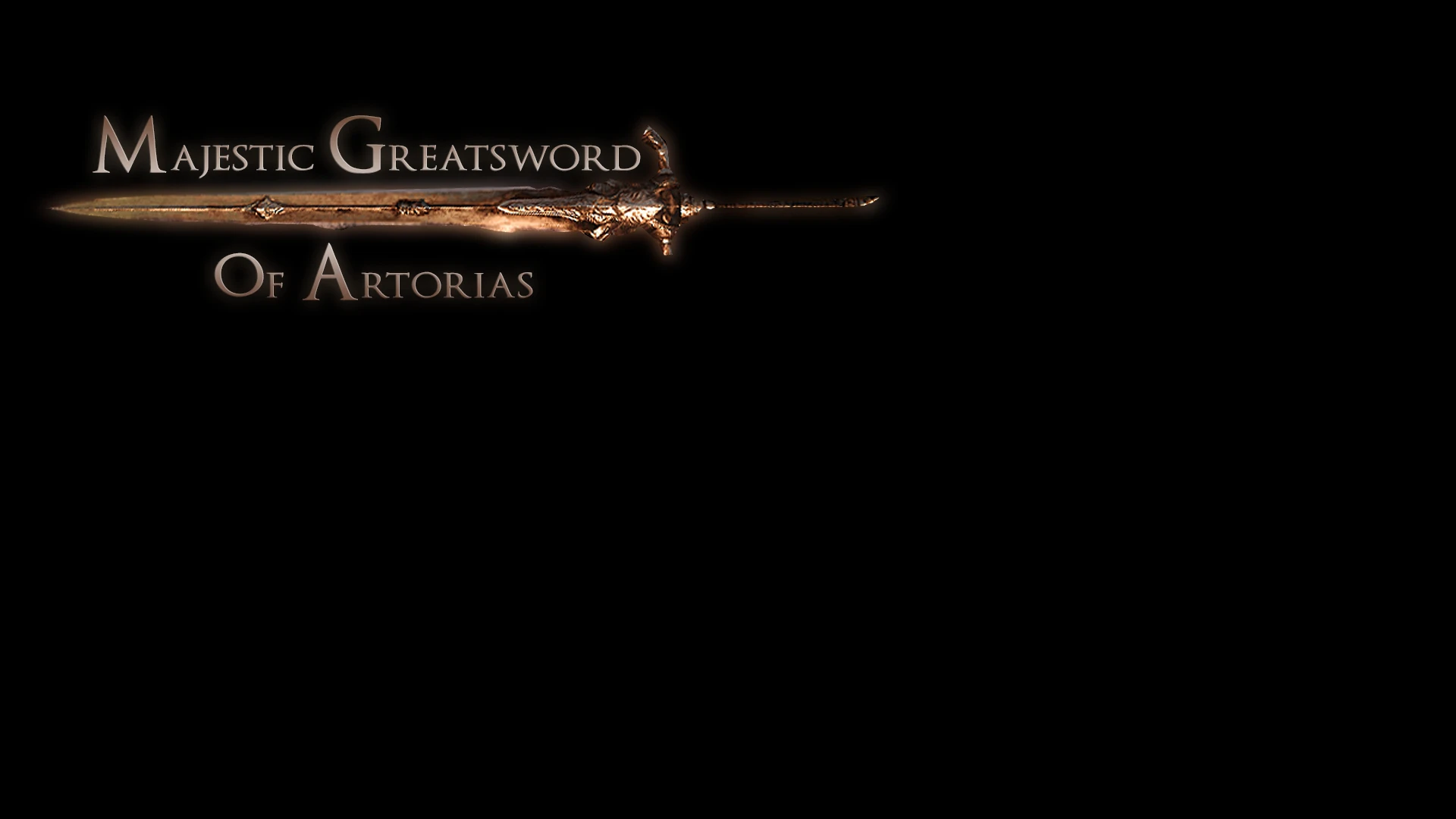
The return of the Majestic Greatsword of Artorias... Enjoy. This mod feature three custom icons for all three versions of the Greatsword of Artorias from DS1.
The return of the Majestic Greatsword of Artorias...
This mod feature three custom icons for all three versions of the Greatsword of Artorias from DS1.
Uncursed version Cursed Version Abyss Version
Enjoy and long live Artorias!
Also, here is a conversion tutorial on how to get the original untouched textures from the Greatsword of Artorias, both regular, abyss and cursed versions, to work with the Majestic Greatsword from the Crown of the Old Iron King DLC.
Instructions to get the original untouched GoA textures: First, you need have the original Dark Souls and DSFix to extract the textures.
Once the textures are extracted simply convert the targas (.tga) into PNG or DDS format and then rename them to the following names below...
Diffuse Map: (DS1) 45568ed8.tga ---rename and convert to--- (DS2) 2e8c06cd.dds (used for both texture settings) Normal Map: (DS1) 98d3db8b.tga ---rename and convert to--- (DS2) 08569b56.dds (used for both texture settings) Specular Map: (DS1) ce420e82.tga ---rename and convert to--- (DS2) 4de00ed4.dds (high texture setting) Specular Map: (DS1) ce420e82.tga ---rename and convert to--- (DS2) e8bb6a0a.dds (medium texture setting)
Requirements:
GeDoSaToHow to install:
Put the textures in your GeDoSaTo override folder. Ex. GeDoSaTo/textures/DarkSoulsII/override/ *all textures you want to install
How to enable texture overide:
Open your GeDoSaTo.ini and change your settings to the ones below.
# Texture settings
# Dump game textures loaded using d3dx to texturesdump.tga # if you enable override at the same time, the overridden texture will be dumped enableTextureDumping false
# Override game textures loaded using d3dx with those from # texturesoverride.(dds|png), if available enableTextureOverride true
# Mark textures with their hash (for texture modders) # WARNING: extremely slow if a game loads many textures # (if you think a game crashed, it's probably still just loading textures) enableTextureMarking false
Check out my other mods! (Click here for full list)
Masks:
Fume Hollow Mask Fume Manikin Mask
Armor Sets:
Alva Reborn Royal Elite Knight Set
📊 Mod Details
- Game
- Darksouls2 Mods
- Author
- EvilDeadAsh34
- Version
- 1.3
- Downloads
- 4,405
- Endorsements
- 206
- Category
- User Interface
- Created
- 8/29/2014
- Updated
- 2/19/2015
🔧 How to Install Dark Souls 2 Mods
Download from Nexus Mods.
📖 Full step-by-step install guide for Dark Souls 2 →
Visit the official mod page for specific installation instructions for this mod.
🎮 Need cheat codes or console commands? Check ur gaming wiki for Dark Souls 2 commands, item IDs, and more.
Keep browsing — more Dark Souls 2 mods await