Autoloot
🟡 Updated this year⚠️ Install Order · 6 steps
Install in this order, then this mod last — most mods fail to load without their framework and dependencies in place.
Preview
🔍 Analysis
- 👍 1.0% endorsement rate — high engagement, a strong quality signal
- 🏆 #57 of 457 Gameplay mods in this game by downloads
📋 About This Mod
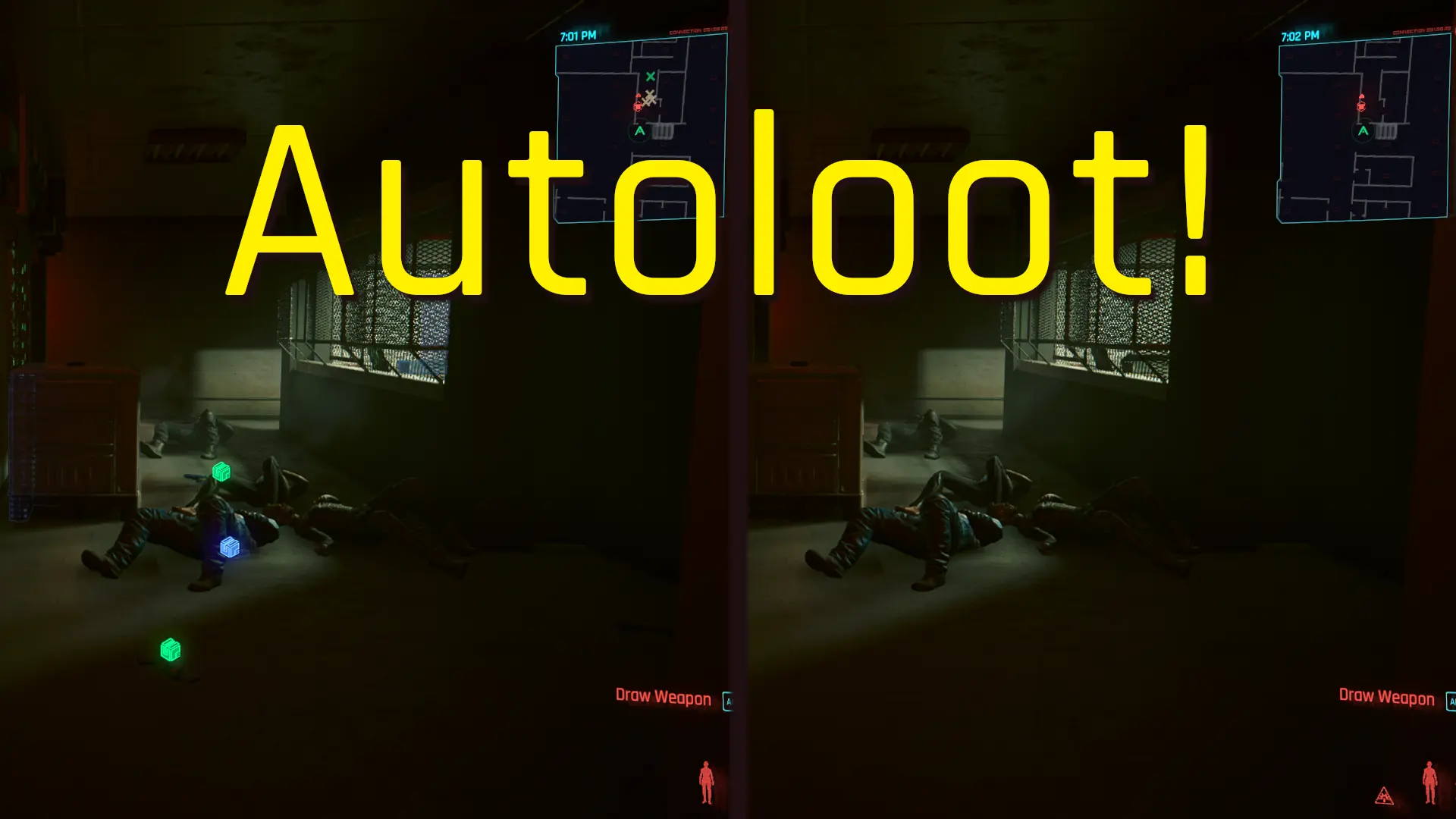
Autoloot whatever comes into your view!
By the courtesy of keanuWheeze/NexusGuy999 and based on his AlmostAutoLoot mod let me present you:
Authors: keanuWheeze idea and initial coding - anygoodname expansion and additional coding
Key features:
-
[]loot whatever safe to loot comes into your view,[/]
[]single shot loot and continuous looting,[/]
[]Looting Monitor for visual control of the current autolooting state,[/]
[]Autoloot Burst mode.[/]
[]Autoloot NPCs on Takedowns[/]
What it does:
-
[]it loots whatever it finds you should be able to safely loot on a key press,[/]
[]it loots objects not showing loot markers, e.g. defeated NPCs,[/]
[]it can pick items you would struggle to take due to game bugs.[/]
What it does not do:
-
[]it does not blindly loot everything around. It only takes what the game reports as in your view (i.e. what you could "see"),[/]
[]it does not loot items reported by the game or known as quest related,[/]
[]it does not loot iconic weapons,[/]
[]it does not loot Turrets and HMGs - Heavy Machine Guns (you would rather not like it - thanks to keanuWheeze/NexusGuy999 research),[/]
[]it does not loot when in active dialogues, scenes, vehicles, scanning or device control states, controlled by Johnny, etc.[/]
[]it does not filter out items other than those that should be protected for safety reasons. Neither does it post-process looted items.
There is no need to, as there are already well-known mods for post-processing loot created by renowned modders that you can add on top of Autoloot based on your preferences.[/]
[]it does not show the promo clip Autoloot! headline in the game ;)[/]
How it works:
-
[]You need to set up a trigger key.[/]
[]For the trigger key you can bind a custom CET input key and/or use the game default action key (F).
The second one is probably more convenient to use but beware of the Midas golden touch syndrome (more on that below).[/]
[]Once set up, just use it when needed:
[]Single loot shot on a short key press,[/]
[]Continuous looting on the key hold,[/]
[]if Burst mode enabled, double-tap to trigger a continuous looting burst (see below for details).[/]
[]You can press&hold or double-tap the key and go around to autoloot everything on the go.[/]
[*]If you perform autoloot and still see some items left behind, it usually means they are protected against volume looting for some reason. In most cases, these a
-
[]You need to set up a trigger key.[/]
-
[]it does not blindly loot everything around. It only takes what the game reports as in your view (i.e. what you could "see"),[/]
-
[]it loots whatever it finds you should be able to safely loot on a key press,[/]
Autoloot is a gameplay mod that automatically loots items for you, saving time and reducing tedious clicking. With nearly 12,000 endorsements and over a million downloads, it's a popular quality-of-life tool for players who want to streamline their looting experience.
✨ Key Features
📊 Pros & Cons
✅ Pros
- Community favorite with 11,896 endorsements and over a million downloads—clearly a must-have for many.
- Saves you from the mind-numbing click-fest of looting everything manually.
- Actively updated as of July 2026, so it's likely compatible with current game versions.
⚠️ Cons
- Description is bare-bones—no details on what exactly it loots or how to configure it.
- No mention of compatibility with other mods or specific game versions, so you might hit conflicts.
- Potential for it to auto-loot items you'd rather leave behind, like junk or quest items, without configuration options.
For players who hate the repetitive looting grind and want to speed up their gameplay. Perfect for loot hoarders and efficiency-focused gamers. Skip if you enjoy the tactile feel of looting manually or want granular control over what gets picked up.
💡 Beginner Tips
- Check if the mod requires a script extender or other dependencies—the description doesn't mention any, but verify on the mod page.
- Test it in a low-stakes area first to see how it handles different container types.
- If you use other gameplay mods, load Autoloot after them to avoid potential conflicts.
📊 Mod Details
- Game
- Cyberpunk 2077 Mods
- Author
- keanuWheeze and anygoodname
- Version
- 3.10.5
- Downloads
- 1,147,909
- Endorsements
- 11,956
- Category
- Gameplay
- Created
- 9/22/2022
- Updated
- 8/15/2026
🧩 Commonly Used Together
Users add these mods to the same collections — a real compatibility signal, not an AI guess.
🔧 How to Install Cyberpunk 2077 Mods
Download from Nexus.
📖 Full step-by-step install guide for Cyberpunk 2077 →
Visit the official mod page for specific installation instructions for this mod.
🎮 Need cheat codes or console commands? Check ur gaming wiki for Cyberpunk 2077 commands, item IDs, and more.
Keep browsing — more Cyberpunk 2077 mods await