UI Reset mouse
🟡 Updated this yearPreview
🔍 Analysis
- 👍 3.1% endorsement rate — high engagement, a strong quality signal
- ✅ Updated 67 days after the latest game patch — actively maintained
- 🏆 #14 of 114 User Interface mods in this game by downloads
📋 About This Mod
UI: Reset mouse
https://www.nexusmods.com/x4foundations/mods/542
Reset on game controller by Mycu
v9. 0. 0. 12, 17 Aug 2026:
- New feature: Repairs during spacewalks locks the mouse-look. Disable this in the mod's Extension Options menu.
Mod effects
===========
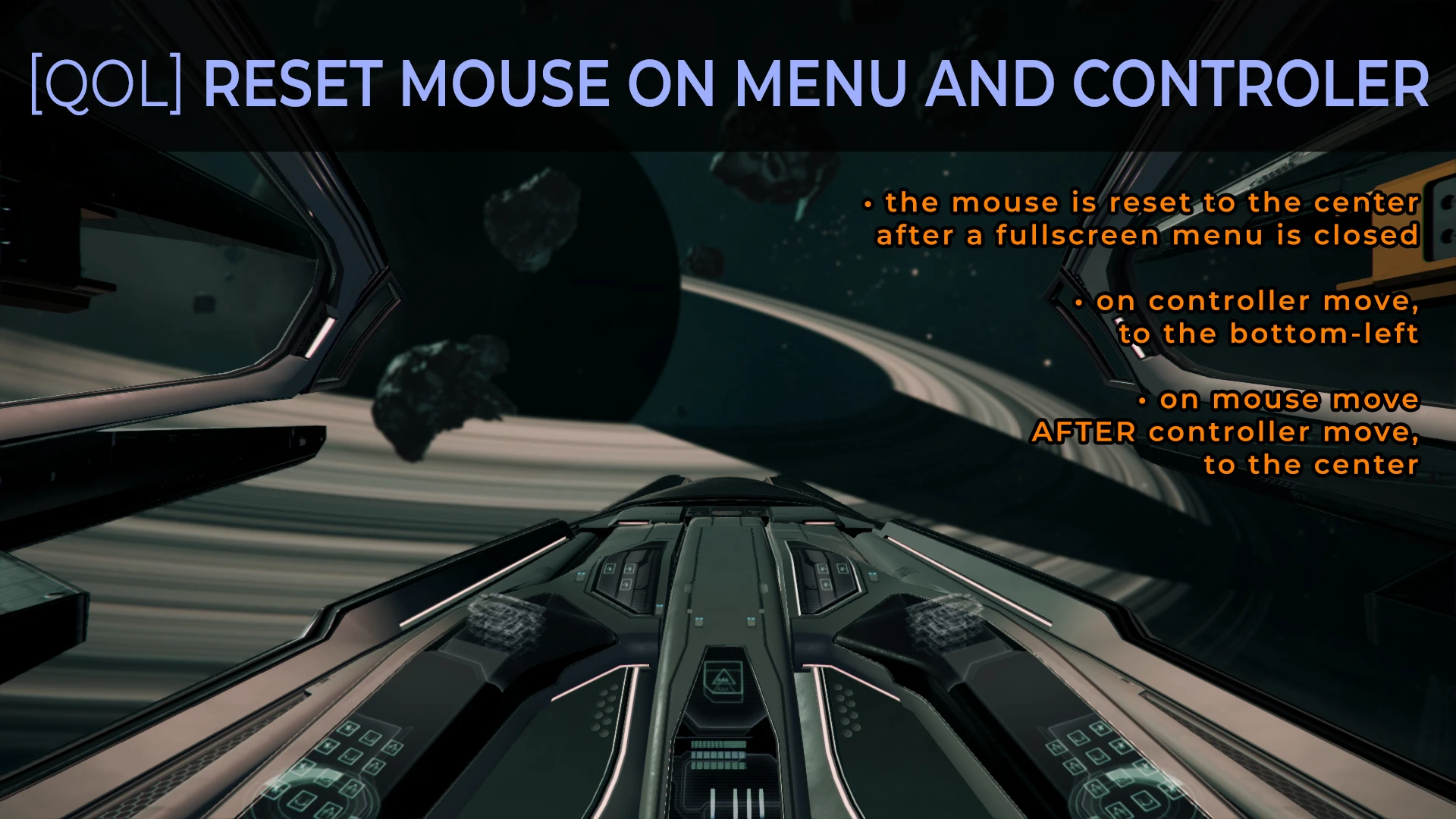
1. auto-pilot disengage: mouse to the centre, 2. close of menu: mouse to the centre, 3. open of menu: mouse to the previous mouse position, 4. game controller move: hide mouse, 5. mouse move after game controller move: show mouse, 6. interact menu or conversation menu: disable mouse steering
Requirements
============
SirNukes Mod Support APIs mod (https://www.nexusmods.com/x4foundations/mods/503)
Kuertee's UI Extensions mod (https://www.nexusmods.com/x4foundations/mods/552)
- Unzip to 'X4 Foundations/extensions/kuertee_ui_reset_mouse/'.
Summary: Load the save; Deactivate from the menu; Save the game (This is the "deactivated mod" save.); Exit the game; Load the "deactivate mod" save; Save the game (This is the "clean" save).
1. Load a game that contains the running mod.
2. Move away from nearby stations where station data is no longer shown in the Information panel.
3. Deactivate the mod from the Settings > Extensions menu. This safely removes objects (missions, npcs, etc.) the scripts created and then safely cancels the scripts. Its Extension Options, if one exists, should be blank.
4. Save the game. This is the "deactivated mod" save. This still contains the deactivated scripts and zeroed data because the mod still "exists" in the game environment. They are simply deactivated and zeroed.
5. Exit the game.
6. Load the "deactivated mod" save. The game will identify then remove the invalid scripts and data because the mod doesn't "exist" in the game environment anymore.
7. Save the game. This is the "clean" save. This doesn't contain the mod's scripts and data anymore.
Troubleshooting
===============
1. Allow the game to log events to a text file by adding "-debug all -logfile debug.log" to its launch parameters.
2. If an Extension Options entry exists for the mod, enable the mod-specific Debug Log.
3. Play for long enough for the mod to log its events. Or force the error that you are experiencing.
4. Send the log found in My Documents\Egosoft\X4\(your player-specific number)\debug.log to my e-mail (kuertee@gmail.com) with the mod name in the subject line.
By kuertee.
Reset on game controller by Mycu.
French localisation by Calvitix.
German localisation by LeLeon.
Russian localisation by Alex5Not.
v9. 0. 0. 6, 29 Jun 2026:
- New feature: Deactivating the mod from
UI Reset Mouse is a quality-of-life mod for X4 Foundations that automatically re-centers the mouse cursor on auto-pilot disengage and menu close, restores cursor position on menu open, and hides/shows cursor based on game controller input. It also disables mouse steering in interaction and conversation menus. Requires SirNukes Mod Support APIs and Kuertee's UI Extensions. 315 endorsements, updated August 2026.
✨ Key Features
📊 Pros & Cons
✅ Pros
- 315 endorsements and 10,257 downloads show it's a proven QoL fix for X4's mouse quirks.
- Actively maintained — latest update Aug 2026 added a toggle for spacewalk repair mouse-lock.
- Works alongside other kuertee mods via shared dependencies (SirNukes Mod Support APIs, Kuertee's UI Extensions).
⚠️ Cons
- Requires two separate mods, so you have to install and manage three total.
- Manual install only — no mod manager integration; you unzip to the extensions folder.
- Complex uninstall: deactivate in-game, save, reload, and save again to cleanly remove scripts.
For X4 Foundations pilots who use a mouse plus controller/HOTAS and are tired of the cursor floating to weird spots or steering the ship during conversations. Ideal for kuertee mod users who already run the required APIs and UI Extensions. Skip if you want a zero-dependency, drag-and-drop mod.
💡 Beginner Tips
- Install SirNukes Mod Support APIs and Kuertee's UI Extensions before this mod, then unzip this into X4 Foundations/extensions/kuertee_ui_reset_mouse/.
- In the in-game Extension Options menu, toggle the 'Repairs during spacewalks locks mouse-look' if you need to look around while repairing.
- When uninstalling, follow the author's clean-save steps: deactivate in Extensions, save, exit, reload that save, then save again.
📊 Mod Details
- Game
- X4 Foundations Mods
- Author
- kuertee
- Version
- 9.0.0.12
- Downloads
- 10,257
- Endorsements
- 315
- Category
- User Interface
- Created
- 8/1/2020
- Updated
- 8/16/2026
🔧 How to Install X4foundations Mods
Download from Nexus Mods.
📖 Full step-by-step install guide for X4foundations →
Visit the official mod page for specific installation instructions for this mod.
🎮 Need cheat codes or console commands? Check ur gaming wiki for X4foundations commands, item IDs, and more.
Keep browsing — more X4foundations mods await