UI Extensions and HUD
🟡 Updated this yearPreview
🔍 Analysis
- 👍 1.4% endorsement rate — high engagement, a strong quality signal
- ✅ Updated 67 days after the latest game patch — actively maintained
- 🏆 #1 of 27 Modders Resources mods in this game by downloads
📋 About This Mod
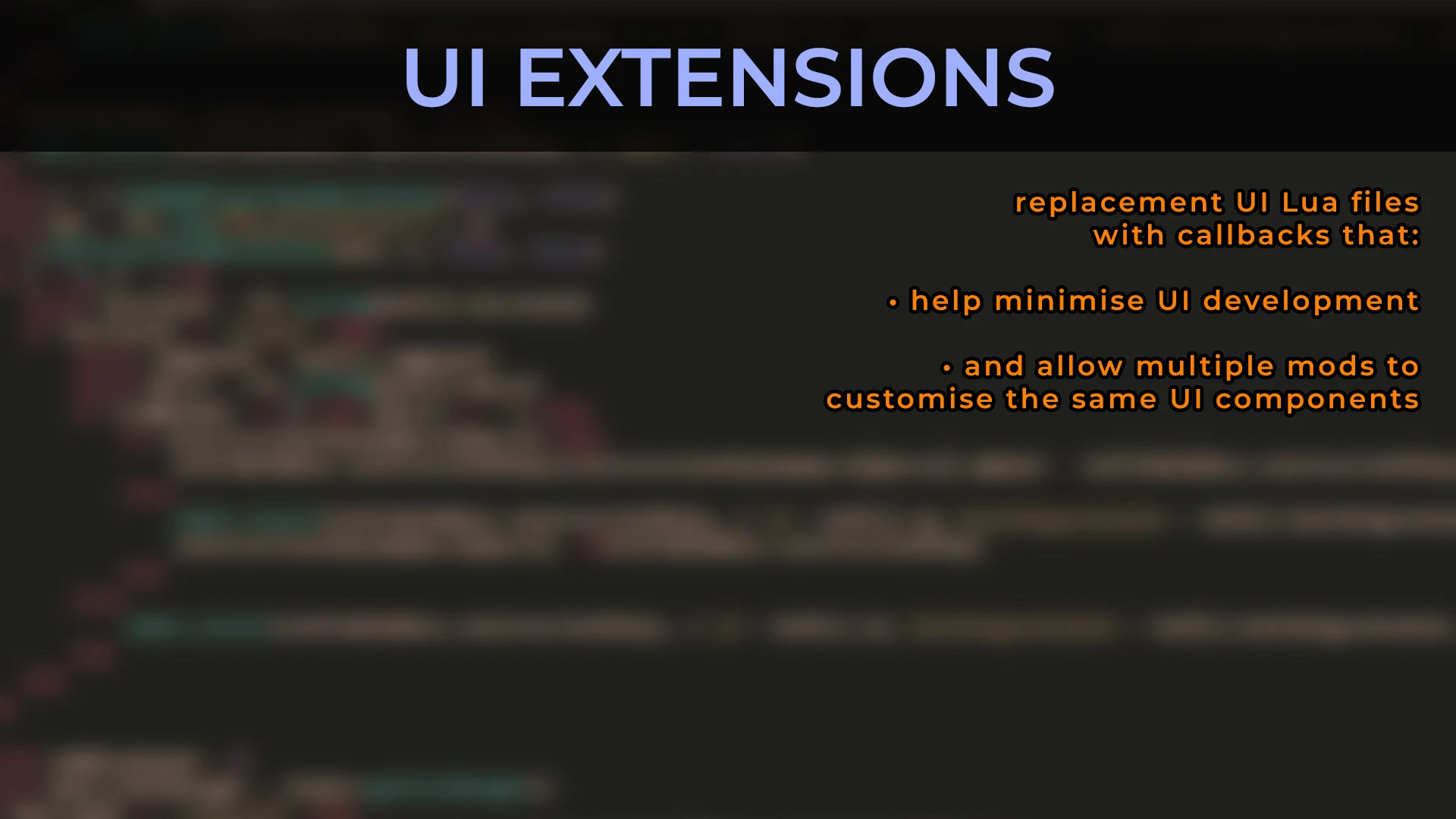
UI Extensions and HUD
https://www.nexusmods.com/x4foundations/mods/552
Code: https://github.com/kuertee/x4-mod-ui-extensions
by kuertee.
Contributors: Alakeram, AlexandreTK, ChemODun, Damonya, DrWhoKnows,
DmytroK, Erixon, Faremen, Forleyor, HYLT2233,
IALuir, Mycu, Orbika, Runekn, sticeIO.
v9. 0. 0. 12, 17 Aug 2026:
FOR PLAYERS:
- New feature: ChemODun's station selector in the Logical Overview menu and the Transaction Log menu.
Protected UI Mode
=================
I've been playing with Protected UI Mode active with no adverse effects. I recommend that this mode is active and that the pop-up message about disabling it is ignored. Only deactivate this mode if you experience something unexpected.
Unfortunately, because of how this mod is built, disabling or enabling Protected UI Mode WHILE the mod is active will prevent the menus from reloading.
1. Activate/deactivate the mod and then restart the game at the operating system level. E.g. Task Manager, Steam, etc.
2. Activate/deactivate Protected UI Mode BEFORE this mod is activated.
Instructions for players
========================
- Install UI Extensions as normal.
- Leave Protected UI Mode active. Ignore the pop-up message about disabling it.
- When extracting the package from github, ensure that the folder you install the mod to is: "(X4 game)/extensions/kuertee_ui_extensions/". Extracting the package from Nexus Mods will extract it to "(X4 game)/extensions/kuertee_ui_extensions/". But be sure it does anyway.
- Read the "CHANGES BUILT INTO THIS MOD (for players)" section.
Instructions for developers
===========================
An overview on how to mod for UIX:
1. Install the mod as a player.
2. Copy the "(X4 game)/extensions/kuertee_ui_extensions/ui" folder into the "(X4 game)/ui" folder. This will overwrite UIX's XPL files into the game.
3. Launch the game with the "-prefersinglefiles" option. This will make the game use UIX XPL files instead of the base game's corresponding files that are in its cat/dat files.
4. Examine one of the callbacks in any of those XPL files. Search for "callback". Add any callback you need in any of the XPL files IN THE GAME FOLDER. If you need any callbacks added to a menu file that UIX doesn't have let me know (on Discord, Nexus or kuertee@gmail.com).
5. When done adding your callbacks, send me the changed XPL files.
6. I'll merge them with the master UIX files.
7. We'll coordinate release dates so that the new UIX mod with your callbacks is released near the time you release your mod.
For any questions, it's best to @ me on Egosoft's unofficial Discord modding channel: https://discord.gg/RzAGhcY
Read the CHANGES BUILT INTO THIS MOD sections.
Features
UI Extensions and HUD by kuertee is a modders resource for X4 Foundations with 2,655 endorsements and 196,536 downloads. It adds ChemODun's station selector to the Logical Overview and Transaction Log menus and includes Protected UI Mode guidance. For players and mod developers seeking enhanced UI functionality and a framework for UI mods.
✨ Key Features
📊 Pros & Cons
✅ Pros
- Community-approved with 2,655 endorsements and 196,536 downloads.
- Actively maintained with a new feature added August 2026.
- Doubles as both a player-facing UI enhancement and a modder's framework.
⚠️ Cons
- Changing Protected UI Mode mid-session prevents menus from reloading, requiring a full game restart.
- Potential conflicts with other UI or HUD mods due to deep UI modifications.
- The pop-up about disabling Protected UI Mode can confuse players despite the recommendation to ignore it.
For X4 Foundations players who want enhanced UI features like a station selector in logical overview and transaction log menus. Also for mod developers needing a UI extension framework with contributor support. Skip if you prefer the vanilla UI and don't want extra mod complexity.
💡 Beginner Tips
- Leave Protected UI Mode active and ignore the pop-up warning unless you experience problems.
- Ensure the mod folder ends up at '(X4 game)/extensions/kuertee_ui_extensions/' exactly.
- If you toggle Protected UI Mode, restart the game completely from the operating system, not just the menu.
📊 Mod Details
- Game
- X4 Foundations Mods
- Author
- kuertee
- Version
- 9.0.0.12
- Downloads
- 196,536
- Endorsements
- 2,655
- Category
- Modders Resources
- Created
- 8/26/2020
- Updated
- 8/16/2026
🔧 How to Install X4foundations Mods
Download from Nexus Mods.
📖 Full step-by-step install guide for X4foundations →
Visit the official mod page for specific installation instructions for this mod.
🎮 Need cheat codes or console commands? Check ur gaming wiki for X4foundations commands, item IDs, and more.
Keep browsing — more X4foundations mods await