FOV-Mod
⚪ Last updated 2017Preview
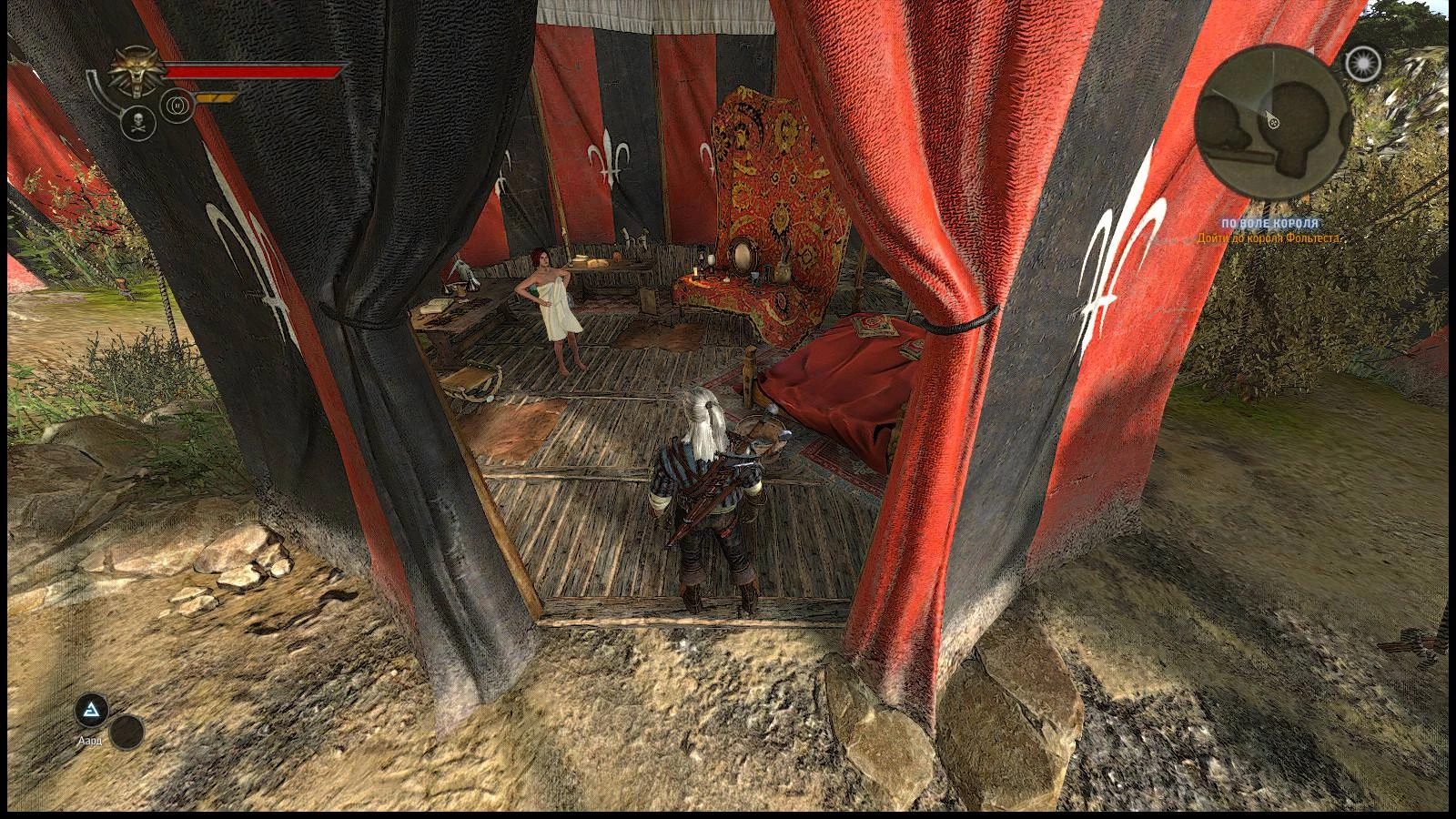
🔍 Analysis
- 👍 4.6% endorsement rate — high engagement, a strong quality signal
- 🏆 #21 of 115 Gameplay mods in this game by downloads
📋 About This Mod
Field Of View Mod
We must immediately say that the FOV-mod for the Witcher 2 already exists — this is “Fov_Fix_Value” by Puruko & Vingt2. So why do we need another FOV-mod?
To change FOV, only one script needs to be edited: “scripts\game\player\states\extendedmovable.ws”, while the dzip-archives of the “Fov_Fix_Value” contains eighteen extra files overlaps the original game files or other mods files, and in the latter case, this can cause a mods conflict. In addition, “Fov_Fix_Value” weighs ten megabytes (10 666 875) instead of four kilobytes.
Description
Mod changes the game’s FOV value (Field Of View) to any preference from 50 to 120 degrees.
Installation
Copy the contents of the folder “FOV-Mod\UserContent\” to the folder “%UserProfile%\Documents\Witcher 2\UserContent\”. If the destination folder is not exists — create it. To quickly navigate to the folder, you can copy & paste %UserProfile%\Documents\Witcher 2\ into the address bar of the explorer.
One click installation
Run the install-fov-mod.bat batch-script.
Selecting the FOV value
Run the launcher (Launcher.exe):
Run the mods-manager (userContentManager.exe) and select the mod with the preferred FOV
Uninstallation
Go to the folder “%UserProfile%\Documents\Witcher 2\UserContent\” and delete all folders like FOV-50, FOV-55,.. FOV-120.
One click uninstallation
Run the uninstall-fov-mod.bat batch-script.
Credits
Many thanks to Puruko and Vingt2, whose extendedmovable.ws I used.
FOV-Mod lets players adjust the game's Field of View from 50 to 120 degrees. With 922 endorsements and 19,855 downloads, it's a popular gameplay tweak. Last updated May 2017, so check compatibility.
✨ Key Features
📊 Pros & Cons
✅ Pros
- Huge community approval (922 endorsements).
- Nearly 20k downloads show it's widely used.
- Directly fixes the common FOV comfort issue.
⚠️ Cons
- No install or uninstall instructions provided by author.
- Last updated 2017 — may not work with current game patches.
- No stated game version support, so compatibility is a gamble.
For players who find the default field of view too narrow or too wide and want precise control. For those comfortable installing a simple gameplay tweak despite its age. Skip if you prefer default settings or need active developer support.
💡 Beginner Tips
- Start with a small change (e.g., +10 degrees) and test in-game to avoid motion sickness.
- Try a FOV of 90-100 for a noticeable difference without heavy distortion.
- Be aware that extreme values near 50 or 120 can cause fisheye or tunnel vision effects.
📊 Mod Details
- Game
- Witcher2 Mods
- Author
- DenVdmj
- Version
- 1.01
- Downloads
- 19,855
- Endorsements
- 922
- Category
- Gameplay
- Created
- 5/9/2017
- Updated
- 5/9/2017
🧩 Commonly Used Together
Users add these mods to the same collections — a real compatibility signal, not an AI guess.
🔧 How to Install Witcher2 Mods
Download from Nexus Mods.
📖 Full step-by-step install guide for Witcher2 →
Visit the official mod page for specific installation instructions for this mod.
🎮 Need cheat codes or console commands? Check ur gaming wiki for Witcher2 commands, item IDs, and more.
Keep browsing — more Witcher2 mods await