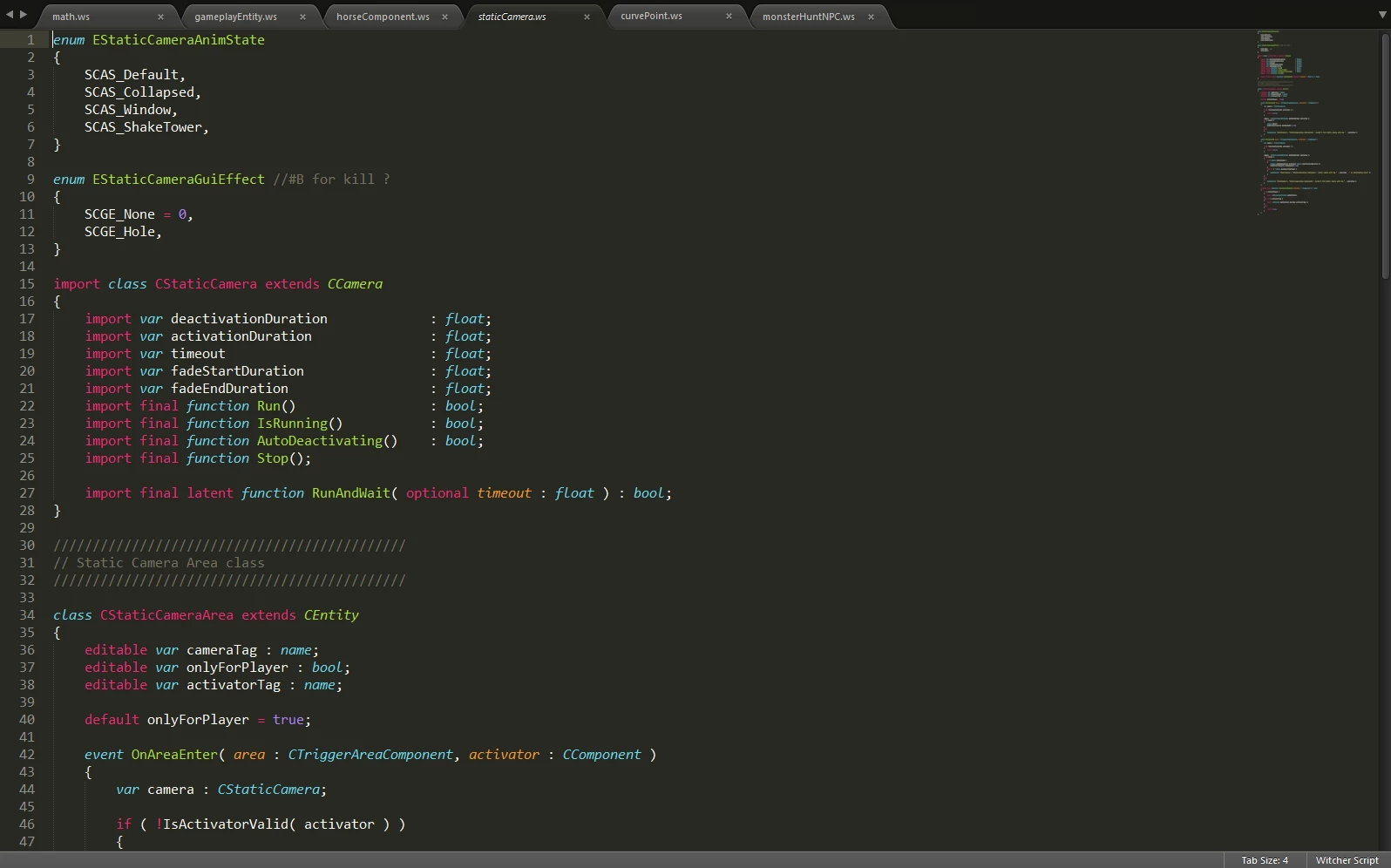
WitcherScript Syntax Highlighter for Sublime Text
⚪ Last updated 2015⚠️ Install Order · 2 steps
Install in this order, then this mod last — most mods fail to load without their framework and dependencies in place.
Preview
🔍 Analysis
- 🏆 #9 of 54 Utilities mods in this game by downloads
📋 About This Mod
A Witcher Script Syntax Highlighter for Sublime Text
Installation: Extract the files and put them into: "%appdata%\Sublime Text 3\Packages\User" Then load up any .ws file and you should be good to go. Use Package Control to install.
I am also trying to get this into Package Control so you can download this the easy way. UPDATE: The syntax highlighter can now be installed via Package Control.
📊 Mod Details
- Game
- Witcher 3 Mods
- Author
- Flo5581
- Version
- 1.2
- Downloads
- 449
- Endorsements
- 42
- Category
- Utilities
- Created
- 10/16/2015
- Updated
- 10/17/2015
🔧 How to Install Witcher 3 Mods
Download from Nexus.
📖 Full step-by-step install guide for Witcher 3 →
Visit the official mod page for specific installation instructions for this mod.
🎮 Need cheat codes or console commands? Check ur gaming wiki for Witcher 3 commands, item IDs, and more.
Keep browsing — more Witcher 3 mods await