Star Wars Lightsaber
⚪ Last updated 2021⚠️ Install Order · 2 steps
Install in this order, then this mod last — most mods fail to load without their framework and dependencies in place.
Preview
🔍 Analysis
- 👍 2.0% endorsement rate — high engagement, a strong quality signal
- 🏆 #19 of 98 Weapons mods in this game by downloads
📋 About This Mod
PLEASE READ DESCRIPTION BEFORE INSTALLING
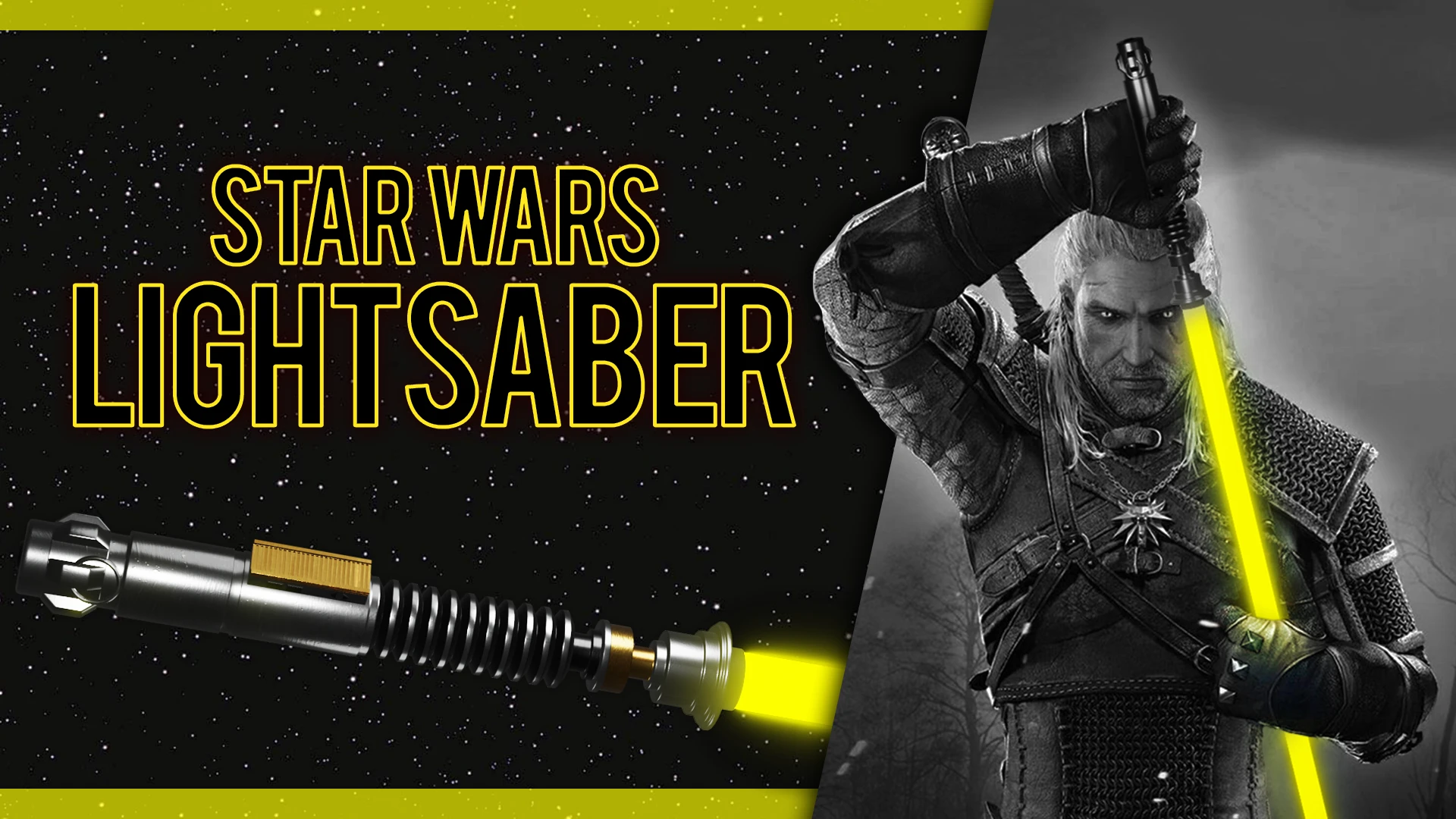
This mod adds a new weapon to the game - lightsaber from Star Wars.
It can be bought in 3 different places. At Hattori's home, ofieri merchant and grandmaster smith in Toussaint. Lightsaber's damage and level is scaled to player's level during buying. Mod is compatible with NG+.
Darth Vader's helmet comes as a bonus.
Console command to add silver lightsaber: additem('Lightsaber Silver')
Console command to add steel lightsaber: additem('Lightsaber Steel')
Console command to add Darth Vader's helmet: additem('Vaders Helmet')
To install lightsabers download "Lightsaber" file. Extract mod and put dlcLightsaber folder into dlc folder in your Witcher 3 directory. Lightsabers are blue by default.
To install sound effects download "Lightsaber SFX" file. Extract mod and put modLightsaberSFX folder into mods folder in your Witcher 3 directory.
Important note: this file replaces axe sound combat files in game. It means that all axes use lightsaber sound effects. If you want to have some fun with lightsaber install it. If it bothers you just don't install this file and play with basic lightsabers without cool sounds.
SFX is not compatible with Next Gen!
If you want to change lightsaber color go to optional files. Choose color you desire and download right file. Extract mod and put modLightsaber<color> folder into mods folder in your Witcher 3 directory. You can have different colors for steel and silver lightsabers. For example If you want to change steel lightsaber color to green download "Steel Lightsaber - Green" file. Extract it and put "modLightsaber_green_steel" folder into mods folder in your Witcher 3 directory. If you change your mind and want different color just delete modLightsaber<color> folder from mods folder and install other file or play with default blue color.
u-57O5ouc18
My other mods
[]A Minecraft Sword
[]Skyrim Daedric Greastsword
[]The Walking Dead Lucille
[]Skyrim Wuuthrad
[]The Walking Dead Michonne's Katana
[]Skyrim Chillrend
[]Demon Slayer Nichirin Blade
[]Attack on Titan Blade
[]Cyberpunk 2077 Thermal Katana
[]Star Wars Lightsaber
[]God of War Leviathan
[]Better
Adds a Star Wars lightsaber weapon to the game. Simple, iconic, and popular with 544 endorsements and over 27k downloads. Last updated in 2021, so compatibility with current versions may be uncertain.
✨ Key Features
📊 Pros & Cons
✅ Pros
- Community favorite with 544 endorsements and 27k downloads
- Adds a beloved sci-fi weapon to the game
- Simple premise: just a lightsaber, no bloat
⚠️ Cons
- Last updated in 2021 — may not work with the latest game version
- Only one weapon, so don't expect a full Star Wars arsenal
For Star Wars fans who want to wield a lightsaber in their game. Perfect for players who want a quick, iconic weapon without complex mods. Skip if you're looking for a full Star Wars overhaul or need up-to-date compatibility.
💡 Beginner Tips
- Check if the mod requires a specific game version or DLC before installing.
- Since it's a weapon mod, look for it in your inventory or crafting menu after installation.
- If the game has an anti-cheat, make sure to disable it or use a mod manager that handles compatibility.
📊 Mod Details
- Game
- Witcher 3 Mods
- Author
- milckywayy
- Version
- 1.0
- Downloads
- 27,646
- Endorsements
- 544
- Category
- Weapons
- Created
- 1/19/2021
- Updated
- 1/19/2021
🔧 How to Install Witcher 3 Mods
Download from Nexus.
📖 Full step-by-step install guide for Witcher 3 →
Visit the official mod page for specific installation instructions for this mod.
🎮 Need cheat codes or console commands? Check ur gaming wiki for Witcher 3 commands, item IDs, and more.
Keep browsing — more Witcher 3 mods await