PATHOS Reshade
⚪ Last updated 2019⚠️ Install Order · 2 steps
Install in this order, then this mod last — most mods fail to load without their framework and dependencies in place.
Preview
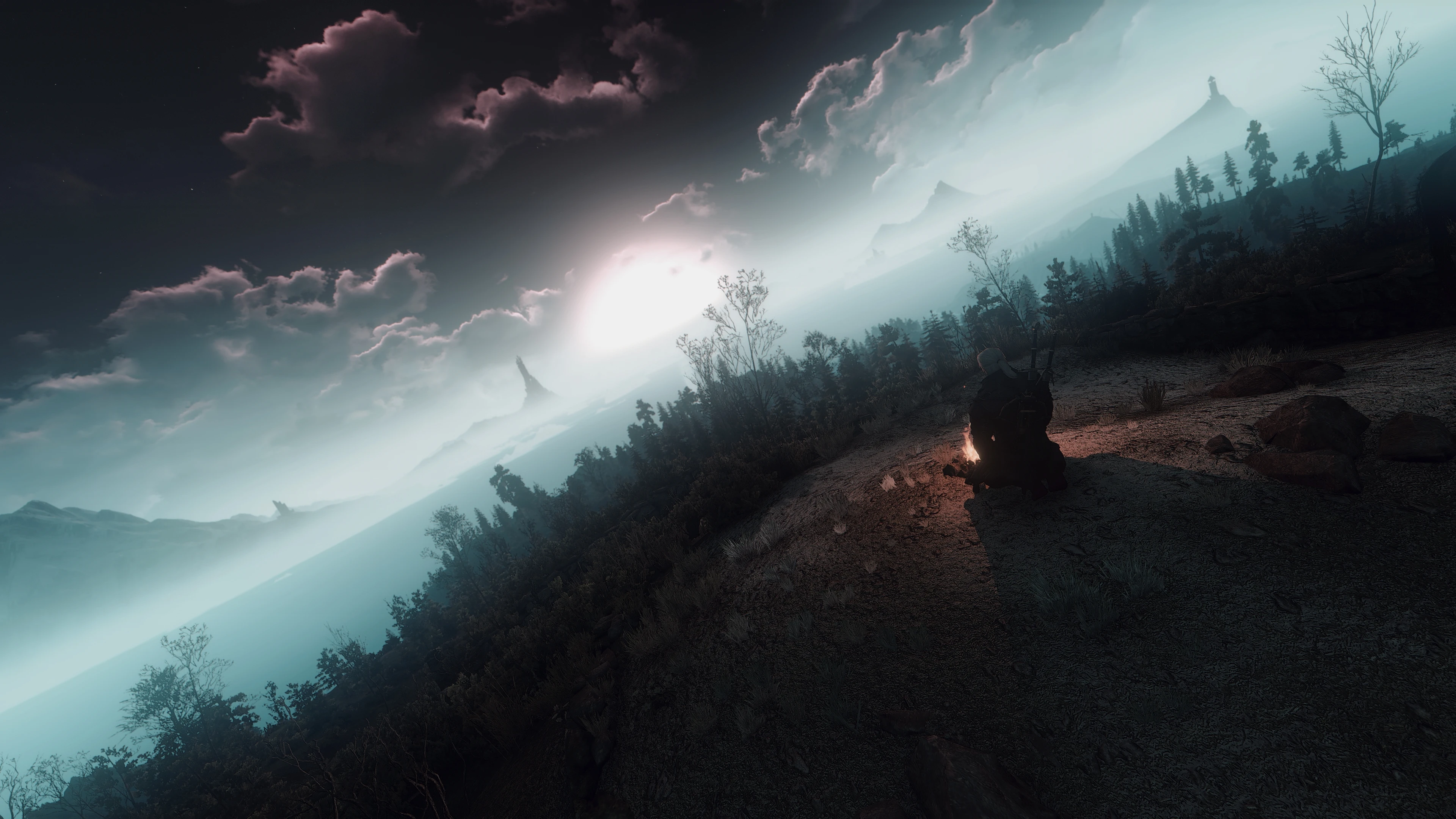
🔍 Analysis
- 👍 3.3% endorsement rate — high engagement, a strong quality signal
- 🏆 #9 of 74 ReShade Preset mods in this game by downloads
📋 About This Mod
Evil is Evil
Makes no difference.
From the creator of the popular PATHOS ENB for Fallout 4.
m71fUPGDaMw dVHdMspHJk4
Your world is ravaged by war, riddled with lies, deafened by violence and crying for
salvation. They say witchers are heartless, stripped of all emotions. But is that true?
PATHOS will help you answer that question.
INSTALLATION:
1. Download and install the latest version of the Reshade framework (follow the installation instructions provided here, click on "Direct3D 10+"). Download all of the effects when asked to during the installation).
2. Download PATHOS and move the contents of the folder into the directory that contains your witcher3.exe. Overwrite when asked.
3. Start the game, wait for the shaders to load and press the "home" key to open the GUI.
4. From the drown-down menu on top of the GUI select "PATHOS.ini". You should now notice the shaders activate.
5. Very important: Under the "Settings" tab of the GUI change the drop-down menu from "Configuration mode" to "Performance mode".
Super Turbo Lighting Mod is compatible when using PATHOS - STLM
Wiedzmin Lighting Mod is compatible with the STLM-version.
Every other lighting mod should more or less be compatible with either the Vanilla or the STLM version.
CREDITS AND THANKS:
Roanoke (http://www.devgru.online/)
It's a Gundam
Noelgal for some gorgeous screens
Isaiah for allowing me to use his captures
The creators of Reshade
CD Project Red
Other beta-testers
And the most beautiful girl on the planet.
Just because you can no longer see it, doesn't
PATHOS Reshade is a ReShade preset for Skyrim that enhances visuals with a focus on balance and atmosphere. With 1,878 endorsements and 57,393 downloads, it's a popular choice for players seeking a cinematic look. Last updated in 2019, it remains a solid option for classic Skyrim.
✨ Key Features
📊 Pros & Cons
✅ Pros
- Community-approved with 1,878 endorsements — players clearly like what it does
- Massive download count (57k+) means it's been tested by a lot of people
- Simple to use — just drop the preset into your ReShade folder and you're set
⚠️ Cons
- Last updated in 2019 — might not work perfectly with the latest Skyrim patches or newer ReShade versions
- No detailed description of what exactly it changes — you'll have to try it to see
- Requires ReShade to be installed separately, which adds a step for newcomers
For Skyrim players who want a quick visual upgrade without fiddling with ENB or complex settings. If you're after a cinematic, moody look and don't mind a preset that's a few years old, this is worth a shot. Skip if you want gameplay changes — this is purely cosmetic.
💡 Beginner Tips
- Make sure you have ReShade installed and set up for Skyrim before adding this preset.
- After installing, use the ReShade in-game menu to toggle the preset on and off to see the difference.
- If the preset looks too strong or too weak, adjust the intensity sliders in ReShade to your liking.
📊 Mod Details
- Game
- Witcher 3 Mods
- Author
- Pansen1
- Version
- 3.0
- Downloads
- 57,393
- Endorsements
- 1,878
- Category
- ReShade Preset
- Created
- 5/5/2017
- Updated
- 12/31/2019
🔧 How to Install Witcher 3 Mods
Download from Nexus.
📖 Full step-by-step install guide for Witcher 3 →
Visit the official mod page for specific installation instructions for this mod.
🎮 Need cheat codes or console commands? Check ur gaming wiki for Witcher 3 commands, item IDs, and more.
Keep browsing — more Witcher 3 mods await