Let's Play TW3 WH Modded My Way Mods List
⚪ Last updated 2022⚠️ Install Order · 2 steps
Install in this order, then this mod last — most mods fail to load without their framework and dependencies in place.
Preview
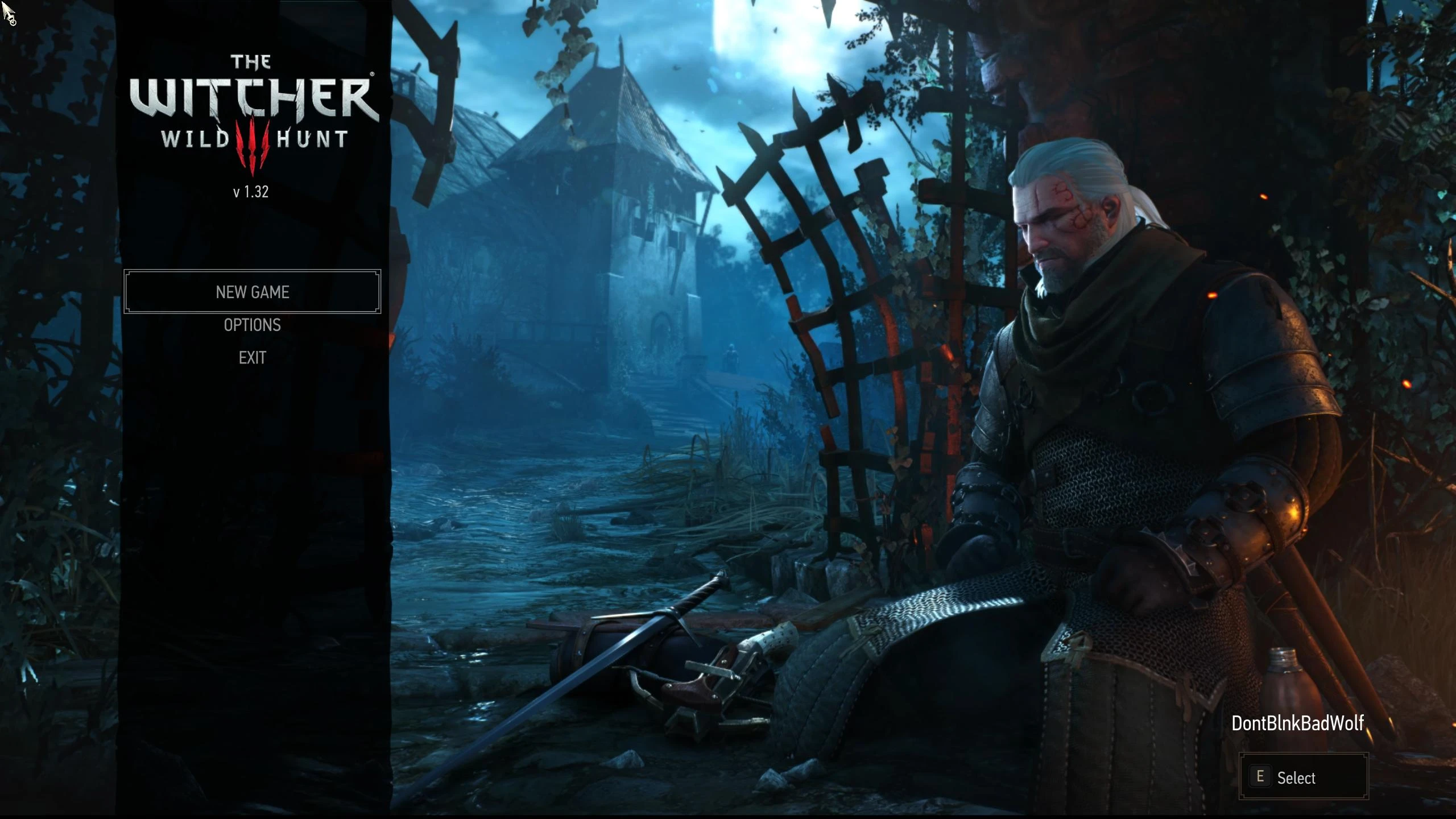
🔍 Analysis
- 🏆 #95 of 148 Miscellaneous mods in this game by downloads
📋 About This Mod
This is the list of mods that I am using for my Let's Play videos.
Let’s Play: The Witcher 3 Wild Hunt Modded My Way
Interactive link above to my YouTube page
Remember: Read all of the description pages for the mods that you want to use.
Some mods have requirements, so always click on “Requirements” to see if you need to download another mod. Some mods (mostly texture mods) have a Priority that needs to be set, so pay attention with those or your mods will not function properly in game, then you’ll be upset and want to blame the mod creator that is creating mods for free when it’s because of you not reading all of the Description page.
So, again, READ THE DESCRIPTON PAGE!
A word or two about the Community Patch mods.
The mods that I am referring to are:
Community Patch – Base
Community Patch – Bootstrap and Utilities
Community Patch – Menu Strings
Community Patch – Shared Imports
Community patch – Besserwisser’s Fix Collection (Including Nitpickers Patch)
I used to use all of them except 1: Shared Imports. There was always a problem with Shared Imports and the mods that I used. Not only that, but there is also only a small number of mods that have their scripts changed for it to be beneficial. Now I only use Menu Strings & Besserwisser. None of the CP mods are required for any of my mods below. Friendly Meditation is the only one with a requirement of Unification Patch or Community Patch – Base. But Friendly Meditation works fine with the Custom Localization Fix Updated that I released earlier. So, when you are looking for mods, not all of them will require any of the CP mods. Always question what is required and can a mod work without something else. Never take a mod at face value, it could break a mod that you are using. Or could break your game.
Recommended Priority load order when it comes to NPC and Geralt texture edits. Lower numbers load first.
A. Hair Mods – Start with the number 30 to leave lower numbers if other mods require to be loaded before NPC changes.
B. Eye Mods – Numerically Higher than Hair
C. Hands Mods (Clean Hands, hand Effects) – Numerically Higher than Eyes
D. Complexion Mods – Numerically Higher than Hand Replacers
E. Body Mods – Numerically Higher than Complexions
F. Outfit Mods – Numerically Higher than Body
G. Humans of the Continent – Numerically Higher than Outfits (Only Body mod allowed to be Prioritized this way).
H. HDMonsters Reworked – Numerically Higher than HotC
I. High Definition Rework Project – Numerically Higher than HDMR
When you see the following words:
Hair Mod[/b
📊 Mod Details
- Game
- Witcher 3 Mods
- Author
- Bad Wolf
- Version
- 1.97.1
- Downloads
- 193
- Endorsements
- 17
- Category
- Miscellaneous
- Created
- 3/28/2022
- Updated
- 3/28/2022
🔧 How to Install Witcher 3 Mods
Download from Nexus.
📖 Full step-by-step install guide for Witcher 3 →
Visit the official mod page for specific installation instructions for this mod.
🎮 Need cheat codes or console commands? Check ur gaming wiki for Witcher 3 commands, item IDs, and more.
Keep browsing — more Witcher 3 mods await