Import normal and specular maps into .xbm with hex editor
⚪ Last updated 2015⚠️ Install Order · 2 steps
Install in this order, then this mod last — most mods fail to load without their framework and dependencies in place.
Preview
🔍 Analysis
- 👍 8.4% endorsement rate — high engagement, a strong quality signal
- 🏆 #4 of 50 Modders Resources and Tutorials mods in this game by downloads
📋 About This Mod
For those who like to tweak normal and specular maps but cannot because modkit screws them up.
Hello, I was very annoyed from the start when I realised the modkit for TW3 screws up the normal/specular maps when you try to import them back into an .xbm file.
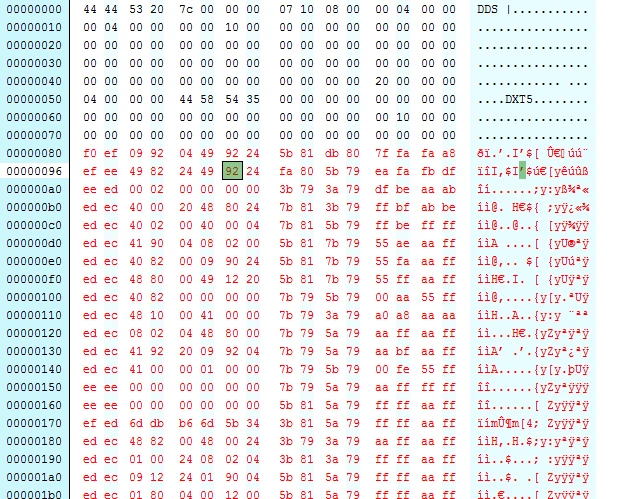
After a long search I've found a solution to work around this issue by transferring the contents of the normal maps directly into the .xbm file with the help of a hex editor. I've written a tutorial for those who feel they are up to it to try it out themselves.
Be aware that in comparison with the modkit importer, this may be a pretty lengthy proces. Good luck!!
Version 2. 0 of the tutorial has been released. This tutorial has been completely rewritten as there were a few points that were overlooked in version 1. 0. runaway_cd from the cdprojektredforum has pointed those details out for me, so credits and special thanks go to him. With this the issue with the 2048x2048 notmal maps also has been solved.
📊 Mod Details
- Game
- Witcher 3 Mods
- Author
- Superdemus
- Version
- 2.0
- Downloads
- 545
- Endorsements
- 46
- Category
- Modders Resources and Tutorials
- Created
- 9/5/2015
- Updated
- 9/27/2015
🔧 How to Install Witcher 3 Mods
Download from Nexus.
📖 Full step-by-step install guide for Witcher 3 →
Visit the official mod page for specific installation instructions for this mod.
🎮 Need cheat codes or console commands? Check ur gaming wiki for Witcher 3 commands, item IDs, and more.
Keep browsing — more Witcher 3 mods await