HD Realism Experience
⚪ Last updated 2020⚠️ Install Order · 3 steps
Install in this order, then this mod last — most mods fail to load without their framework and dependencies in place.
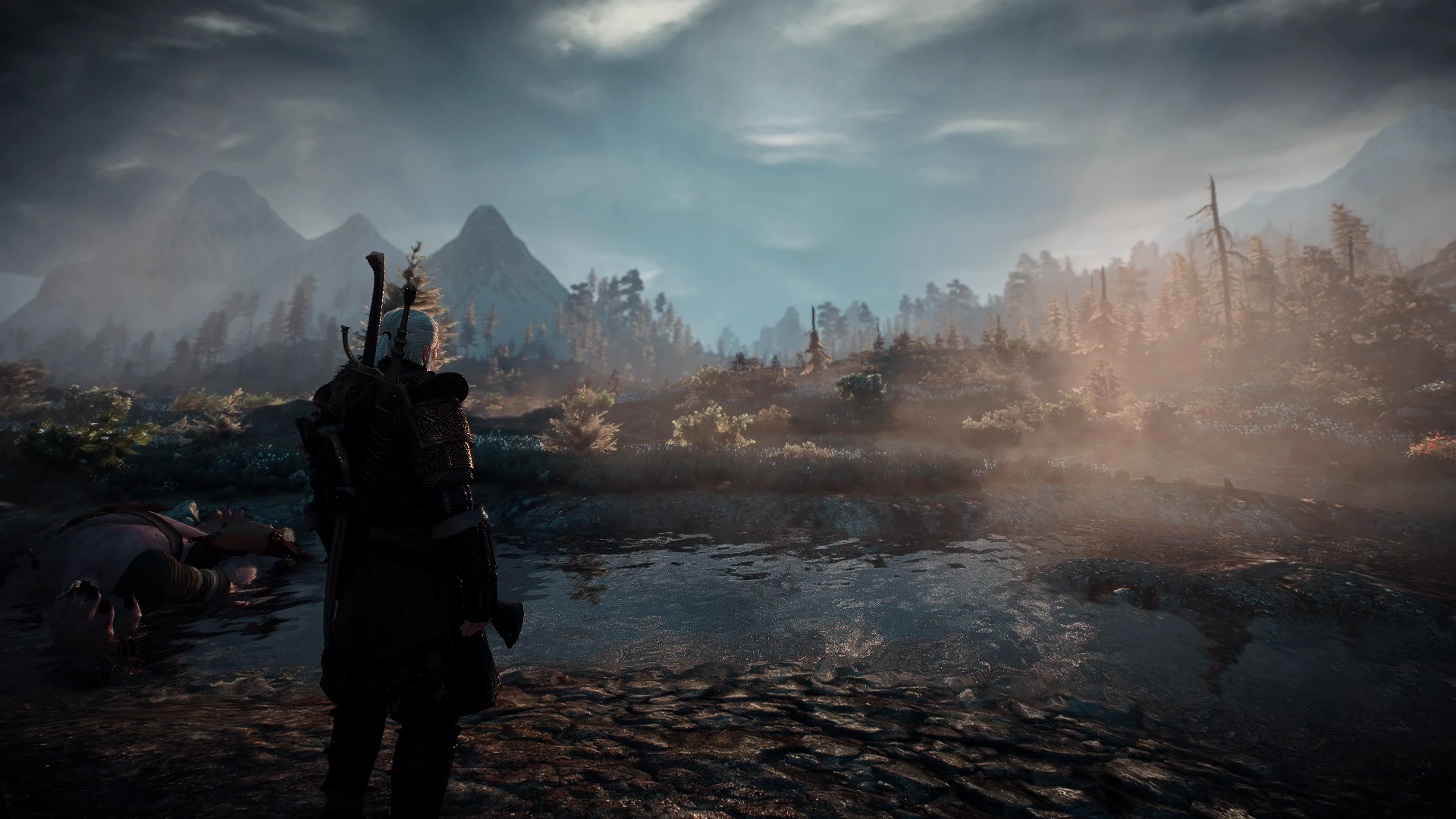
Preview
🔍 Analysis
- 👍 4.0% endorsement rate — high engagement, a strong quality signal
- 🏆 #30 of 74 ReShade Preset mods in this game by downloads
📋 About This Mod
INSTALLATION:
1. Download and install the latest version of the Reshade framework (follow the installation instructions provided here, click on "Direct3D 10+"). Download all of the effects when asked to during the installation).
2. Download, Extract and paste the file inside: \The Witcher 3 Wild Hunt\bin\x64.
3. Start the game, wait for the shaders to load and press the "home" key to open the GUI and select "HD_Realism_EXP".
IT SHOULD LOOK LIKE THIS:
koErl-XvuV8
optional
SET VIDEO SETTINGS:
• Sharpen - Low or Off
• Ambient Occlution - HBAO+
• Resolution - the higher the better
• Gamma - 25% (set low)
RECOMMENDED MODS:
https://www.nexusmods.com/witcher3/mods/1021
https://www.nexusmods.com/witcher3/mods/2358?tab=files
Happy gaming!!!
Also check my other works!
Wf20LEonuZE
2DJXEk0ykv8
HD Realism Experience is a ReShade preset for The Witcher 3 that aims to make the game world look more realistic. With 511 endorsements and over 12,000 downloads, it's a popular choice for players seeking a visual overhaul. Last updated in November 2020, it may require tweaking for newer game versions.
✨ Key Features
📊 Pros & Cons
✅ Pros
- Community-approved with 511 endorsements and over 12k downloads—clearly a lot of players dig it.
- Simple to install: just drop the preset into your ReShade folder and you're good to go.
- Gives your game a grittier, more grounded look without overhauling textures or meshes.
⚠️ Cons
- Last updated in 2020—might not play nice with the latest Witcher 3 patches or ReShade versions.
- No before/after screenshots or detailed settings list, so you're flying blind on what exactly it changes.
- Preset performance impact can be heavy depending on your rig—no optimization notes from the author.
For Witcher 3 players who want a quick visual upgrade to make the world feel more realistic without diving into complex mod setups. If you're after a specific look or need performance-friendly presets, you might want to look elsewhere.
💡 Beginner Tips
- Make sure you have ReShade installed and set up for The Witcher 3 before adding this preset.
- After installing, use the ReShade in-game menu to toggle the preset on and off to see the difference.
- If the game crashes or looks weird, try updating ReShade to the latest version—old presets sometimes need a tweak.
📊 Mod Details
- Game
- Witcher 3 Mods
- Author
- Player1mustdie
- Version
- 1.0
- Downloads
- 12,663
- Endorsements
- 511
- Category
- ReShade Preset
- Created
- 11/10/2020
- Updated
- 11/10/2020
🔧 How to Install Witcher 3 Mods
Download from Nexus.
📖 Full step-by-step install guide for Witcher 3 →
Visit the official mod page for specific installation instructions for this mod.
🎮 Need cheat codes or console commands? Check ur gaming wiki for Witcher 3 commands, item IDs, and more.
Keep browsing — more Witcher 3 mods await