GOTY 1.31 Compilation Error Fix
⚪ Last updated 2016⚠️ Install Order · 2 steps
Install in this order, then this mod last — most mods fail to load without their framework and dependencies in place.
Preview
🔍 Analysis
- 👍 3.1% endorsement rate — high engagement, a strong quality signal
- 🏆 #15 of 58 Miscellaneous mods in this game by downloads
📋 About This Mod
THIS IS NO LONGER BEING MAINTAINED, PLEASE HEAD TO THIS PAGE FOR A FIX
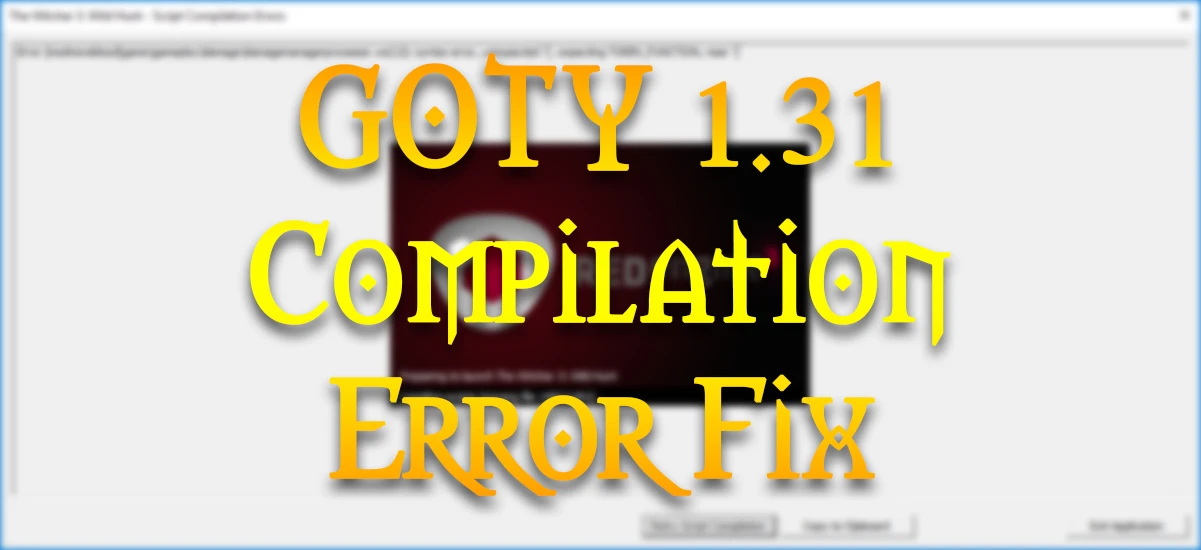
What Does it Fix? If you are using GOTY Edition v1. 31 and receive any compilation errors relating to GetItemLevel or gameParameters.ws while using mods, this should fix that problem.
From a detailed analysis, it seems only one file could possibly be causing errors with users on the 1. 31 GOTY edition update. It appears that definitionsManager.ws makes a call to a function that SOME popular mods on the nexus edit. It adds in a parameter that 1. 30 does not use, so 1. 30 users would not get this compilation error.
Only use this if you get compilation errors with mods annotated "for 1. 30"
If you want to see the analysis resource, go to this page. This fix needs testing so please let me know if it does/does not work. I do not use the GOTY edition so I cannot adequately test it.
Installation Instructions
Method 1: (Easier, but may result in script merger conflicts with this mod)
- []Download the main file and install with NMM []Run Script Merger and resolve conflicts normally []NOTE: If there is a conflicts with definitionsManager.ws, make sure that you choose THIS MOD for anything that contains "GetItemLevel," "level," or "baseLevel," and especially look out for a statement that begins with "for" (MAKE SURE THE { BRACES } MATCH CORRECTLY)
- []Download "GOTY 1. 31 Fix (Manual Install)" from the optional files section []Extract the "content" folder to your Witcher 3 game directory []When prompted, let it overwrite
Uninstallation Instructions
For Method 1 Users:
- []Uninstall with NMM
- []Download file "GOTY 1. 31 Fix (Manual Uninstall)" from the optional files section []Extract "content" folder to your Witcher 3 game directory []When prompted, let it overwrite
A small utility mod that addresses script compilation errors in the 1.31 Game of the Year Edition of The Witcher 3. It's a potential fix for players experiencing mod-related issues, with a solid endorsement count (853) and high downloads (27,919). Last updated in 2016.
✨ Key Features
📊 Pros & Cons
✅ Pros
- Community-trusted fix with 853 endorsements and nearly 28k downloads.
- Directly addresses a common pain point for modders on 1.31 GOTY.
- Lightweight and focused—does one job without bloat.
⚠️ Cons
- Last updated in 2016—may not work with newer game patches or mods.
- Author only calls it a 'potential' fix, so it's not guaranteed to solve every compilation error.
- No detailed instructions or troubleshooting included in the description.
For Witcher 3 GOTY players who mod heavily and run into script compilation errors on version 1.31. If you're on a different version or don't mod, skip this—it's purely a fixer utility.
💡 Beginner Tips
- Make sure you're on the 1.31 GOTY version—this fix won't help other versions.
- If you use a mod manager, install this like any other mod; if manual, just drop the files into your mods folder.
- After installing, launch the game and check if compilation errors are gone; if not, verify your other mods are compatible with 1.31.
📊 Mod Details
- Game
- Witcher 3 Mods
- Author
- AeroHD
- Version
- 1.0.0b
- Downloads
- 27,919
- Endorsements
- 853
- Category
- Miscellaneous
- Created
- 9/3/2016
- Updated
- 9/3/2016
🔧 How to Install Witcher 3 Mods
Download from Nexus.
📖 Full step-by-step install guide for Witcher 3 →
Visit the official mod page for specific installation instructions for this mod.
🎮 Need cheat codes or console commands? Check ur gaming wiki for Witcher 3 commands, item IDs, and more.
Keep browsing — more Witcher 3 mods await