Clean Screen for Next Gen
⚪ Last updated 2023⚠️ Install Order · 2 steps
Install in this order, then this mod last — most mods fail to load without their framework and dependencies in place.
Preview
🔍 Analysis
- 👍 0.8% endorsement rate
- 🏆 #29 of 264 Visuals and Graphics mods in this game by downloads
📋 About This Mod
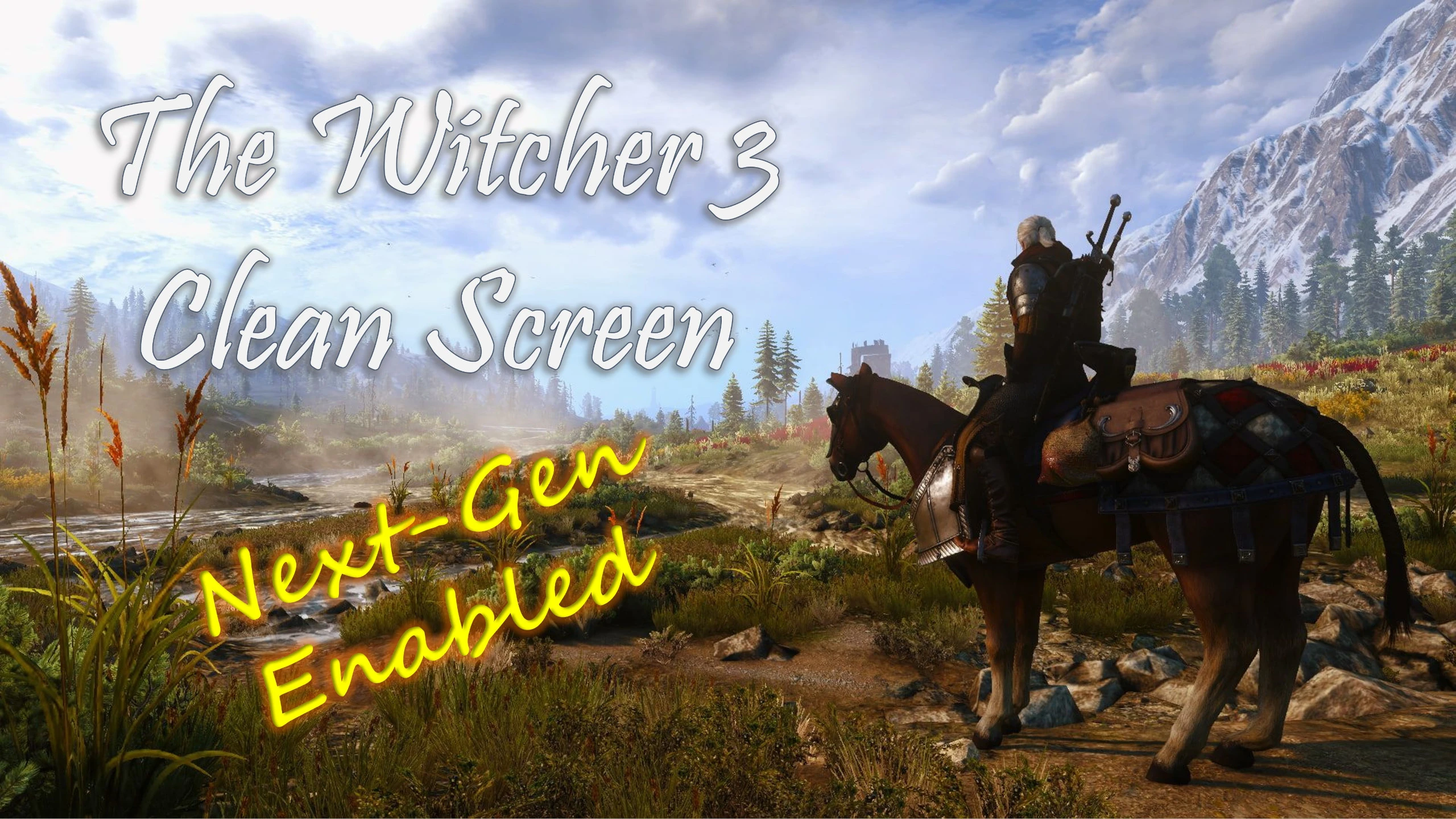
This mod is compatible with the Next-Gen Update!
Overview
You just upgraded to the Next-Gen version of The Witcher 3, and you are floored by its outstanding visuals. That is - until it starts raining, or you are traversing the countryside and getting dirty, or you are looking in the direction of the sun and getting glare. This mod will remove numerous effects and keep the visuals looking amazing at all times.
Main File (All-in-One)
The Main file contains all of the fixes in one mod, and specifically removes the following effects:
-
[]Rain drop effect on the screen.
[
]Dirty grit showing up on the screen.[]Glare effect on the screen.
[]Blood effects such as spatter on the screen and red corners when low on health.
[]Toxicity effect of green haze on screen when toxicity is high.
[]Frost effect of ice on the screen when in cold areas like the snowstorm while chasing Avallac'h.
[]Disables the Blizzard Screen Fx which turns the screen to a shade of gray while Blizzard potion is active. (per request from forcedtoREG)
[]Removes the mud that covers the screen when fighting the Water Hag.
[]Removes the water animation from the screen when Geralt surfaces from underwater.
Optional Files (Standalone Versions)
For those that don't want all the effects or only want to mix and match certain effects, the following Optional files are available:
-
[]Optional File 01 removes only rain, dirt, and glare
[]Optional File 02 removes only blood and toxicity
[]Optional File 03 removes only blizzard fx, underwater surfacing effect, frost, and mud
***Note: Optional Files are intended to be used as standalone versions. Do not combine them with the Main File.
Installation
There are two ways to install this mod:
1) Extract the contents of the file to your \Mods folder, typically found at:
\The Witcher 3 Wild Hunt GOTY\Mods
2)You may also use a mod manager. This has been fully tested and works with Vortex.
To uninstall, simply delete the mod from your \Mods folder or disable in your mod manager.
Compatibility
This mod changes the textures for dirt, rain, glare, frost, and blood as well as .w2p for toxicity and blood. It should be compatible with just about everything else out there unless some othe
-
[]Optional File 01 removes only rain, dirt, and glare
Clean Screen for Next Gen removes dirty screen, water droplets, glare, blood, mud, toxicity, and other miscellaneous effects to keep visuals pristine. A popular cosmetic mod with 1,795 endorsements and 219,072 downloads, last updated May 2023.
✨ Key Features
📊 Pros & Cons
✅ Pros
- Huge community trust with 1,795 endorsements and over 219k downloads
- Does exactly what it says: cleans up all those annoying screen effects
- Lightweight and purely cosmetic, no gameplay impact
⚠️ Cons
- Last updated in May 2023, may not be compatible with the latest game patches
- Removes all screen effects, so you lose the immersive feedback from blood or toxicity
For players who want a pristine, clean view without any screen gunk. Perfect for those who find dirty screen effects annoying or distracting. Skip if you rely on visual cues like blood or toxicity to gauge your status.
💡 Beginner Tips
- Since this is a simple mod, just drop the files into your game's mod folder or use your mod manager.
- If you're on PC, make sure to enable mods in the game's launcher if required.
- Check the mod page for any updates if you experience issues after a game patch.
📊 Mod Details
- Game
- Witcher 3 Mods
- Author
- PaulR0013
- Version
- 3.1.1
- Downloads
- 219,072
- Endorsements
- 1,795
- Category
- Visuals and Graphics
- Created
- 12/16/2022
- Updated
- 5/12/2023
🧩 Commonly Used Together
Users add these mods to the same collections — a real compatibility signal, not an AI guess.
🔧 How to Install Witcher 3 Mods
Download from Nexus.
📖 Full step-by-step install guide for Witcher 3 →
Visit the official mod page for specific installation instructions for this mod.
🎮 Need cheat codes or console commands? Check ur gaming wiki for Witcher 3 commands, item IDs, and more.
Keep browsing — more Witcher 3 mods await