Cinematic Lighting
⚪ Last updated 2015⚠️ Install Order · 3 steps
Install in this order, then this mod last — most mods fail to load without their framework and dependencies in place.
Preview
🔍 Analysis
- 👍 3.6% endorsement rate — high engagement, a strong quality signal
- 🏆 #50 of 74 ReShade Preset mods in this game by downloads
📋 About This Mod
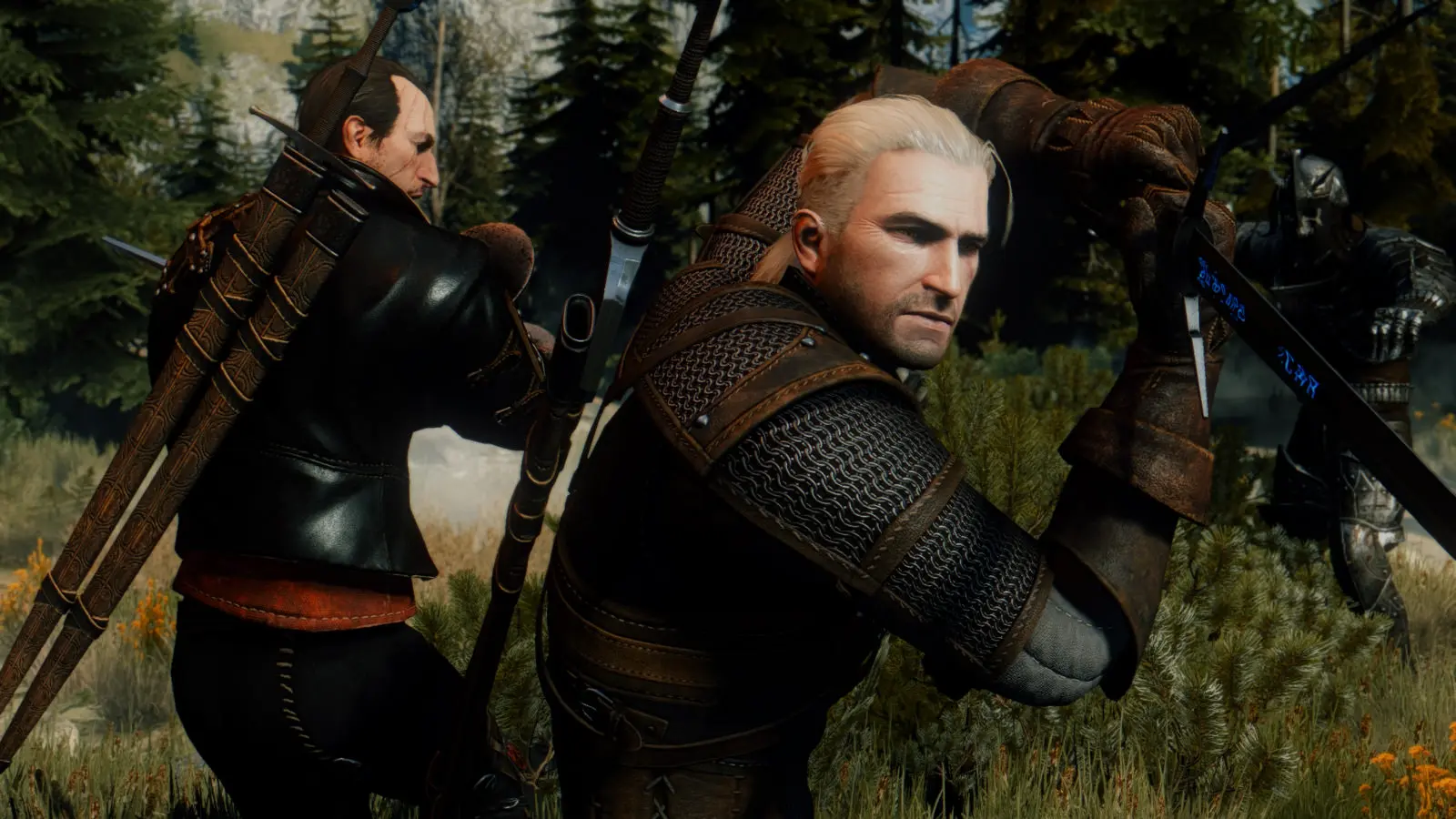
Graphical overhaul for The Witcher 3 utilizing a series of postprocessing effects available as part of the ReShade Framework, featuring improvements to lighting, color grading, ambient occlusion, and more.
Installation instructions:
1. Go here and download the current version of the ReShade Framework. (Last tested with ReShade Framework v1. 0. 0.) Extract the following three items from that download to the x64 folder in your Witcher 3 directory: - ReShade64.dll - ReShade.fx - ReShade folder
2. Download Cinematic Lighting Mod from the Files section of this page. Open the download and copy everything into the ReShade folder you just added to x64. When prompted, choose to overwrite any files.
3. Back in the x64 folder, rename ReShade64.dll to dxgi.dll. If a dxgi.dll already exists in your x64 folder, then instead rename ReShade64.dll to d3d9.dll.
4. Play The Witcher 3!
To uninstall, just delete the three items that were added to your x64 folder: - dxgi.dll (or d3d9.dll, if that's what you renamed ReShade64.dll to) - ReShade.fx - ReShade folder
Recommended: Increase the gamma using the in-game slider (available when playing in Exclusive Fullscreen mode)
Cinematic Lighting is a ReShade preset for The Witcher 3 that enhances visuals with improved lighting, color grading, and ambient occlusion. With 230 endorsements and over 6,000 downloads, it's a community favorite for players seeking a cinematic look without heavy performance hits.
✨ Key Features
📊 Pros & Cons
✅ Pros
- Community-approved with 230 endorsements and 6,386 downloads—clearly a go-to for many players.
- Delivers a cinematic visual upgrade without needing a full ENB overhaul.
- Lightweight ReShade preset—less performance impact than heavy ENBs.
⚠️ Cons
- Last updated in 2015—may not be compatible with the latest Witcher 3 patches or ReShade versions.
- Preset is subjective—you might need to tweak settings to match your taste and monitor.
For Witcher 3 players who want a quick, cinematic visual boost without diving into complex ENB configs. If you're comfortable with ReShade and enjoy tweaking visuals, this preset is a solid starting point. Skip if you prefer vanilla graphics or want gameplay changes—this is purely cosmetic.
💡 Beginner Tips
- Make sure you have ReShade installed and set up for The Witcher 3 before applying this preset.
- After installing, use the ReShade in-game overlay to adjust the preset's intensity to your liking.
- Check the mod's comments section for user tweaks and compatibility notes with newer game versions.
📊 Mod Details
- Game
- Witcher 3 Mods
- Author
- SunBroDave
- Version
- Final
- Downloads
- 6,386
- Endorsements
- 230
- Category
- ReShade Preset
- Created
- 6/7/2015
- Updated
- 10/14/2015
🔧 How to Install Witcher 3 Mods
Download from Nexus.
📖 Full step-by-step install guide for Witcher 3 →
Visit the official mod page for specific installation instructions for this mod.
🎮 Need cheat codes or console commands? Check ur gaming wiki for Witcher 3 commands, item IDs, and more.
Keep browsing — more Witcher 3 mods await