AutoLoot - AutoLoot the items you want
⚪ Last updated 2016⚠️ Install Order · 2 steps
Install in this order, then this mod last — most mods fail to load without their framework and dependencies in place.
Preview
🔍 Analysis
- 👍 2.9% endorsement rate — high engagement, a strong quality signal
- 🏆 #3 of 243 Gameplay Changes mods in this game by downloads
📋 About This Mod
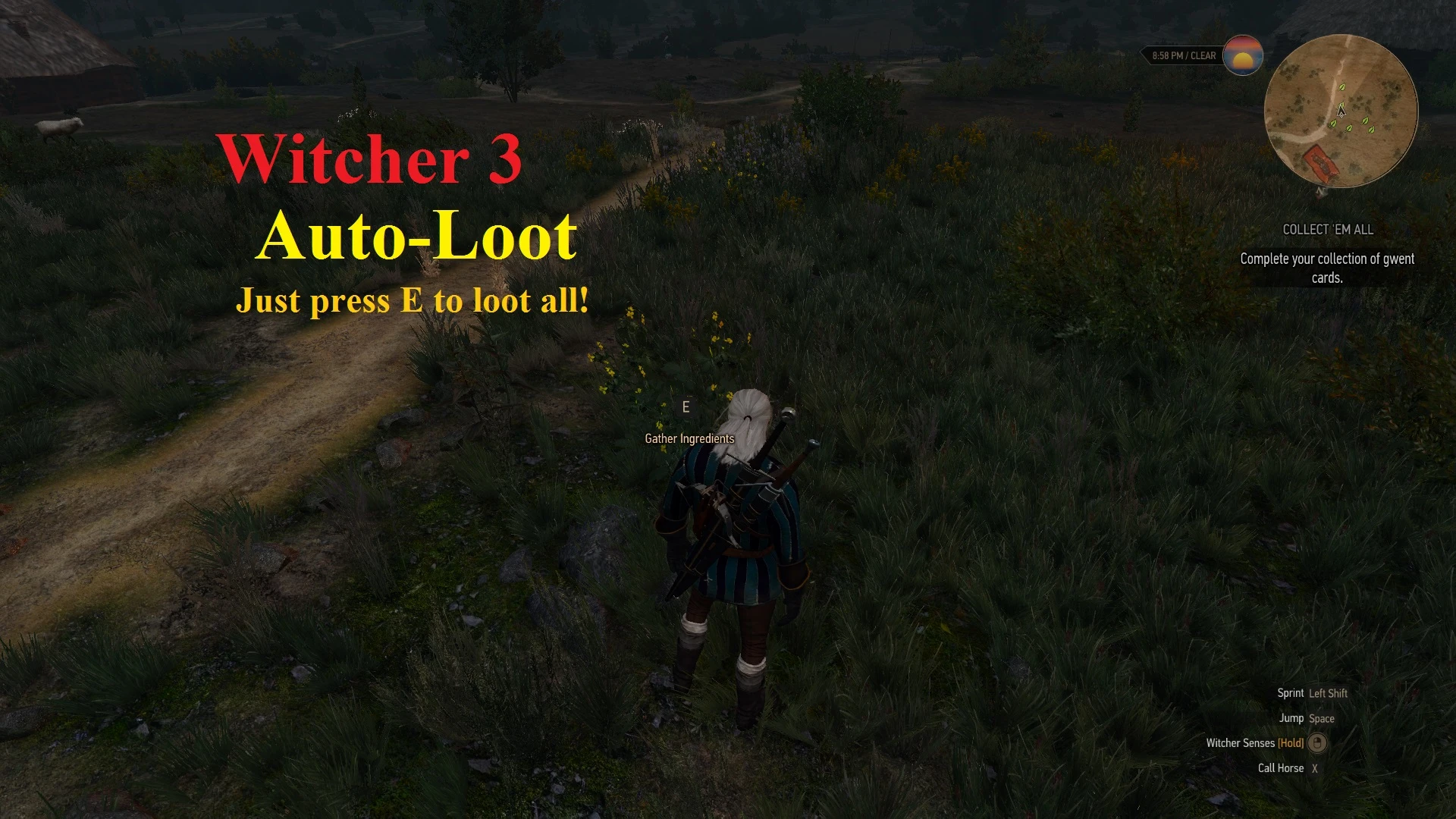
This mod does its best to eliminate the tedious loot popup. Using customizable filters you can automatically loot whatever you want from containers, or manually loot things you might not want.
Check out AeroHD's Configurable All-In-One version of this mod, which has been updated more recently, and contains an in-game configuration menu / some new features.
Compatible with the latest Witcher 3 patch! Thanks Gopher for including my mod in his mod showcase! (AutoLoot appears at 6:52) HjyliEHiXbI
Check this thread on info on how to customize filters!
- []No Accidental Stealing: does not auto-steal.
- []Containers with only X items in them: use this filter to loot containers with X items in them, or less than/more than X items in them. []Weight Filter: use this item filter to autoloot items of a certain weight.
- []Herbs Filter: auto loots herbs (ingredients). []Armors Filter: auto loots armors. []Weapons Filter: auto loots weapons. []Oils filter: auto loots oils. []Foodstuff filter: auto loots food and drinks.
Install Instructions
Using Nexus Mod Manager: Click on Download (NMM).Manual: 1. Download the version you want. 2. Extract modAutoLoot to your The Witcher 3 The Wild Hunt\mods folder (create it if you do not have it!) 3. Start the game and wait for the scripts to compile.
For the AutoLoot in Radius feature: Open the Documents > Witcher 3 > input.settings file. Under the category add: IK_U=(Action=AutoLootRadius) also add the same thing under the and under the category. You can also ad
AutoLoot removes the tedious loot interface by automatically collecting items you configure, saving time in gameplay. With 32,914 endorsements and 1.1M downloads, it's a popular quality-of-life mod for players who want streamlined looting. Last updated in 2016, so compatibility with current game versions may be uncertain.
✨ Key Features
📊 Pros & Cons
✅ Pros
- Huge community trust (32,914 endorsements, 1.1M downloads)
- Saves time by skipping loot menus
- Customizable to avoid junk items
⚠️ Cons
- Last updated in 2016 — may not work with current game versions
- No details on how to configure which items to loot
For players who hate stopping to loot every corpse and want to speed up their gameplay. Skip if you enjoy the loot interface or want a mod with active updates.
💡 Beginner Tips
- Check if the mod is compatible with your game version before installing, as it's old.
- Look for configuration files or in-game settings to set which items to auto-loot.
- Test in a safe area first to see how it behaves with your loot preferences.
📊 Mod Details
- Game
- Witcher 3 Mods
- Author
- JupiterTheGod
- Version
- 1.7.4
- Downloads
- 1,124,601
- Endorsements
- 32,914
- Category
- Gameplay Changes
- Created
- 8/14/2015
- Updated
- 6/4/2016
🔧 How to Install Witcher 3 Mods
Download from Nexus.
📖 Full step-by-step install guide for Witcher 3 →
Visit the official mod page for specific installation instructions for this mod.
🎮 Need cheat codes or console commands? Check ur gaming wiki for Witcher 3 commands, item IDs, and more.
Keep browsing — more Witcher 3 mods await