AutoLoot All-in-One NG Update
⚪ Last updated 2024⚠️ Install Order · 2 steps
Install in this order, then this mod last — most mods fail to load without their framework and dependencies in place.
Preview
🔍 Analysis
- 👍 2.0% endorsement rate — high engagement, a strong quality signal
- 🏆 #25 of 243 Gameplay Changes mods in this game by downloads
📋 About This Mod
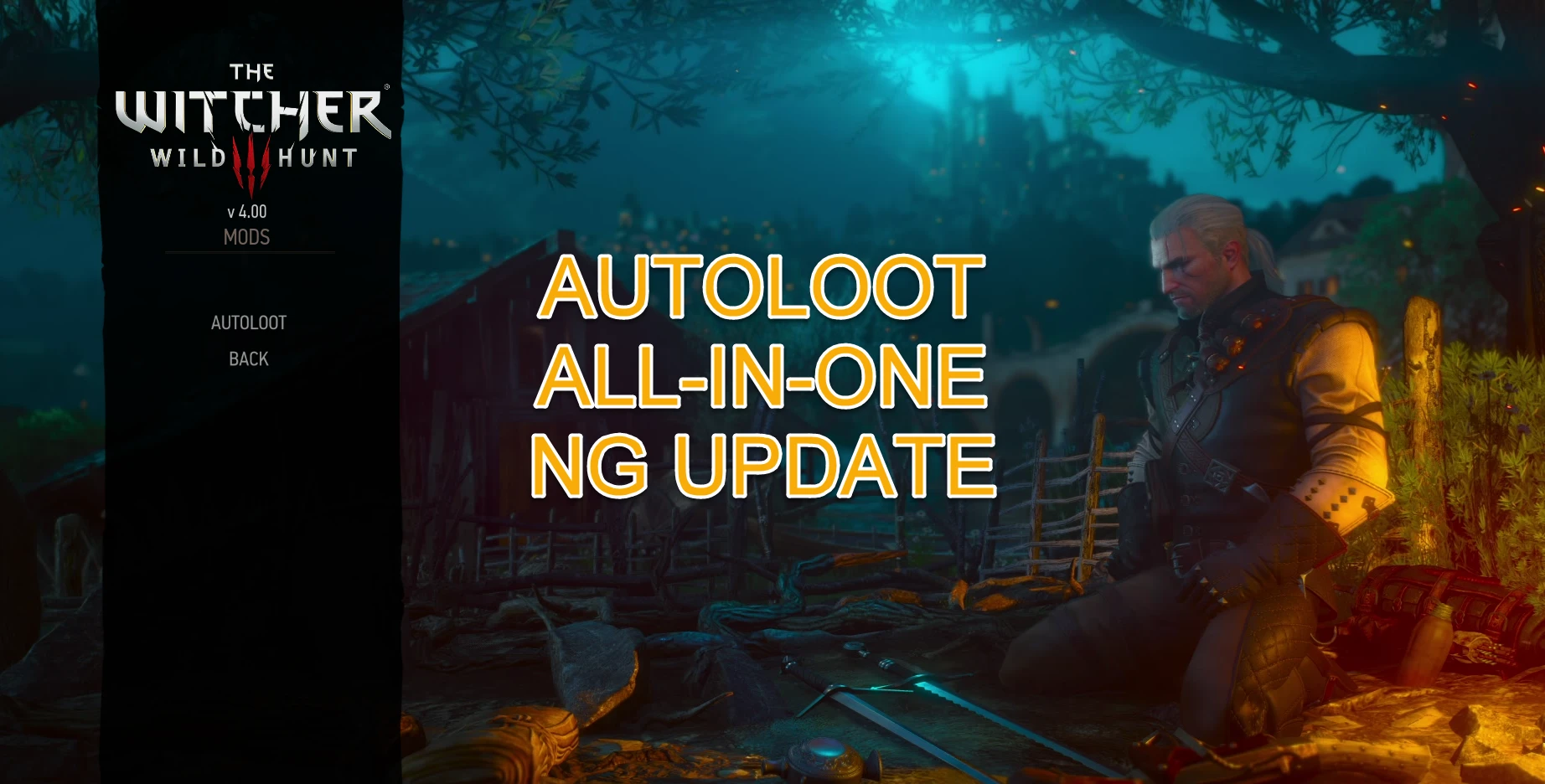
-= AUTOLOOT ALL-IN-ONE NG UPDATE =-
Mod of the Month
- Nominated for December 2022
Version 4. 4. 1
- Fix to the Corvo Bianco Vineyard Home Decorations.
- Some improvements to TrueAutoLoot.
This mod is constantly being updated with new features and fixes.
If you like this mod an Endorsement is always appreciated.
-= VORTEX OR W3MM INSTALLATION =-
IMPORTANT: It's safer if you use the Vortex app or W3MM to install this mod to avoid issues.
(with Vortex app install, do not forget use the notifications at top right, you need 'Elevate' (the blue
notification) then 'Run Tool' (the orange notification).
After properly installed:
To finish the installation with Vortex app,
go to the 'The Witcher 3' game root folder (not the Mods folder)
and run the symlink file:
install_AutoLoot_Mod_Menu.bat
The batch symlink install_AutoLoot_Mod_Menu.bat
TROUBLESHOOT: Some mods when installing will replace files which will erase the Menu settings info of this mod and others.
Or when you disable the mod some Menu settings info will be removed and need be inserted again when you enable it.
If the Menu setting is not available this warning will popup in game
AutoLoot All-in-One NG Update is a comprehensive auto-loot system for Skyrim, featuring a colorful Action Log Menu with customizable on-screen placement, an option to disable max weight inventory, and easy filtering and exception of loot items. It is actively maintained and popular with over 3,600 endorsements.
✨ Key Features
📊 Pros & Cons
✅ Pros
- Huge community trust with 3,650 endorsements and 181k downloads.
- Active development—last updated August 2024, so it's fresh.
- Customizable UI placement and weight limit toggle give real control.
⚠️ Cons
- No explicit install instructions or requirements listed—might need some digging.
- Auto-loot mods can be finicky with other UI mods; no compatibility notes provided.
- If you're on an older Skyrim version, the 2024 update might not match your setup.
For Skyrim players who hate manual looting and want a hands-free experience with visual feedback. Perfect for loot hoarders who want to skip the tedium. Skip if you prefer vanilla looting or want a minimalistic mod.
💡 Beginner Tips
- Use a mod manager like Vortex or MO2 to install and manage this mod easily.
- Check the in-game MCM or mod settings to adjust the Action Log placement to your preference.
- If you use other UI mods, test for conflicts early to avoid HUD overlap.
📊 Mod Details
- Game
- Witcher 3 Mods
- Author
- HermesZum
- Version
- 4.4.1
- Downloads
- 181,980
- Endorsements
- 3,650
- Category
- Gameplay Changes
- Created
- 12/15/2022
- Updated
- 8/21/2024
🧩 Commonly Used Together
Users add these mods to the same collections — a real compatibility signal, not an AI guess.
🔧 How to Install Witcher 3 Mods
Download from Nexus.
📖 Full step-by-step install guide for Witcher 3 →
Visit the official mod page for specific installation instructions for this mod.
🎮 Need cheat codes or console commands? Check ur gaming wiki for Witcher 3 commands, item IDs, and more.
Keep browsing — more Witcher 3 mods await