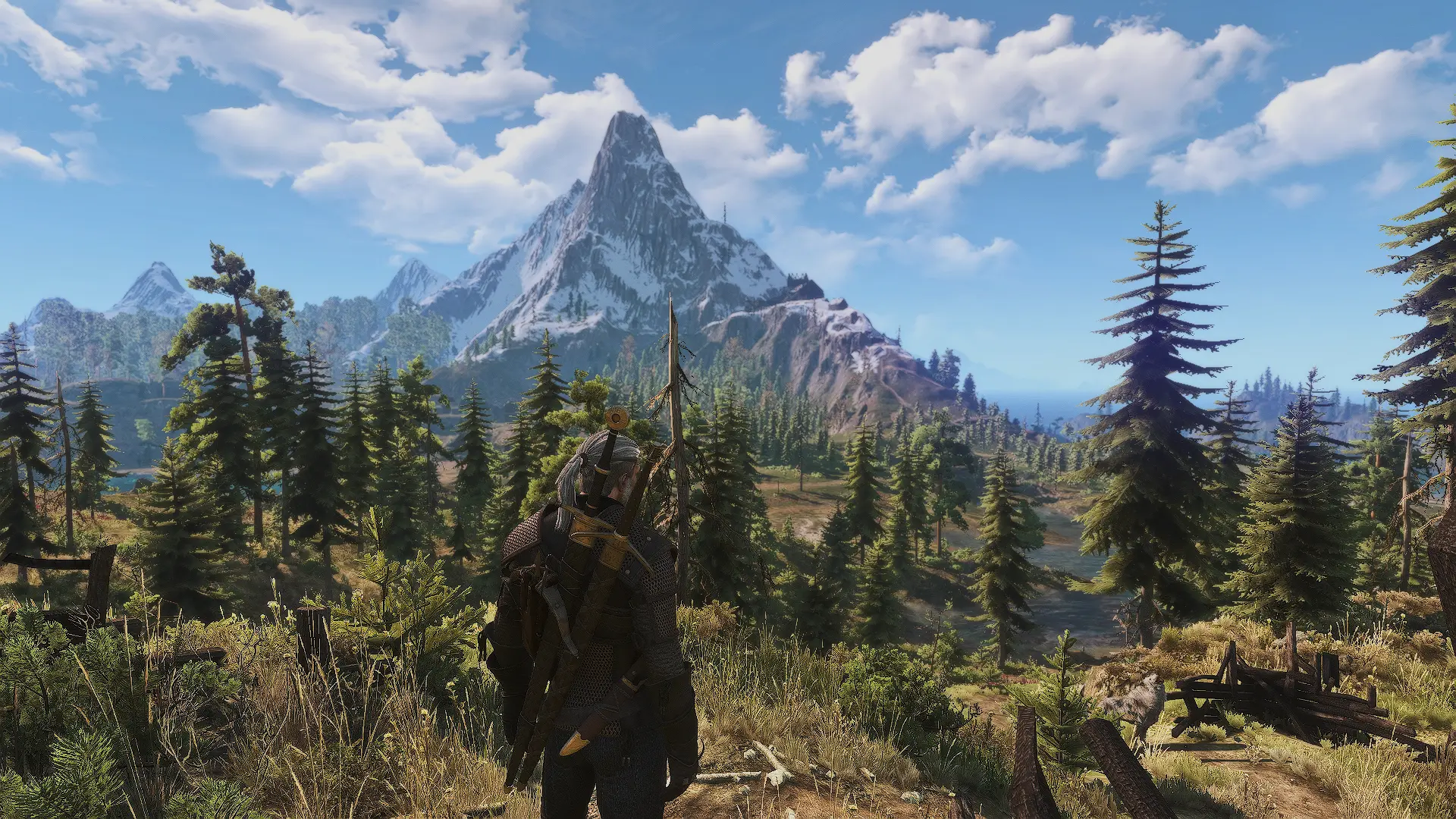
Ares Vision TookLighting Reshade E3 2014
⚪ Last updated 2020⚠️ Install Order · 3 steps
Install in this order, then this mod last — most mods fail to load without their framework and dependencies in place.
Preview
🔍 Analysis
- 👍 3.2% endorsement rate — high engagement, a strong quality signal
- 🏆 #54 of 74 ReShade Preset mods in this game by downloads
📋 About This Mod
First of all, I would like to thanks TookaFace for sharing this E3 2014 based lighting. All work belongs to TookaFace, I just made additions with reshade.Requirements
TookLightingMod(Updated)
Recommended Options
DOF: Off-On
Sharpening: Low
Image Sharpening
Recommended Mods
E3 UI And HUD
New FiresNew VGX Eredin Mask
VGX Burning Village CutsceneWitcher 2 Bricks And RoofsNew CloudsNew Lightning EffectLightsource Yrden And Igni
Reshade Installation
After the download lastest version of the Reshade install it after that extract the files I gave to x64 and open The Witcher 3 click to Home button and activate on Reshade interface. Thats it. Enjoy my Reshade!
A ReShade preset for Skyrim that recreates the E3 2014 lighting style, originally by TookaFace and adapted by Cyborg000. With 199 endorsements and over 6,000 downloads, it's a niche but popular choice for players seeking a specific cinematic look. Last updated in 2020, so compatibility with current Skyrim versions may vary.
✨ Key Features
📊 Pros & Cons
✅ Pros
- Community-tested with 199 endorsements and 6k+ downloads — clearly a lot of people dig this look.
- Gives your Skyrim that E3 2014 cinematic vibe without needing to tweak a ton of settings yourself.
- Lightweight preset — just drop it in and go, no heavy performance hit compared to full ENBs.
⚠️ Cons
- Last updated in 2020 — might not play nice with the latest Skyrim patches or ReShade versions.
- It's a niche look — if you're not after that specific E3 2014 aesthetic, you might find it too washed out or contrasty.
For Skyrim players who want that E3 2014 showcase look without the hassle of a full ENB. If you're into cinematic lighting and don't mind a bit of setup, this is for you. Skip if you prefer vanilla graphics or want a more modern, realistic preset.
💡 Beginner Tips
- Make sure ReShade is installed and working before adding this preset — you'll need to select it in the ReShade in-game menu.
- If the game looks too dark or bright, tweak the exposure and contrast sliders in the ReShade settings to match your taste.
- Check the mod's comments section for any user tips on compatibility with your Skyrim version.
📊 Mod Details
- Game
- Witcher 3 Mods
- Author
- TookaFace and Cyborg000
- Version
- 1.2
- Downloads
- 6,135
- Endorsements
- 199
- Category
- ReShade Preset
- Created
- 1/22/2020
- Updated
- 1/22/2020
🔧 How to Install Witcher 3 Mods
Download from Nexus.
📖 Full step-by-step install guide for Witcher 3 →
Visit the official mod page for specific installation instructions for this mod.
🎮 Need cheat codes or console commands? Check ur gaming wiki for Witcher 3 commands, item IDs, and more.
Keep browsing — more Witcher 3 mods await