Absolute Camera
⚪ Last updated 2022⚠️ Install Order · 2 steps
Install in this order, then this mod last — most mods fail to load without their framework and dependencies in place.
Preview
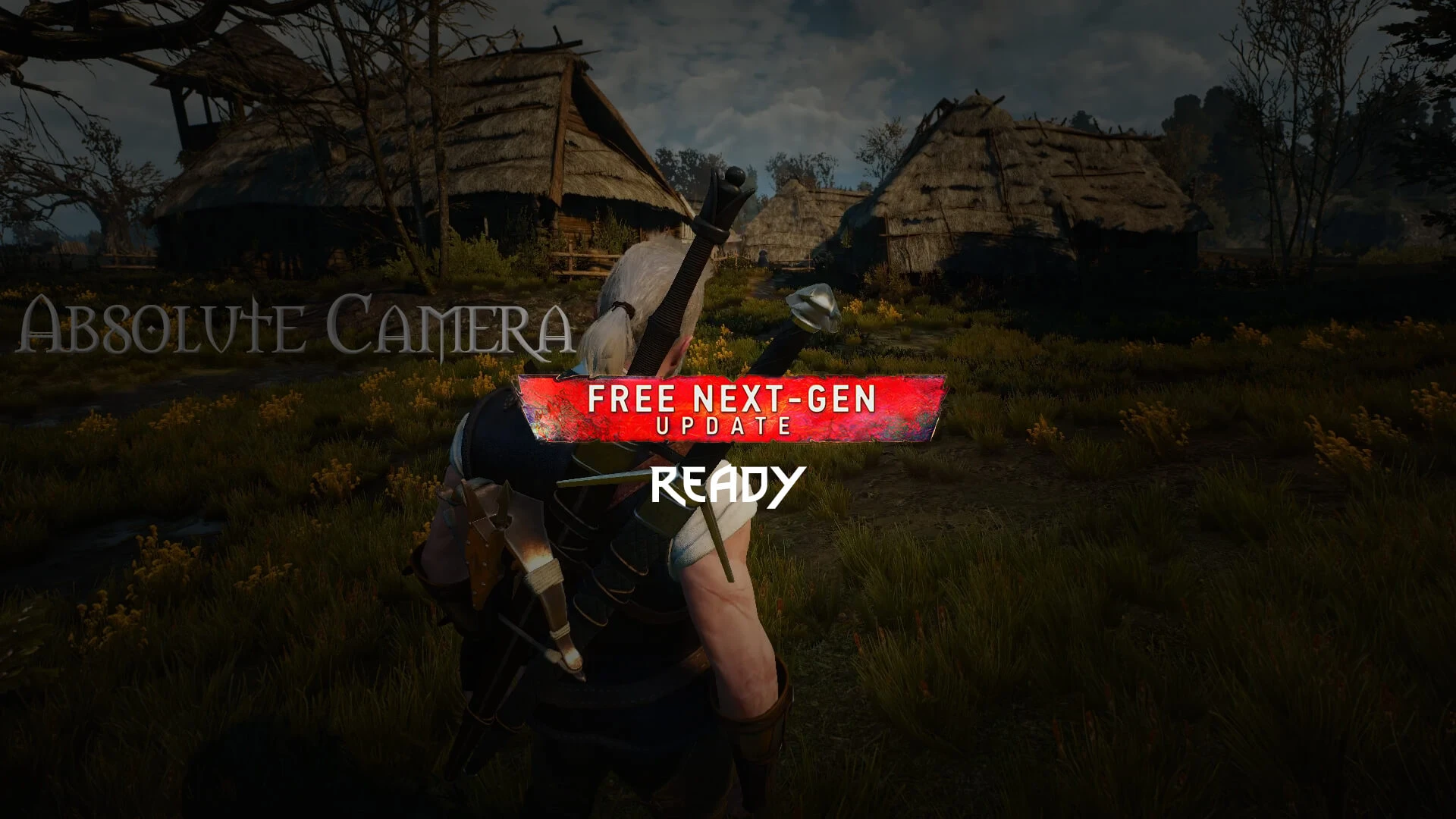
🔍 Analysis
- 👍 2.1% endorsement rate — high engagement, a strong quality signal
- 🏆 #2 of 37 Camera mods in this game by downloads
📋 About This Mod
Installation
1 - Unzip to game directory;
2 - Add line "modAbsoluteCameraMenu.xml;" to files "dx11filelist.txt" and "dx12filelist.txt" in folder <Witcher 3>\bin\config\r4game\user_config_matrix\pc
3 - (Optional) Add keybinds. They can be found in a file under optional files.
Uninstall
1 - Delete folder "modAbsoluteCamera" in folder <Witcher 3>\mods;
2 - Remove line "modAbsoluteCameraMenu.xml;" in files "dx11filelist.txt" and "dx12filelist.txt" in folder <Witcher 3>\bin\config\r4game\user_config_matrix\pc and delete the XML itself.
Info below is old and may be out of date.
The Witcher 3 Mod Manager Mod Page
Absolute Camera by pMarK is a highly popular camera mod with 7,694 endorsements and over 371,000 downloads. It lets players define their preferred camera settings, offering customization for a more personalized view. Last updated in December 2022, it remains a go-to choice for players seeking camera control.
✨ Key Features
📊 Pros & Cons
✅ Pros
- Massive community trust – 7,694 endorsements and 371k downloads speak for themselves.
- Simple concept, likely easy to use – just set your camera and go.
- Still relevant – last updated in 2022, so it's not ancient history.
⚠️ Cons
- No detailed feature list – you get 'define your preferred cameras' and that's it.
- No install instructions or compatibility notes provided by the author.
- Last updated over two years ago – might have issues with newer game patches.
For players who want more control over their in-game camera angles, whether for screenshots, gameplay comfort, or streaming. If you're tired of default camera positions and want a simple tweak, this is for you. Skip if you need complex camera effects or if you're on a version newer than 2022.
💡 Beginner Tips
- Check the mod's posts section for any user-provided setup tips, since the description is minimal.
- If you're using a mod manager, try installing manually first to see if it's just a file drop.
- Test the camera settings in a safe area before relying on it in combat or intense moments.
📊 Mod Details
- Game
- Witcher 3 Mods
- Author
- pMarK
- Version
- 4.0
- Downloads
- 371,557
- Endorsements
- 7,694
- Category
- Camera
- Created
- 10/18/2015
- Updated
- 12/17/2022
🔧 How to Install Witcher 3 Mods
Download from Nexus.
📖 Full step-by-step install guide for Witcher 3 →
Visit the official mod page for specific installation instructions for this mod.
🎮 Need cheat codes or console commands? Check ur gaming wiki for Witcher 3 commands, item IDs, and more.
Keep browsing — more Witcher 3 mods await