Generic Object Remover
⚪ Last updated 2024⚠️ Install Order · 1 step
Install in this order, then this mod last — most mods fail to load without their framework and dependencies in place.
Preview
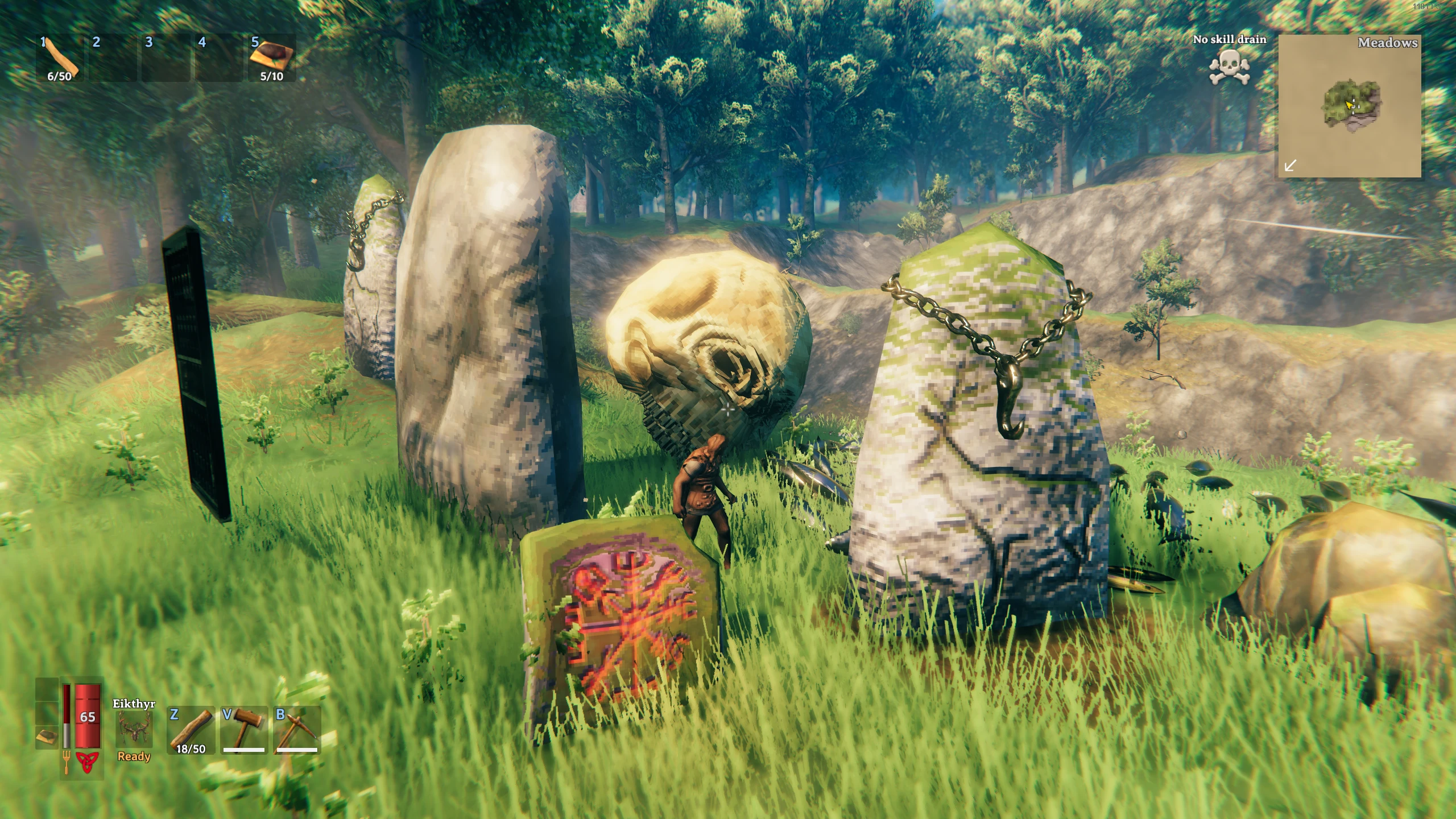
🔍 Analysis
- 👍 3.5% endorsement rate — high engagement, a strong quality signal
- 🏆 #49 of 251 Utilities mods in this game by downloads
📋 About This Mod
Now compatible with Hearth and Home update!
This mod was inspired by the comment section from my Glowing Mushroom Remover mod where people had specific requests to remove all kinds of items they had spawned.
Overview / Tutorial
bTOvGEi3m_Q
Click here for the original, pre Hearth and Home update, video if you want some more insight.
Usage
Definitely watch the overview / tutorial video listed above.
This mod works through the in-game console. Chances are you spawned in the item you wanted to delete through the console, but just in case you spawned it through another method, here are the steps to enable the Valheim in-game console:
-
[]Right-click Valheim in your Steam library
[
]Select Properties[]In the General tab, look for the Launch Options field
[]In it, type -console
- Close the General tab
Once you have finished these steps, press F5 in-game to open the console. Here is an overview of the console commands this mod uses to function:
help - gives a full overview of all console commands available, Generic Object Remover specific ones can be found at the end
GORinspect - Check the currently looked at object for removables (need to be close).
GORinspect - Check for removables in given radius around the player.
GORremove - Remove an object. (use GORinspect to retrieve a removable object's name)
GORremove - Remove all objects with given name in given radius around the player. (use GORinspect or GORinspectradius to retrieve removable object names)
All console commands are case-insensitive, I just capitalized the gor at the start for readability in the documentation. If this is unclear, please watch the video above.
Notes
This mod works one-way. There is no way to revert the changes that are made by this mod, all removals are permanent. This is the main reason I added the explicit typing of the objectname inside the command itself, but please be careful with removing stuff if you don't want it removed. If you would want something back that you removed with this mod, you would have to manually spawn it back in through other console commands.
Technical
To install this mod, the easiest way is to use Vortex, the Nexus Mods mod manager. It should take care of all dependencies.
To install manually, place the dll file in the BepInEx/plugins folder. You will need BepInEx.
Code is available on Github.[/size
Generic Object Remover is a utility mod for Skyrim that lets you permanently delete unwanted objects spawned via console or other mods. With 285 endorsements and 8,175 downloads, it's a niche but trusted tool for cleaning up your game world.
✨ Key Features
📊 Pros & Cons
✅ Pros
- Community-approved with 285 endorsements and 8,175 downloads
- Solves a specific annoyance: stuck objects you can't get rid of
- Simple utility that does one job well
⚠️ Cons
- Last updated January 2024 — may not work with the latest Skyrim version
- Permanent removal means no undo if you make a mistake
For Skyrim players who frequently use console commands or mods that spawn objects and need a way to clean up. Skip if you rarely spawn things or are fine with leaving them.
💡 Beginner Tips
- Make a save before using it, so you can revert if you remove the wrong object.
- Use the console to select the object first to ensure you're targeting the right one.
- Check if the mod requires SKSE or any patches for your game version.
📊 Mod Details
- Game
- Valheim Mods
- Author
- Joolss
- Version
- 1.1.4
- Downloads
- 8,175
- Endorsements
- 285
- Category
- Utilities
- Created
- 6/2/2021
- Updated
- 1/9/2024
🔧 How to Install Valheim Mods
Download from Nexus.
📖 Full step-by-step install guide for Valheim →
Visit the official mod page for specific installation instructions for this mod.
🎮 Need cheat codes or console commands? Check ur gaming wiki for Valheim commands, item IDs, and more.
Keep browsing — more Valheim mods await