(Obsolete) Hold Attack
⚪ Last updated 2021⚠️ Install Order · 1 step
Install in this order, then this mod last — most mods fail to load without their framework and dependencies in place.
Preview
🔍 Analysis
- 👍 3.4% endorsement rate — high engagement, a strong quality signal
- 🏆 #9 of 251 Utilities mods in this game by downloads
📋 About This Mod
Hold Attack
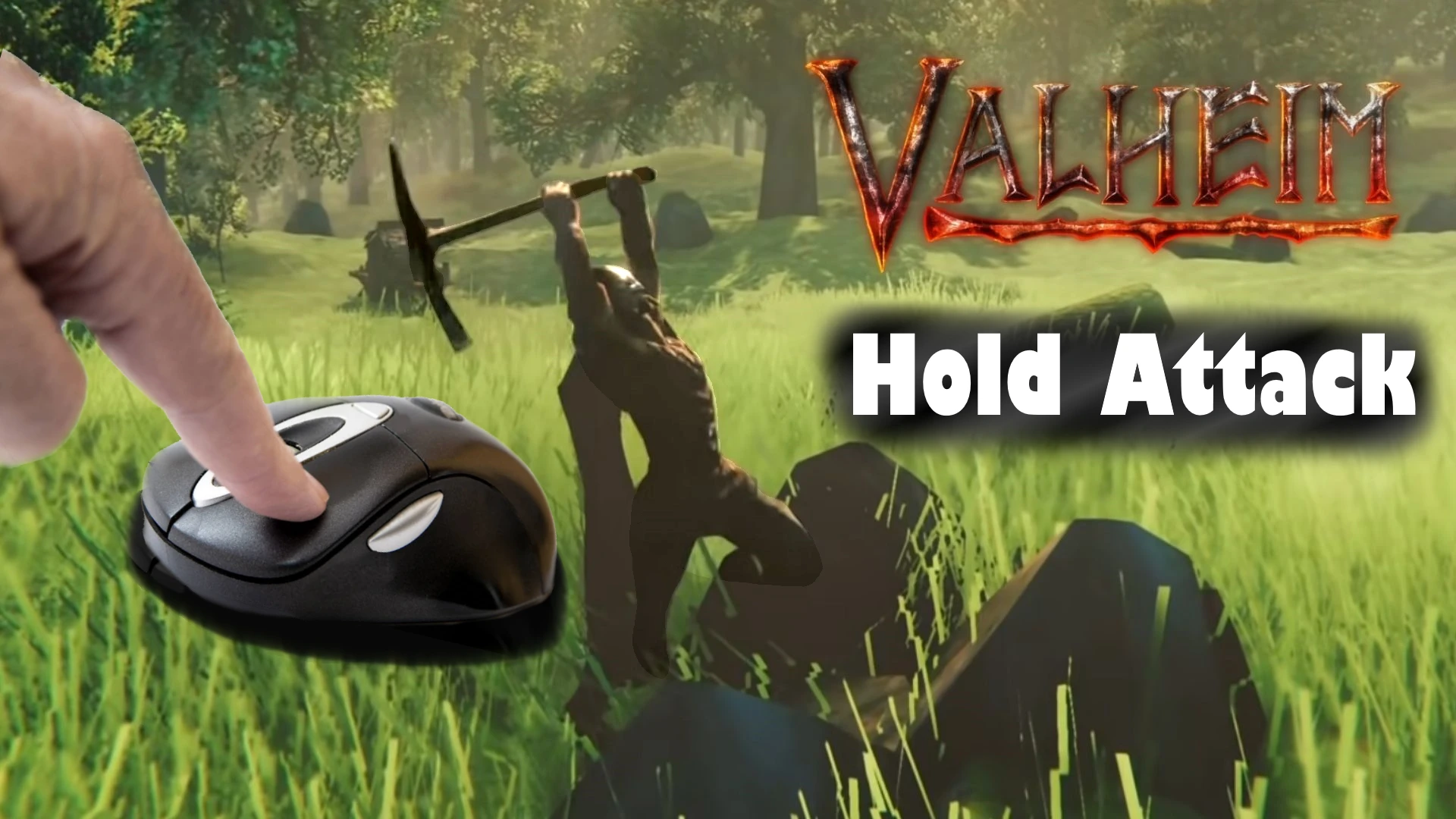
With this little BepInEx plugin you can mine ore, cut wood and even fight with more comfort than ever. Say goodby to button mashing and hold down the attack key (or don't press anything at all).
Configuration
You can configurate key bindings to toggle the mod (default: H) and to keep attacking without pressing the attack button (default: None). For key naming conventions look at https://docs.unity3d.com/ScriptReference/KeyCode.html
You can also adjust a delay (the number of FixedUpdates) before the attack is activated again. Decrease this if you are experiencing a pause between attacks. Optionally the delay can be set for each weapon. This is useful if you use custom animation speed.
Installation
To install the mod you need to extract the contents of "plugins" folder into "<GameDirectory>\Bepinex\plugins".
A utility mod for Skyrim that lets you hold the mine and attack buttons instead of repeatedly pressing them. With 3,244 endorsements and 94,463 downloads, it's a popular quality-of-life improvement, though it was last updated in 2021 and may be outdated.
✨ Key Features
📊 Pros & Cons
✅ Pros
- Huge community trust with 3,244 endorsements — clearly a go-to for many players.
- Saves your fingers from constant clicking; a real QoL upgrade for mining and combat.
- Lightweight and straightforward — no bloat, just the feature you want.
⚠️ Cons
- Last updated in 2021 — might not work with the latest Skyrim version or AE.
- No detailed description or install instructions provided by the author.
- Marked as obsolete, so don't expect future updates or support.
For Skyrim players who find repeated clicking tedious and want a smoother mining/combat experience. Perfect for those who play with a controller or just prefer holding buttons. Skip if you're on the latest game version and need guaranteed compatibility.
💡 Beginner Tips
- Since it's marked obsolete, check if your Skyrim version is compatible before installing — if you're on Special Edition, it might still work, but test it early.
- If you use a mod manager like Vortex or MO2, install it through that to keep your load order clean.
- Pair this with other utility mods like SkyUI to enhance your overall UI experience.
📊 Mod Details
- Game
- Valheim Mods
- Author
- Toawy
- Version
- 0.4.2
- Downloads
- 94,463
- Endorsements
- 3,244
- Category
- Utilities
- Created
- 3/2/2021
- Updated
- 3/27/2021
🧩 Commonly Used Together
Users add these mods to the same collections — a real compatibility signal, not an AI guess.
🔧 How to Install Valheim Mods
Download from Nexus.
📖 Full step-by-step install guide for Valheim →
Visit the official mod page for specific installation instructions for this mod.
🎮 Need cheat codes or console commands? Check ur gaming wiki for Valheim commands, item IDs, and more.
Keep browsing — more Valheim mods await