Custom Dreams
🟠 Updated over a year ago⚠️ Install Order · 1 step
Install in this order, then this mod last — most mods fail to load without their framework and dependencies in place.
Preview
🔍 Analysis
- 🏆 #96 of 144 Miscellaneous mods in this game by downloads
📋 About This Mod
The dream system in Valheim is actually pretty neat, though there are only ten dreams in the current version.
This mod lets you create your own dream sets, and customize the dream display.
Dream display customizations include:
-
[]Custom font
[
]Custom text color - Custom font size
Dream Sets
To create your own dream set, the easiest thing to do is create a text file and put it in BepInEx\plugins\CustomDreamTexts\. Name it after the folder you want to create, e.g.:
BepInEx\plugins\CustomDreamTexts\MyDreamSet.txt
Dreams should be one dream per line, in the following format:
<DreamText>^<AuthorName>|<DreamChance>
Author name is optional (useful for lists of quotes), as is dream chance. If you do include a caret "^" in the dream text, it will separate the author out from the text with the string specified in the config file. For example, the default config turns:
Never jump into a pile of leaves with a wet sucker.^Linus Van Pelt
{"m_text":"Never jump into a pile of leaves with a wet sucker.\r\n\r\n-- Linus Van Pelt","m_chanceToDream":1. 0,"m_trueKeys":[],"m_falseKeys":[]}
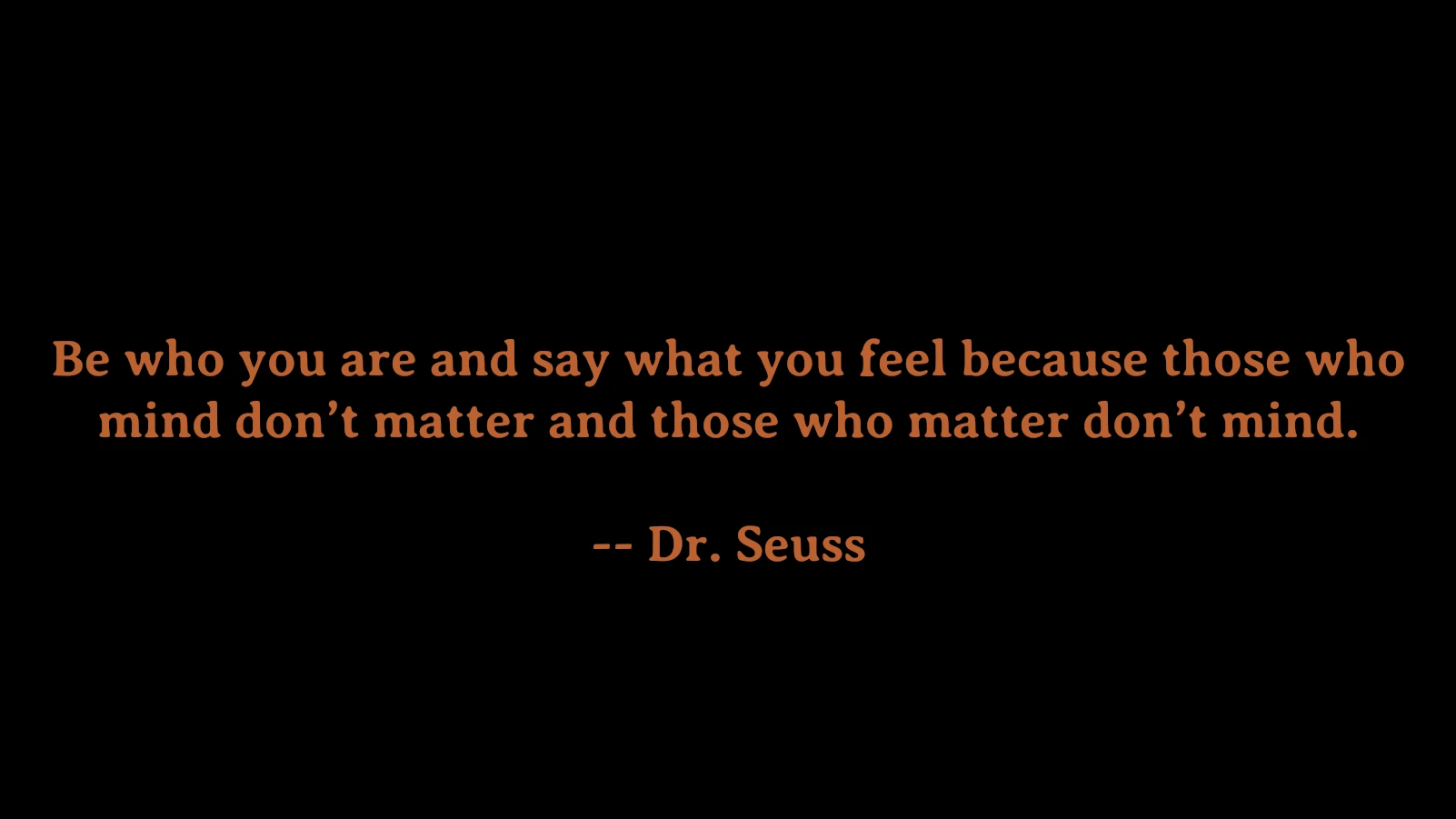
Which looks like:
Never jump into a pile of leaves with a wet sucker.
- Linus Van Pelt
If you specify a chance, you separate it from the dream text with a pipe "|", and the chance should be between 0 and 1, e.g.:
Never jump into a pile of leaves with a wet sucker.^Linus Van Pelt|0. 5
This means that if the game chooses this dream to display, there will be a 50% chance of actually showing the dream, and a 50% chance of showing nothing.
If you don't include a chance, the mod will use the default chance specified in the config file.
The mod will take your text file and turn it into a folder full of json files. If you want to specify certain keys to require or avoid, you can add them to the m_trueKeys and m_falseKeys fields of the corresponding json file, e.g.:
"m_text": "$dream_yagluth01",
"m_chanceToDream": 0. 1,
"m_trueKeys": [
"defeated_moder",
"defeated_bonemass",
"defeated_gdking",
"defeated_eikthyr"
"m_falseKeys": [
"defeated_goblinking"
This dream has a 10% chance of showing, and only if the true keys are true and the false keys are false. It uses a built-in string $dream_yagluth01, which changes based on the set language. This mod doesn't add any such strings, you need to input actual text.
I've included a set of 112 quotes I put together for a Stardew Valley m
Custom Dreams by aedenthorn lets players create their own dreams and customize the dream display in the game. With 19 endorsements and 352 downloads, it's a niche utility for players seeking personalization. Last updated February 2025, it offers a straightforward way to tailor dream sequences.
✨ Key Features
📊 Pros & Cons
✅ Pros
- Simple concept: make your own dreams and tweak how they show up
- Fresh update (Feb 2025) so it's likely still compatible
- Small but present community (19 endorsements, 352 downloads)
⚠️ Cons
- Very niche – only useful if you're into dream customization
- Low endorsement count (19) means it's not widely tested
For players who want to personalize their dream sequences and display. If you're into deep customization and don't mind figuring things out yourself, this could be fun. Skip if you prefer gameplay changes or need hand-holding.
💡 Beginner Tips
- Check the mod's page for any hidden notes or updates from the author.
- Since it's a miscellaneous mod, test it in a separate save to avoid messing up your main game.
- Look for config files or in-game menus to access the customization options.
📊 Mod Details
- Game
- Valheim Mods
- Author
- aedenthorn
- Version
- 0.2.0
- Downloads
- 352
- Endorsements
- 19
- Category
- Miscellaneous
- Created
- 4/12/2021
- Updated
- 2/25/2025
🔧 How to Install Valheim Mods
Download from Nexus.
📖 Full step-by-step install guide for Valheim →
Visit the official mod page for specific installation instructions for this mod.
🎮 Need cheat codes or console commands? Check ur gaming wiki for Valheim commands, item IDs, and more.
Keep browsing — more Valheim mods await