Backupheim - A batch file to backup your worlds and characters
⚪ Last updated 2022⚠️ Install Order · 1 step
Install in this order, then this mod last — most mods fail to load without their framework and dependencies in place.
Preview
🔍 Analysis
- 🏆 #194 of 261 Utilities mods in this game by downloads
📋 About This Mod
Backupheim
A batch file to quickly backup player and world files.
What does it do?
Backupheim is a batch file that you run (double click) to update either your world files, your character files, or both.
It copies files from the default local save-game location on Windows PCs to a backup folder in the same location as the batch file.
It does not work while the game is running. You must close the game to run Backupheim.
It does not currently back up cloud saves. There is a beta which may or may not work. If you can help with testing, please respond to the issue here.
It is a manual backup not automatic so you will need to run backupheim.bat every time you want to back up!
How do I install it?
1. Put backupheim.bat anywhere on your computer.
2. Double click to run.
3. Backupheim will give you four options, type the number for the option you want, and then press return/enter.
You should now see all the files being copied over.
You're done!
Editing the batch fileSource locations
If backupheim is not finding your files, you may need to edit the source locations.
Right-click on backupheim.bat and select 'open with' a text editor of your choice (Notepad is fine).
Find the section that looks like this:
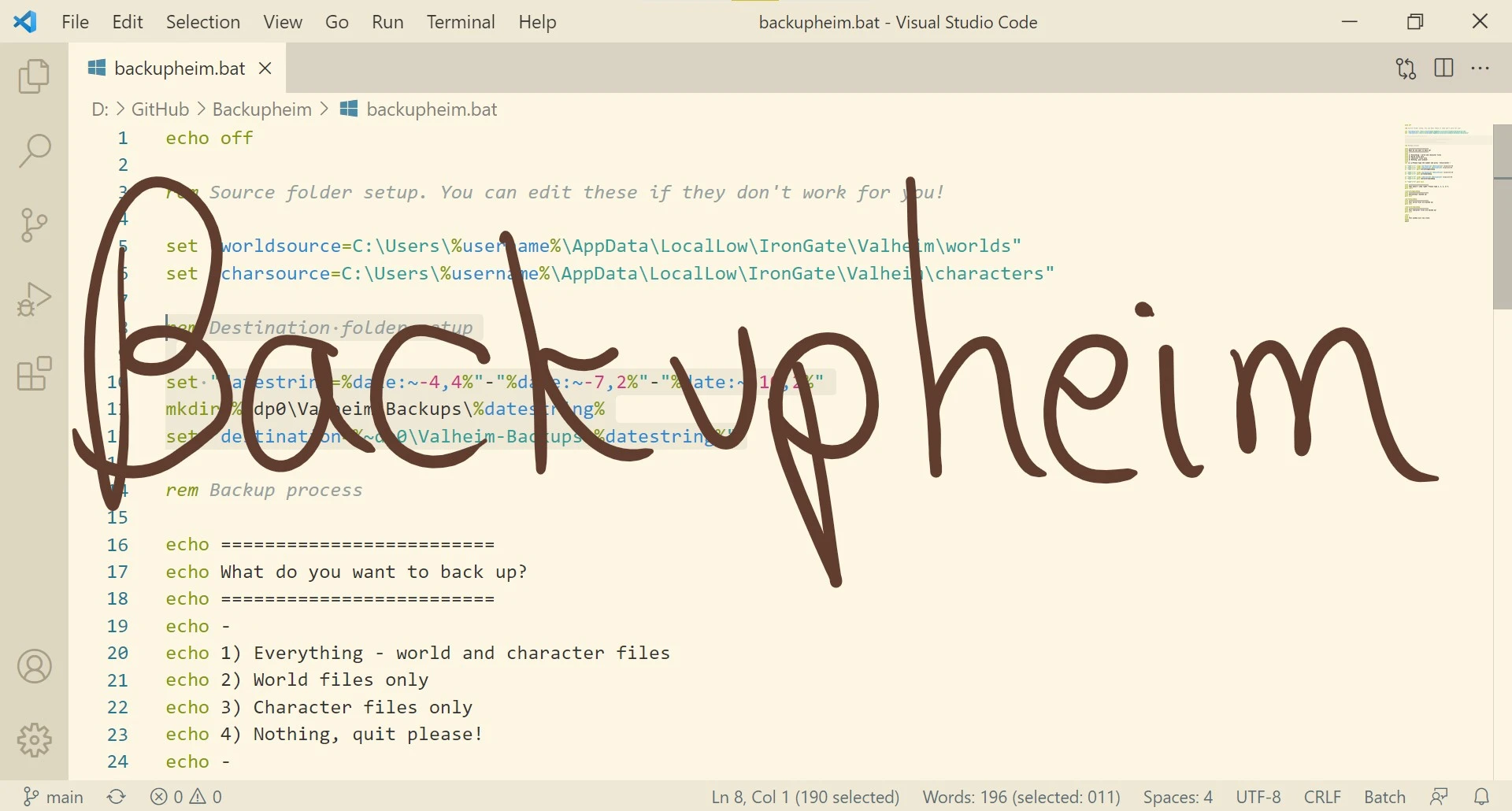
rem Source folder setup. You can edit these if they don't work for you!
set "worldsource=C:\Users\%username%\AppData\LocalLow\IronGate\Valheim\worlds"
set "charsource=C:\Users\%username%\AppData\LocalLow\IronGate\Valheim\characters"
and edit the paths C:\Users\%username%\AppData\LocalLow\IronGate\Valheim\worlds and C:\Users\%username%\AppData\LocalLow\IronGate\Valheim\characters so they match your folder locations.
If you need help, contact me on the Nexus comments :)
Be careful with the quotation marks - it is easy to delete one by accident!
Backupheim is a batch file utility for Valheim that backs up your worlds and characters. It now supports the new save location, with local file backups and a beta for Steam Cloud backups. With 10 endorsements and 241 downloads, it's a niche tool for players wanting simple save management.
✨ Key Features
📊 Pros & Cons
✅ Pros
- Simple batch file approach—no mod manager needed, just run it
- Updated for the new save location, so it's current with the game
- Steam Cloud backup beta shows the author is actively improving it
⚠️ Cons
- Only 10 endorsements—small user base, so limited community testing
- Steam Cloud backups are still beta, so might be unreliable
- No detailed instructions or features listed—you're on your own for setup
For Valheim players who want a quick, no-frills way to back up their worlds and characters without fiddling with mod managers. Skip if you need advanced backup scheduling or a GUI—this is a bare-bones batch file.
💡 Beginner Tips
- Run the batch file as administrator to avoid permission issues with the save folder.
- Test the backup by deleting a test world and restoring it to ensure it works.
- If you use Steam Cloud, keep local backups as a fallback until the beta is stable.
📊 Mod Details
- Game
- Valheim Mods
- Author
- proudunicorn
- Version
- 2.0.1
- Downloads
- 241
- Endorsements
- 10
- Category
- Utilities
- Created
- 6/16/2021
- Updated
- 7/25/2022
🔧 How to Install Valheim Mods
Download from Nexus.
📖 Full step-by-step install guide for Valheim →
Visit the official mod page for specific installation instructions for this mod.
🎮 Need cheat codes or console commands? Check ur gaming wiki for Valheim commands, item IDs, and more.
Keep browsing — more Valheim mods await