Shaft Build Order
🟡 Updated this yearPreview
🔍 Analysis
- 👍 0.0% endorsement rate
- 🏆 #7 of 12 Mod, Update 1.0, Update 1.1, Quality of life mods in this game by downloads
📋 About This Mod
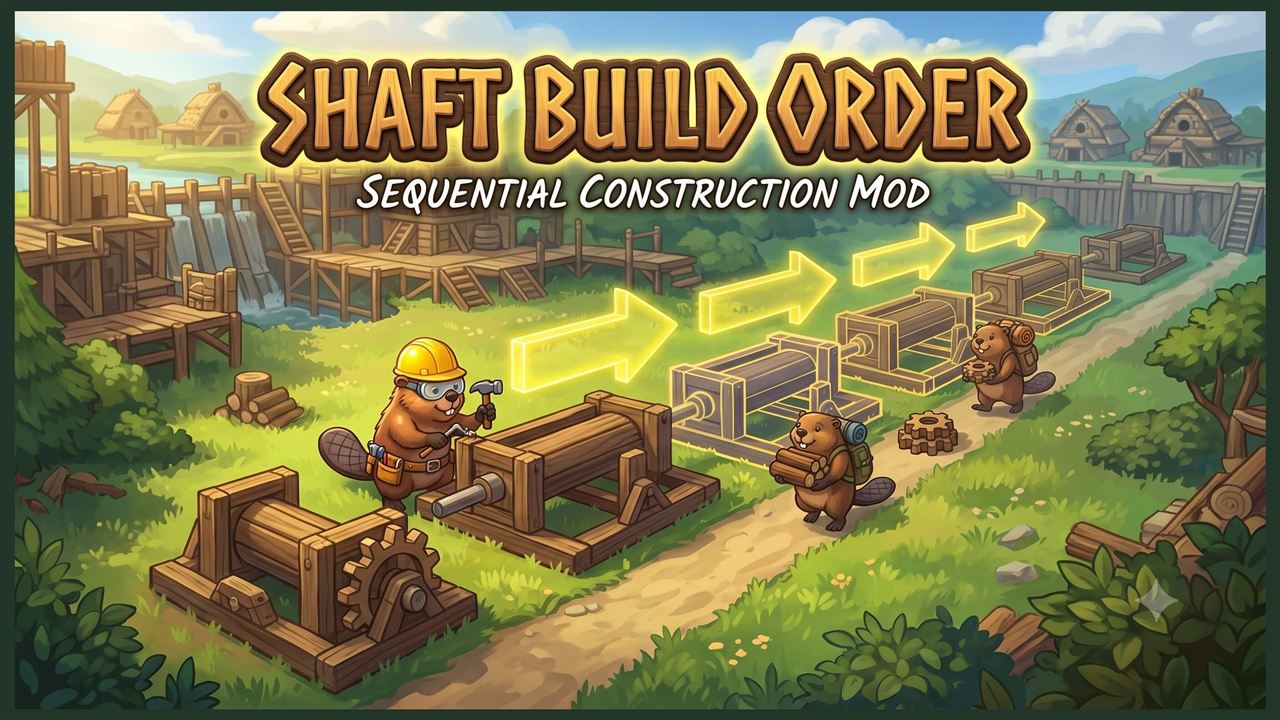
Forces power shafts to be built sequentially in the direction they are placed, featuring a directional arrow overlay during placement. How to use it: Simply hold down the key while dragging or placing your power shafts. You will see yellow arrows appear on the blueprints, indicating the direction of the build queue. Release the Shift key to return to normal, unordered placement. If you want to place only one shaft, you can rotate the direction of the arrow with R How it works: To maximize your colony's efficiency, this mod intelligently splits how your beavers interact with the queue: Materials will be delivered to the construction sites regardless of the build order. Builders will strictly obey the build order. They will patiently wait at the front of the line and only hammer the next shaft in the sequence once the previous one is 100% complete. Path feature: Unfinished power shafts placed with build order will have a path under them until finished, so you can place a long line, with the last shaft connected to a path, and beavers will be able to reach and build all the shafts. Mods on Steam Mods on mod-dot-io Mods on Github Mod zip files
📊 Mod Details
- Game
- Timberborn Mods
- Author
- 76561198049208288
- Version
- N/A
- Downloads
- 823
- Endorsements
- 0
- Category
- Mod, Update 1.0, Update 1.1, Quality of life
- Created
- 6/27/2026
- Updated
- 7/24/2026
🔧 How to Install Timberborn Mods
Subscribe on Steam Workshop. Mods auto-download and install. Launch the game to activate.
📖 Full step-by-step install guide for Timberborn →
Visit the official mod page for specific installation instructions for this mod.
🎮 Need cheat codes or console commands? Check ur gaming wiki for Timberborn commands, item IDs, and more.
Keep browsing — more Timberborn mods await