Craft and Build from Containers
🟡 Updated this year⚠️ Install Order · 2 steps
Install in this order, then this mod last — most mods fail to load without their framework and dependencies in place.
Preview
🔍 Analysis
- 👍 1.7% endorsement rate — high engagement, a strong quality signal
- ✅ Updated 198 days after the latest game patch — actively maintained
- 🏆 #8 of 207 Crafting mods in this game by downloads
📋 About This Mod
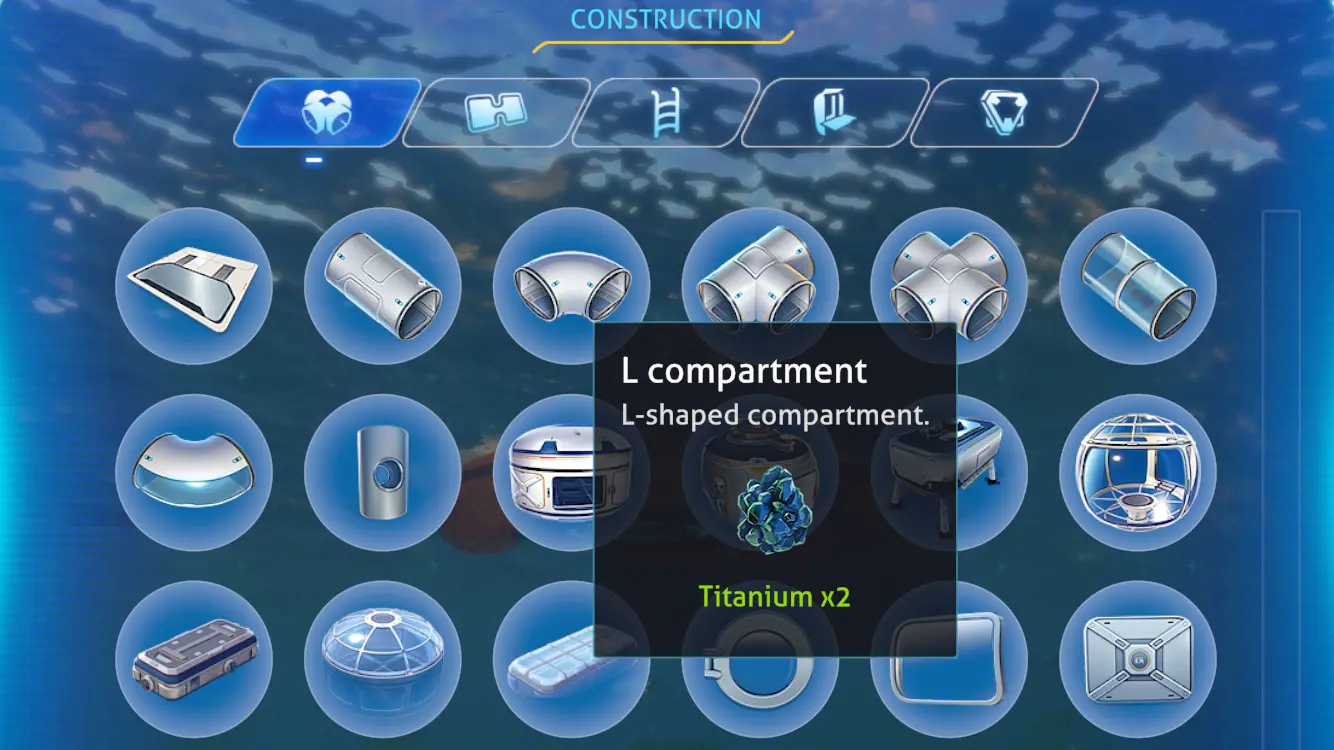
This mod includes storage containers in range (default 100m) when checking for and using resources to craft items and build structures.
There is a file with a list of existent container types created and updated in BepInEx\plugins\CraftFromContainers\allowed_container_types.json that you can edit to disable any container type. Just find the name of the container type you wish to disable and change true to false, then save the file. You will have to restart the game to make the changes take effect.
Config
A config file for this mod is created in the folder BepInEx\config after running the game once with the mod installed.
You can adjust the config values by editing the config file using a text editor.
Technical
To install this mod, first install BepInEx for Subnautica, then place the dll file in BepInEx\plugins.
You can use this tool to install BepInEx.
Source code is at https://github.com/aedenthorn/SubnauticaMods.
If you want to complain or ask for help or help me test my mods, you can visit my Discord server.
Craft and Build from Containers lets you pull resources from nearby containers when crafting items or building a base. It's a quality-of-life mod for Valheim players who want to avoid tedious inventory management. With 446 endorsements and 26,514 downloads, it's a proven convenience tool.
✨ Key Features
📊 Pros & Cons
✅ Pros
- Community-approved with 446 endorsements and over 26k downloads.
- Saves time and frustration by eliminating constant inventory shuffling.
- Recently updated, so it's likely compatible with the current game version.
⚠️ Cons
- May require configuration to set container radius or whitelist/blacklist items.
- Potential compatibility issues with other mods that alter crafting or building systems.
For Valheim builders and crafters who hate stopping to grab materials from chests. If you're tired of inventory management and want a smoother building experience, this is for you. Skip if you prefer vanilla gameplay or use mods that already handle this.
💡 Beginner Tips
- Place containers within a reasonable distance of your workbench to ensure the mod can reach them.
- Check the mod's config file (if any) to adjust the container search radius to your liking.
- If you're using other crafting mods, test them together to avoid conflicts.
📊 Mod Details
- Game
- Subnautica Mods
- Author
- aedenthorn
- Version
- 0.3.4
- Downloads
- 26,514
- Endorsements
- 446
- Category
- Crafting
- Created
- 2/20/2023
- Updated
- 4/19/2026
🧩 Commonly Used Together
Users add these mods to the same collections — a real compatibility signal, not an AI guess.
🔧 How to Install Subnautica Mods
Download from Nexus.
📖 Full step-by-step install guide for Subnautica →
Visit the official mod page for specific installation instructions for this mod.
🎮 Need cheat codes or console commands? Check ur gaming wiki for Subnautica commands, item IDs, and more.
Keep browsing — more Subnautica mods await