Printer Recipe Stacks
🟠 Updated over a year agoPreview
🔍 Analysis
- 🏆 #797 of 1087 IC Code mods in this game by downloads
📋 About This Mod
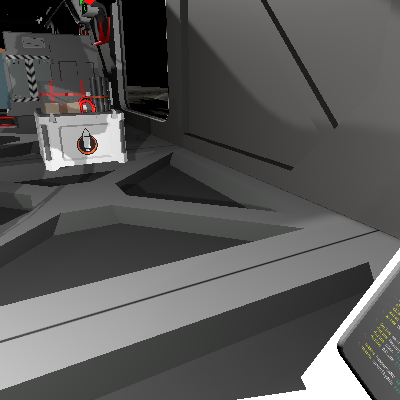
Chip 1 of 2 for setting up the Recipe Queue system. This chip holds all the stack data for a bunch of common recipes for the autolathe, electronics printer, pipe bender, and rocket manufactory. This is optional but can be a very good starting point for populating the recipes and can be fully customized to user preference. SP 1 -49 = Autolathe Recipes sp 51 - 99 = Electronics Recipes sp 101 - 149 = Pipe Bender Recipes sp 151 - 199 = Rocket Manufactory Recipes. sp 201 - 249 = Reserved for another printer sp 251 - 299 = reserved for another printer To remove recipes, comment out the relevant push line with a # sign or delete it entirely. To add a recipe, add a push of the item you want to add in the correct location for the printer that can print the item kit. Be sure to get the Kit Prefab Hash ID and not the structure. Export the stack data to the chip, slot it into the IC housing, and turn the housing on. When you see the yellow light blink, you have successfully added the stack data to the chip and are ready to proceed to https://steamcommunity.com/sharedfiles/filedetails/?id=3469406457
📊 Mod Details
- Game
- Stationeers Mods
- Author
- 76561198013501605
- Version
- N/A
- Downloads
- 53
- Endorsements
- 0
- Category
- IC Code
- Created
- 4/23/2025
- Updated
- 4/23/2025
🔧 How to Install Stationeers Mods
Subscribe on Steam Workshop. Mods auto-download and install. Launch the game to activate.
📖 Full step-by-step install guide for Stationeers →
Visit the official mod page for specific installation instructions for this mod.
🎮 Need cheat codes or console commands? Check ur gaming wiki for Stationeers commands, item IDs, and more.
Keep browsing — more Stationeers mods await