Starfield FSR2 Bridge - Replacing FSR2 with DLSS or XeSS
⚪ Last updated 2023⚠️ Install Order · 2 steps
Install in this order, then this mod last — most mods fail to load without their framework and dependencies in place.
Preview
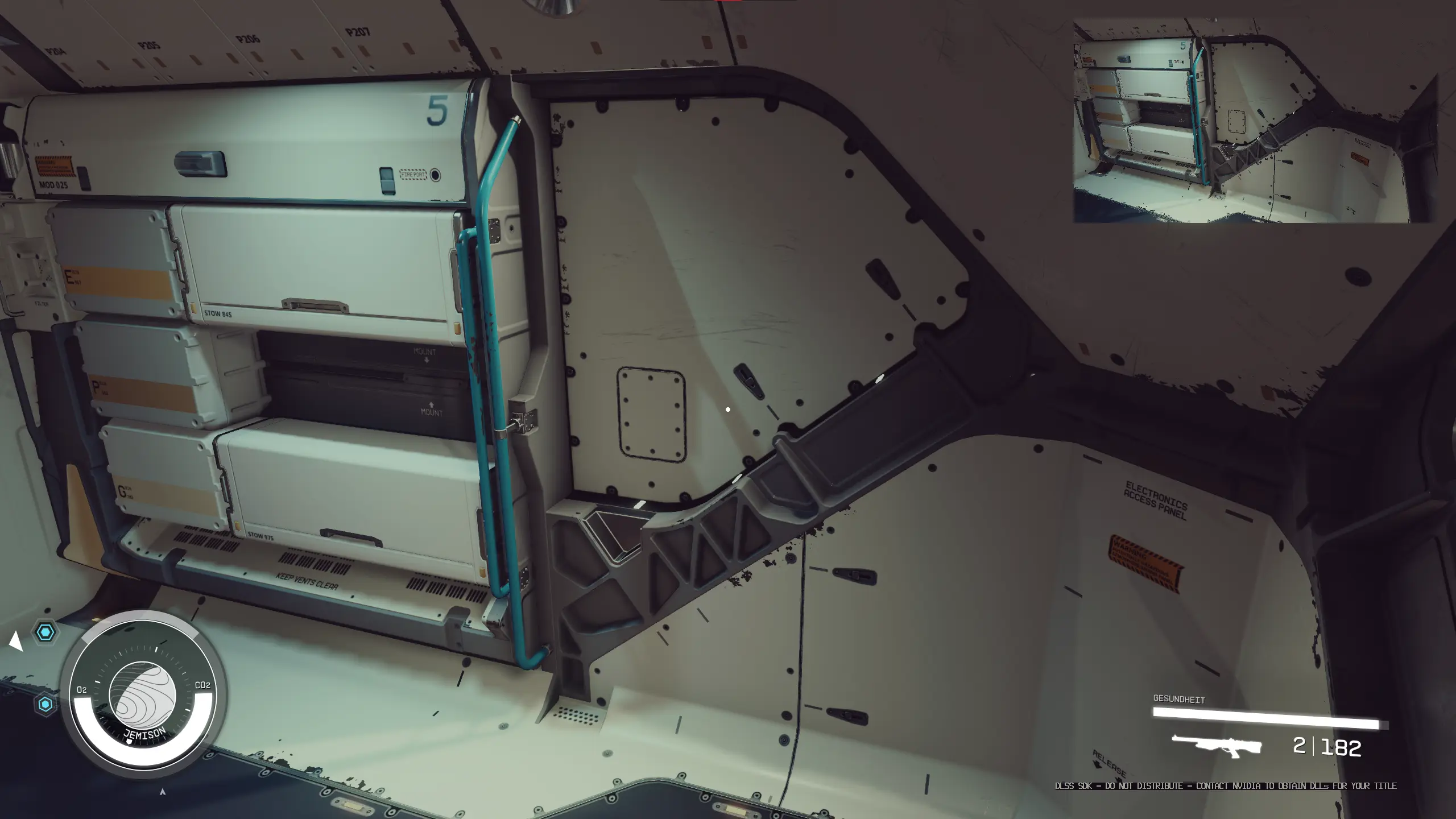
🔍 Analysis
- 👍 3.0% endorsement rate — high engagement, a strong quality signal
- 🏆 #44 of 297 Visuals mods in this game by downloads
📋 About This Mod
IMPORTANT: DLSS Frame Generation does not work with this!
This mod bridges the gap between the game's implementation of FSR2 and other upscaling technologies.
No sharpening is included, however there is also no ReShade dependency.
How to install:
- Download the release corresponding to your desired upscaler (DLSS or XeSS).
- Extract it into the game directory. (After extraction, FSRBridge.asi/winmm.ini/winmm.dll should be right next to Starfield.exe)
- Download the matching DLL for your upscaler and place it in the same directory:
- DLSS: https://www.techpowerup.com/download/nvidia-dlss-dll/
- XeSS: https://raw.githubusercontent.com/intel/xess/main/bin/libxess.dll
- Launch the game.
To get to your game directory:
- Right click -> Click on 'Manage' -> Click on 'Files' -> Click on 'Browse...'
- Then go into the 'Starfield' folder, then 'Content' - you should now see 'Starfield.exe'.
- Right click on the game in your library -> 'Manage' -> Click on 'Browse local files...'
- You should now see 'Starfield.exe'.
How to configure:
- Enable FSR2 (which is now replaced by DLSS/XeSS) in the in-game settings.
- Use the regular in-game settings resolution slider to configure DLSS/XeSS.
How to set a custom preset override (new in v1. 1. 0, DLSS only):
- To use this, create a file called 'preset_override.txt' next to FSRBridge.asi with the letter of the preset you want to use, e.g. 'C' for preset C or 'F' for preset F.
- If the file is not found, it will fall back to the defaults specified by the DLSS 'Quality' mode. (Preset D)
- As DLSS does not include a sharpening pass, the image will look a bit softer than native FSR2.
- If you do want an additional sharpening pass, you can install the newest version of ReShade yourself and use CAS - this should keep the Steam Overlay/Input working.
Troubleshooting:
- Q: "My game only renders the HUD and a gray(ish) screen!"
- A: You have not downloaded and extracted the upscaler DLL (nvngx_dlss.dll) and placed it into the game directory.
- Q: "I'm using the XeSS version and my game doesn't start!"
- A: You have not downloaded and extracted the upscaler DLL (libxess.dll) and placed it into the game directory.
Third-Party Libraries used:
- Ultimate ASI Loader for the injection.
If you like the mod, consider supporting me on Patreon. For one-time donations, you can also use buymeacoffee.
This mod replaces Starfield's built-in FSR2 with DLSS or XeSS, offering better upscaling quality for NVIDIA and Intel users. It does not support Frame Generation. With over 3,200 endorsements and 108,000 downloads, it's a popular choice for improving visuals without ReShade.
✨ Key Features
📊 Pros & Cons
✅ Pros
- Huge community trust (3,259 endorsements, 108k downloads)
- Straightforward swap for better upscaling on NVIDIA/Intel GPUs
- No extra bloat like ReShade
⚠️ Cons
- No Frame Generation support—DLSS 3 users miss out
- Last updated September 2023—may need tweaks after later patches
- Requires manual file swapping, which can be confusing for modding newbies
For Starfield players with NVIDIA or Intel GPUs who want crisper upscaling than FSR2. Skip if you rely on Frame Generation or prefer an all-in-one tool like ReShade.
💡 Beginner Tips
- Back up your original FSR2 files before swapping so you can revert easily.
- Check your GPU brand—DLSS is NVIDIA-only, XeSS works on Intel and some AMD cards.
- If the game updates, reinstall the mod to ensure compatibility.
📊 Mod Details
- Game
- Starfield Mods
- Author
- LukeFZ
- Version
- v1.0.1
- Downloads
- 108,043
- Endorsements
- 3,259
- Category
- Visuals
- Created
- 9/1/2023
- Updated
- 9/3/2023
🔧 How to Install Starfield Mods
Download from Nexus.
📖 Full step-by-step install guide for Starfield →
Visit the official mod page for specific installation instructions for this mod.
🎮 Need cheat codes or console commands? Check ur gaming wiki for Starfield commands, item IDs, and more.
Keep browsing — more Starfield mods await