StarUI Inventory
🟠 Updated over a year ago⚠️ Install Order · 3 steps
Install in this order, then this mod last — most mods fail to load without their framework and dependencies in place.
Preview
🔍 Analysis
- 👍 2.2% endorsement rate — high engagement, a strong quality signal
- 🏆 #1 of 192 User Interface mods in this game by downloads
📋 About This Mod
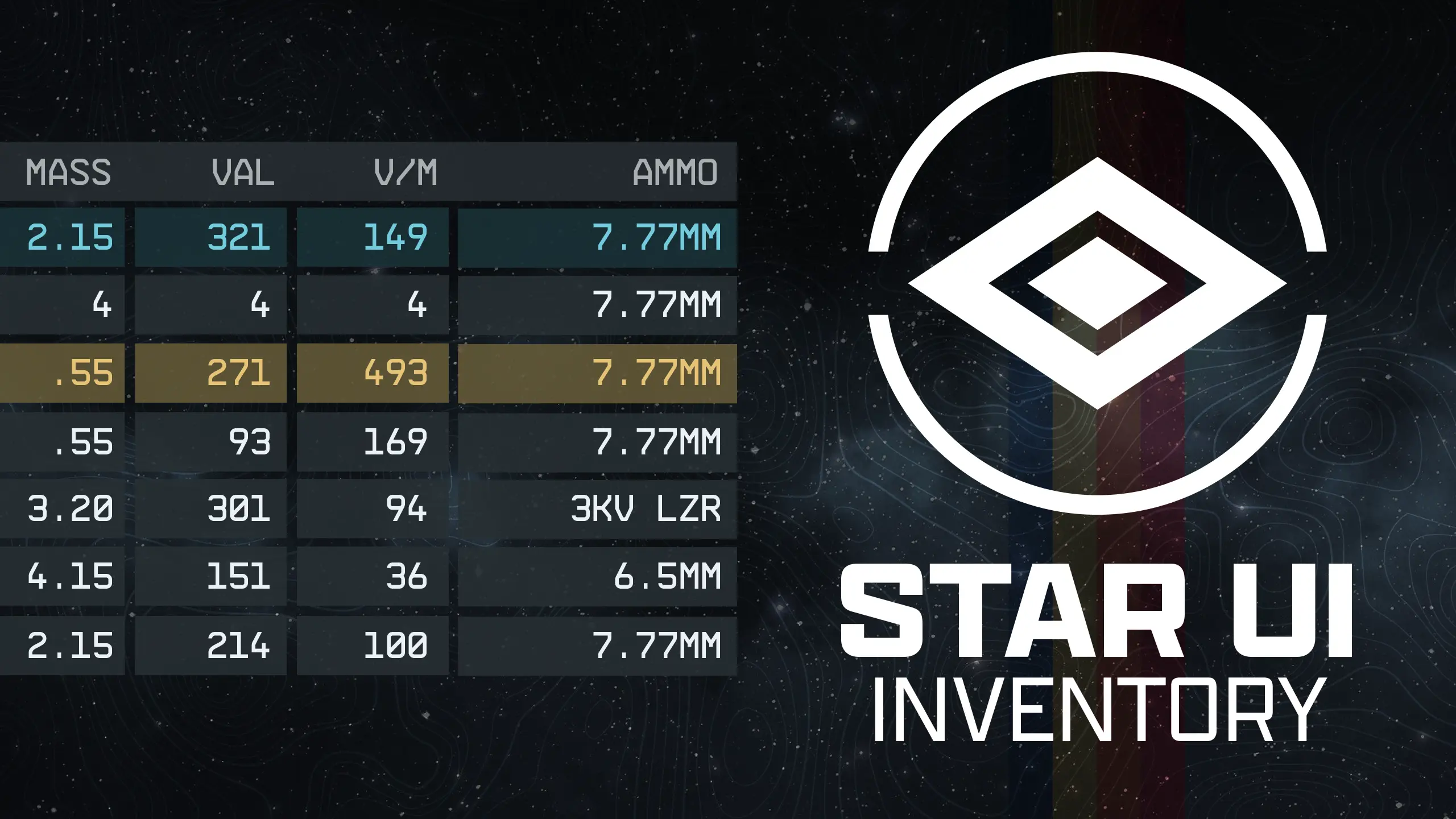
StarUI Inventory improves all inventory screens for use on a PC. Compact display style. More details in sortable columns. Item tag icons. Category and subcategories as left sidebar. Many quality of life features!
-
[]Optimized for PC
[
]Compact style - See more information at once[]Over 40 different columns available - Including standards like mass, value, damage, calculated ones like value/mass, mass of stack or DPS ("Burst DPS") and new ones like item-count of other inventories
[]Sort any column with a simple click - Toggle asc/desc by another click
[]New special inventory-lookup column OWNED/SHIP/CARGO - See how many items you have in your backpack/ship!
[]You can (temporarily) add columns directly in-game
[]You can fold the columns to take a look at your item
[]Category icons for all items - So you can directly see what a item is
[]Automatic tagging and sub-categorizing of most important items to further filter your item list down
[]Show all inventory overview in the bottom panel - Including sum/max mass and transfer direction indicator
[]Show summarized mass of each categories
[]Mass-transfer of a single category from/to container or ship and buy/sell for trading - Skips equipped, favorite and configurable excluded items
[]Press CTRL or SHIFT key to transfer/buy/sell one or all items - Without quantity popup
[]Adds list navigation keys: Page-Up, Page-Down, Home and End for fast navigation
[]Configurable list mouse wheel scroll amount
[]Bigger scrollbar - It's just easier to grab
[]Change the font or font size - If you don't like UPPERCASE try font number 3
[]Option to make <TAB> go directly back to the game instead of the character screen.
[]Option to disable the start/en animation
[]Option to show the items FormID in the item card
[]Full Multi-language support - Most languages are available
[]Increases the frame-rate to 60 fps - Optional variants in 30fps and 120fps are available too
[]Contain no plugins and no quests - Absolutely safe to install and uninstall at any time!
[]Doesn't affect the possibility to get Steam achievement
[]Full controller support - Hold L1 to access the new StarUI Inventory functions
[]Works with Steam and Game Pass (X-Box) version
[]Completely customizable!
-
[]Simply install with Vortex or Mod Organizer 2 (for manual installation open the spoiler below)
[]Enable Archive Invalidation in your INI
[]It's just one click in BethINI (enable "Load Loose Files" and save)
[]Or: See this simple Howto: Archive Invalidation
Alternate manual installation
[]Copy the folder [color=
-
[]Simply install with Vortex or Mod Organizer 2 (for manual installation open the spoiler below)
StarUI Inventory is a highly popular UI overhaul for Starfield that enhances all inventory screens for PC players. It introduces a compact display style, sortable columns with more details, item tag icons, and a category sidebar, along with numerous quality-of-life improvements. With over 45,000 endorsements and 2 million downloads, it's a must-have for PC users seeking a more efficient inventory management experience.
✨ Key Features
📊 Pros & Cons
✅ Pros
- Massive community approval with 45,568 endorsements and 2 million downloads
- Transforms inventory management with compact layout and sortable columns
- Adds visual clarity with item tag icons and category sidebar
⚠️ Cons
- UI overhaul may take time to get used to if you're familiar with vanilla layout
- No explicit mention of controller support – likely PC-focused only
- Requires Starfield Script Extender (SFSE) for full functionality, which adds setup steps
For Starfield players on PC who spend a lot of time managing inventory and want a more efficient, information-dense interface. Perfect for hoarders and traders who need quick sorting and filtering. Skip if you prefer the vanilla aesthetic or play with a controller.
💡 Beginner Tips
- Install SFSE first and launch the game through its loader to ensure the mod works correctly.
- Use the in-game mod settings to tweak column visibility and sorting options to your preference.
- Check the mod's forum posts for community-shared presets that can further enhance the UI.
📊 Mod Details
- Game
- Starfield Mods
- Author
- m8r98a4f2
- Version
- 2.4.1
- Downloads
- 2,034,401
- Endorsements
- 45,568
- Category
- User Interface
- Created
- 9/5/2023
- Updated
- 10/4/2024
🔗 Required By 6 Mods
These mods list this mod as a dependency.
🧩 Commonly Used Together
Users add these mods to the same collections — a real compatibility signal, not an AI guess.
🔧 How to Install Starfield Mods
Download from Nexus.
📖 Full step-by-step install guide for Starfield →
Visit the official mod page for specific installation instructions for this mod.
🎮 Need cheat codes or console commands? Check ur gaming wiki for Starfield commands, item IDs, and more.
Keep browsing — more Starfield mods await