Planets Redone - MonstrrMagic Texture Series
⚪ Last updated 2023⚠️ Install Order · 2 steps
Install in this order, then this mod last — most mods fail to load without their framework and dependencies in place.
Preview
🔍 Analysis
- 👍 0.9% endorsement rate
- 🏆 #10 of 33 Planets mods in this game by downloads
📋 About This Mod
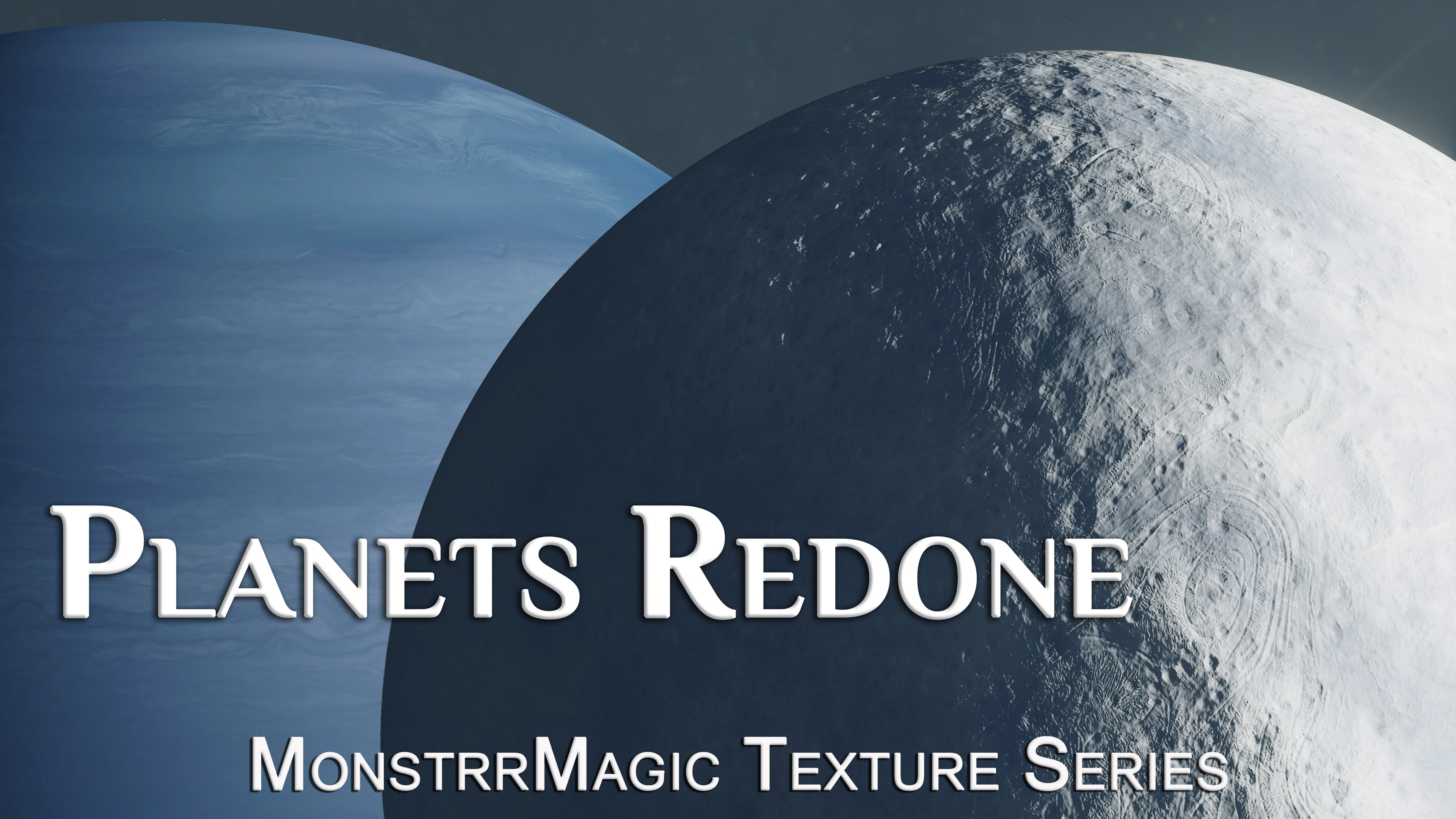
Now there's no need to cringe when you approach a planet or zoom in to find a good landing site. This mod increases the resolution of textures for planets, moons and planetary rings.
Original textures were mostly 2048 x 4096 and have been upscaled to 4096 x 8192, except for a lot of the Black & White Masks which were 512 and are now 2K. I uploaded these separately mostly because of the file size and nexus limitations, but also if anyone is concerned about hard drive space or VRAM and wants to only use one module.
I did not include normal maps because normals greater than 4K resolution cause the game to CTD (too bad!).
I have upscaled them using chaiNNer and AI-generated ESRGAN models with full mipmaps. Version 3 BA2 archives created with BA2 Upgrader.
INSTALLATION
BA2v3 ARCHIVES (Recommended)
Put the BA2 file directly into the game directory, and you will also need to add the BA2 archive name to the ini file at My Games\Starfield\StarfieldCustom.ini, or Steam\steamapps\common\Starfield\Starfield.ini
Look for the section and at the bottom (under sResourceIndexFileList=Starfield) post the archive name for the file that you are using.
Archive names are:
Planets Redone 8K ColorBW.ba2
Planets Redone - Masks.ba2
LOOSE FILES
Vortex/MO2 Install: this mod should load directly from the game directory
Manual Install: Unzip the mod, then copy the data folder and paste it into Documents/My Games/Starfield, making sure that you also have the appropriate ini edits (uploaded here)
MORE INFO
I plan to upscale nearly all game textures piece by piece. Each type of game object/texture requires different treatment and I'm going slowly through them in order to produce the best results. Please track my mods to get notified of new releases.
ABOUT ME
I have released over 250 mods, nearly all texture optimization or upscaling for Skyrim and Cyberpunk 2077. My work has been featured in a number of gaming magazines over the past two years.
You can find me in v2's Starfield discord here, and all my graphics mods are included in either the Main Constellation Collection, or in one of the associated graphics packs.
FAQs:
Is this compatible with x mod?
These are just textures, so they are easily overwritten by other mods or vice versa. Loose files will always overwrite BA2 archives.
Why single mods instead of an AIO?
I do plan to release some AIO mods
Planets Redone - MonstrrMagic Texture Series is a high-resolution retexture mod for planets in Starfield. It replaces the default planet textures with sharper, more detailed versions. With 337 endorsements and 36,729 downloads, it's a popular choice for players seeking visual improvements. Last updated in November 2023, it remains relevant for current game versions.
✨ Key Features
📊 Pros & Cons
✅ Pros
- Community favorite with 337 endorsements and over 36k downloads
- Simple texture replacer—no gameplay changes, just better-looking planets
- Part of a known series, so quality is consistent with other MonstrrMagic mods
⚠️ Cons
- Only covers planets—moons and other celestial bodies are untouched
- No before/after screenshots in the description, so you're flying blind
- Last updated in November 2023—might not be compatible with future game patches
For Starfield players who want their planets to look sharper without overhauling the whole game. If you're into screenshotting or just want a quick visual upgrade, this is a low-risk install. Skip if you're looking for gameplay changes or if you're fine with vanilla textures.
💡 Beginner Tips
- Since it's a texture replacer, just drop the files into your Data folder or use a mod manager—no load order worries.
- If you're using a mod manager, enable the mod and check in-game that the textures load correctly; if not, verify the file paths.
- Pair with other MonstrrMagic texture mods for a consistent visual style across the game.
📊 Mod Details
- Game
- Starfield Mods
- Author
- XilaMonstrr
- Version
- 1.01
- Downloads
- 36,729
- Endorsements
- 337
- Category
- Planets
- Created
- 11/8/2023
- Updated
- 11/10/2023
🔧 How to Install Starfield Mods
Download from Nexus.
📖 Full step-by-step install guide for Starfield →
Visit the official mod page for specific installation instructions for this mod.
🎮 Need cheat codes or console commands? Check ur gaming wiki for Starfield commands, item IDs, and more.
Keep browsing — more Starfield mods await