TK Dodge SE
⚪ Last updated 2022⚠️ Install Order · 5 steps
Install in this order, then this mod last — most mods fail to load without their framework and dependencies in place.
Preview
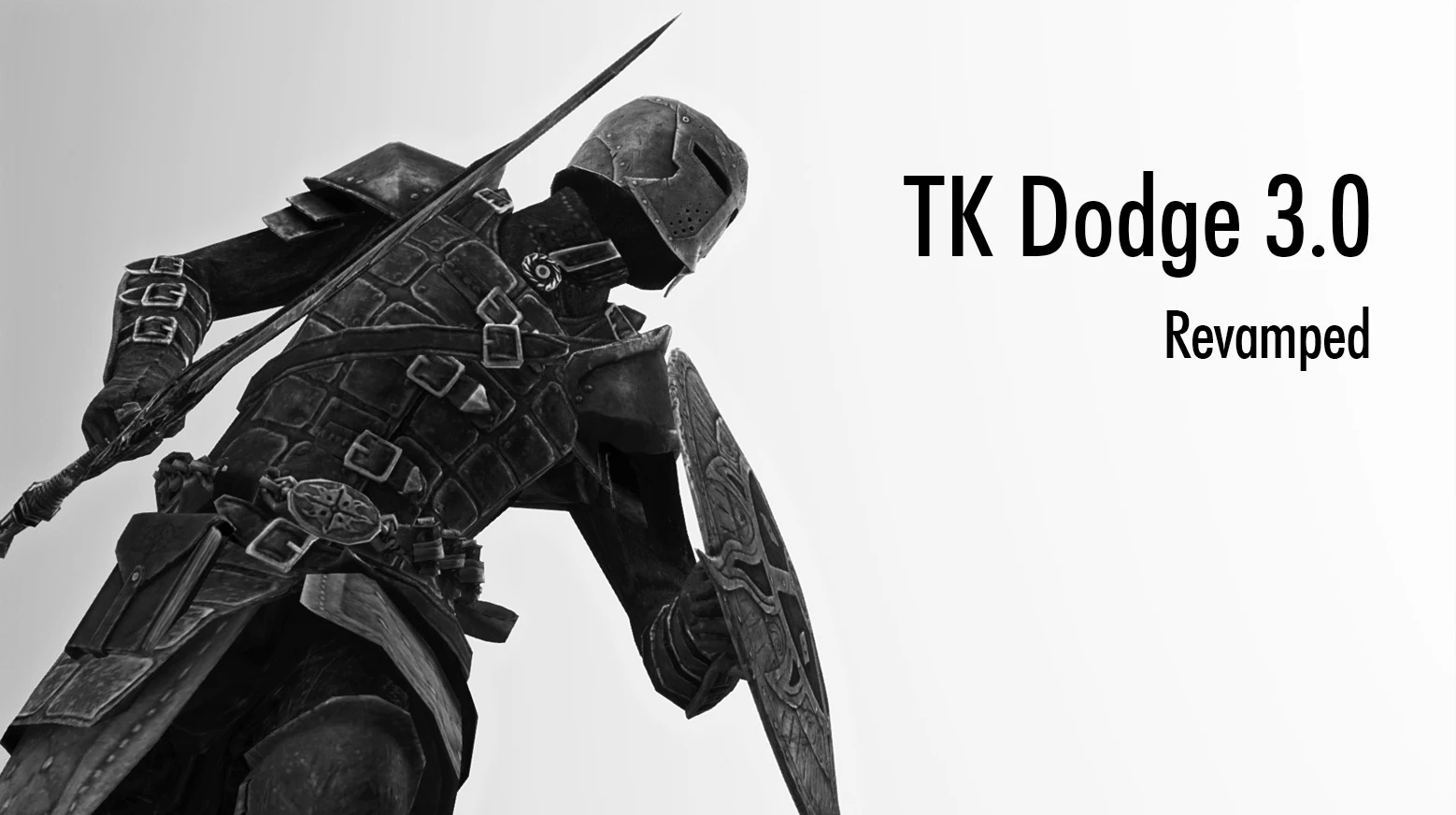
🔍 Analysis
- 👍 0.8% endorsement rate
- 🏆 #11 of 201 Animation mods in this game by downloads
📋 About This Mod
RwdKsxngg5s
日本語の説明はブログ記事にて
Kept you waiting! Porting toAE!
Warning:
If you use language setting of FNIS 7. 5. 1 is other than English, the patch will be misaligned. The
patch does not apply correctly, Dodge will not work properly. You need
to set to English on FNIS.
Description
This mod adds dodge animation of using key tapping when player drawn weapons, spell, staff and unarmed.
Dodge using
Keyboard:
Directional keys (W,A,S,D) + Dodge key (Default:Left Alt key)
Double-tapping directional keys
GamePad:
Analog stick + Dodge button(Default:LB)
Double-tilting analog stick (Example:tilt left->neutral position->tilt left = left dodge)
Short press (press and release a button quickly) or double tap in the forward direction.
It can be changed to front direction + Dodge key in MCM.
-
[]Quick response.
[
]Enable dodge when the player is equipped spell and staff.[]Player has invincible time at the start of dodge.
[]Dodge enables cancel attack and block.
[]Enable Double-Tapping.
[]Enable setting in MCM.
- Light load and stable.
Installation
Skyrim 1. 5. 97
SKSE64 2. 0. 17
SkyUI 5. 2SE
Skyrim 1. 6. 353
SKSE64 2. 1. 5
SkyUI 5. 2SE
If you do not install SKSE,
"skse64_1_5_50.dll", "skse_loader64.exe", "skse64_steam_loader.dll" and "Data" Folder move to your Skyrim Installation Folder.
(<Steam install folder>\Steam\steamapps\common\skyrimspecialedition\)
1. Install and activate TKDodge.esp with your mod manager.
2. If player can dodge but stay in place and you use virtual mod management tool e.g. Mod Organizar, put files directly in Skylim's Data folder.
Use with FNIS
This mod works without FNIS, but a patch is required if you use with FNIS together.
1. Download FNIS 7. 1+.
2. Run "Data \ tools \ GenerateFNIS_for_Users \ GenerateFNISforUsers.exe".
3. Check tktk1's "TK Dodge / Ultimate Combat" from the bottom patch list.
4. Press "Update FNIS Behavior".
5. Wait until the installation is complete.
Optional Files
"TK Dodge For
TK Dodge SE adds a dodge animation triggered by a key press when the player has weapons, spells, staves, or unarmed drawn. It's a lightweight combat enhancement for Skyrim Special Edition, highly endorsed with over 48,000 endorsements and 6.1 million downloads, last updated in September 2022.
✨ Key Features
📊 Pros & Cons
✅ Pros
- Massive community trust (48,619 endorsements) — this is a staple for combat overhauls.
- Simple key-press mechanic that works with any drawn state, from swords to spells.
- Lightweight and focused — does one thing and does it well.
⚠️ Cons
- Last updated in September 2022 — may need patches for the latest Skyrim SE updates.
- No detailed documentation in the description — you'll need to figure out keybinding and compatibility on your own.
- Requires SKSE and other mods for full functionality, but those aren't listed here.
For Skyrim players who want to add a dodge roll to combat without overhauling the whole system. Perfect for melee builds or mages who want extra mobility. Skip if you prefer vanilla combat or don't want to mess with additional dependencies.
💡 Beginner Tips
- Make sure you have SKSE64 installed and launch the game through SKSE, otherwise the dodge won't work.
- Check the mod's forum posts for compatibility patches with popular combat mods like Wildcat or Ultimate Combat.
- Bind the dodge key to something easy to reach, like Alt or a mouse side button, for quick reactions in combat.
📊 Mod Details
- Game
- Skyrim Mods
- Author
- tktk
- Version
- 3.18
- Downloads
- 6,099,481
- Endorsements
- 48,619
- Category
- Animation
- Created
- 2/18/2018
- Updated
- 9/13/2022
🔗 Required By 2 Mods
These mods list this mod as a dependency.
🧩 Commonly Used Together
Users add these mods to the same collections — a real compatibility signal, not an AI guess.
🔧 How to Install Skyrim Mods
Download from Nexus.
📖 Full step-by-step install guide for Skyrim →
Visit the official mod page for specific installation instructions for this mod.
🎮 Need cheat codes or console commands? Check ur gaming wiki for Skyrim commands, item IDs, and more.
Keep browsing — more Skyrim mods await